


Free Instagram and social media image resizer
Fit a finished picture to Instagram, LinkedIn, X, or any size you type.
Runs in your browser
Pick the free tool for the file in front of you. The picture tools and PDF converters resize, shrink, or convert your file right in your browser. The PDF and image makers start from a designer-made template, so your invoice or certificate looks the part the first time you send it. None of them needs an account. Save the design, and your AI assistant or a spreadsheet makes every one after that for you.
Free to start. No card needed.
Resize, shrink, or convert a picture you already have, or download a safe zone guide. Your file stays on your computer.
Fit a finished picture to Instagram, LinkedIn, X, or any size you type.
Turn your SVG into a PNG, JPEG, or WebP at the size you choose.
Make a picture file smaller and keep its width and height.
Turn your SVG into a JPG on the background colour you pick.
Plan your photo slides with a free safe zone overlay.
Pick a design, add your words or your picture, and download an image that's ready to post.
Type your page title, and download a link preview image.
Upload your doodle and download an iPhone home screen post with real app icons.
Make a matching App Store set for iPhone and iPad.
Turn a PDF into pictures, or pictures into a PDF. The file stays on your computer.
Turn each page of a PDF into its own sharp PNG.
Put your PNG and JPG pictures into one PDF, one on each page.
Pick a design, type your details, and download the PDF.
Type the client, the work, and your price, and download a one-page proposal PDF.
Pick a design, type your name and contact lines, and download a card PDF.
Type the name and the course, and download a certificate PDF.
Type the client and the work, and download an invoice PDF in one of five designs.
Type the client, the work, and the prices, and download a quote PDF in one of five designs.
Type who paid, what for, and how, and download a receipt PDF in one of five designs.
Upload your house photo, type the price and address, and download a listing flyer PDF.
Type your topics and their minutes, and download an agenda PDF with the times worked out.
Tool or template
Use a free tool when you need one file today. When you'll need the same file again, save the design in the thirds.ai editor with your brand on it. Then ask your AI assistant for each new one, or send a spreadsheet through and get every file back at once.
You already have the picture or the PDF and only need a new size, a smaller file, or another format.
You need one invoice, certificate, or post today, and you want it to look designer-made.
You'll make this file again and again, so you save it once and let your AI assistant or a spreadsheet make each one.
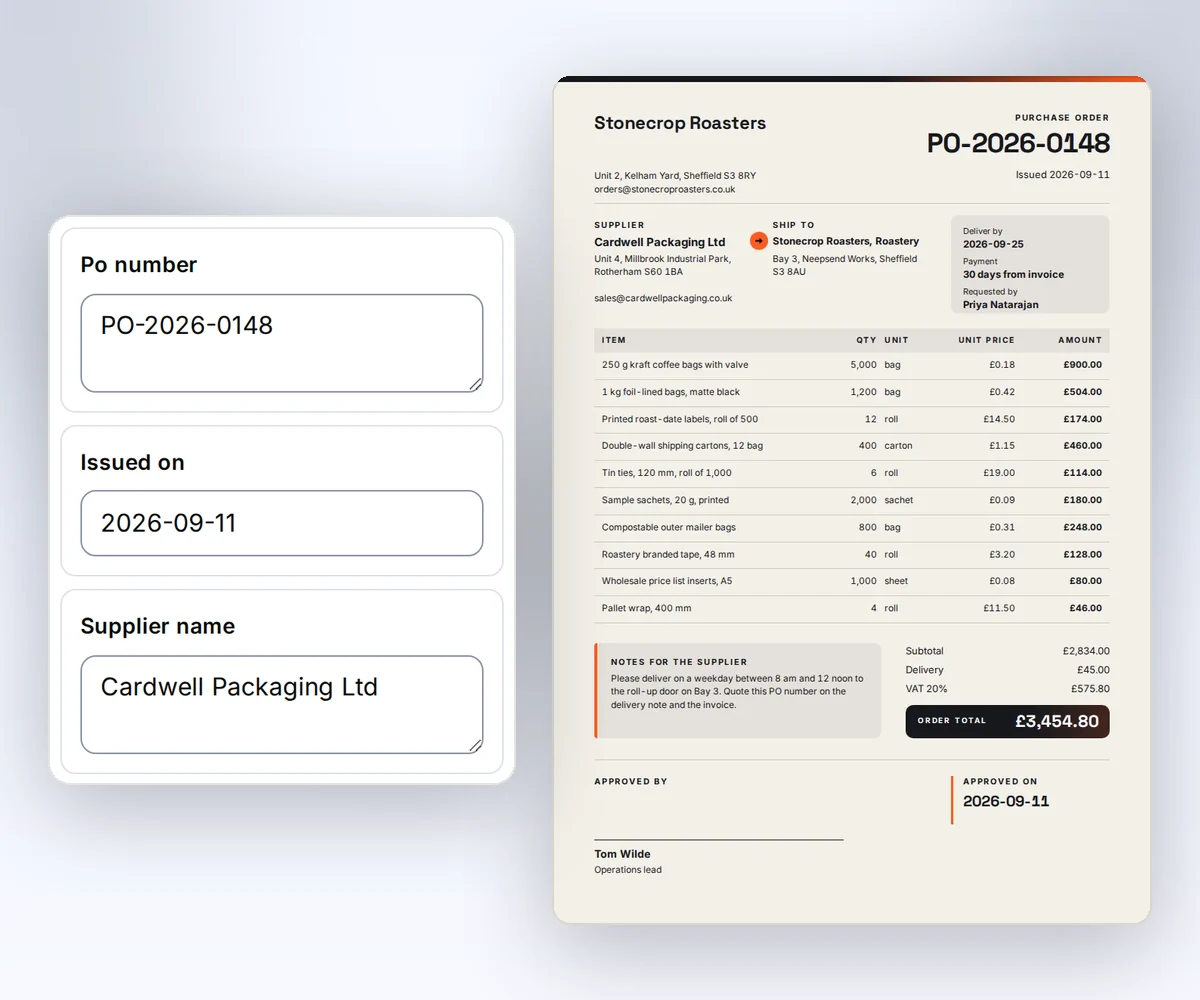
You don't need an account for the free tools. The PDF and image makers give you up to 5 free files a day without one.
They come with a free account, 50 each month. When you're signed in, each PDF or image from a maker uses one, and the picture tools and PDF converters never use any. Free credits you don't use are gone when the next 50 arrive. Without an account, the makers still give you up to 5 free files a day.
Yes. Make your first file in Studio, then earn 500 credits for an approved 18-question survey. Sign in to see the offers. Start free.
No. The picture tools and the PDF converters work inside your browser, so your picture or PDF stays on your computer. The PDF and image makers send the details you type, and any photo you add to the design, to thirds.ai to make your file.
Yes. Pick a template in the gallery, click Use this template, and save it with your brand on it. Then ask ChatGPT or Claude for each new invoice in plain words, and the finished PDF lands in the chat.
Save the design, then ask your AI assistant or send a spreadsheet to make the next file.