
Free business card generator
Pick a design, type your name and contact lines, and download a card PDF.
Free to try
Free tool
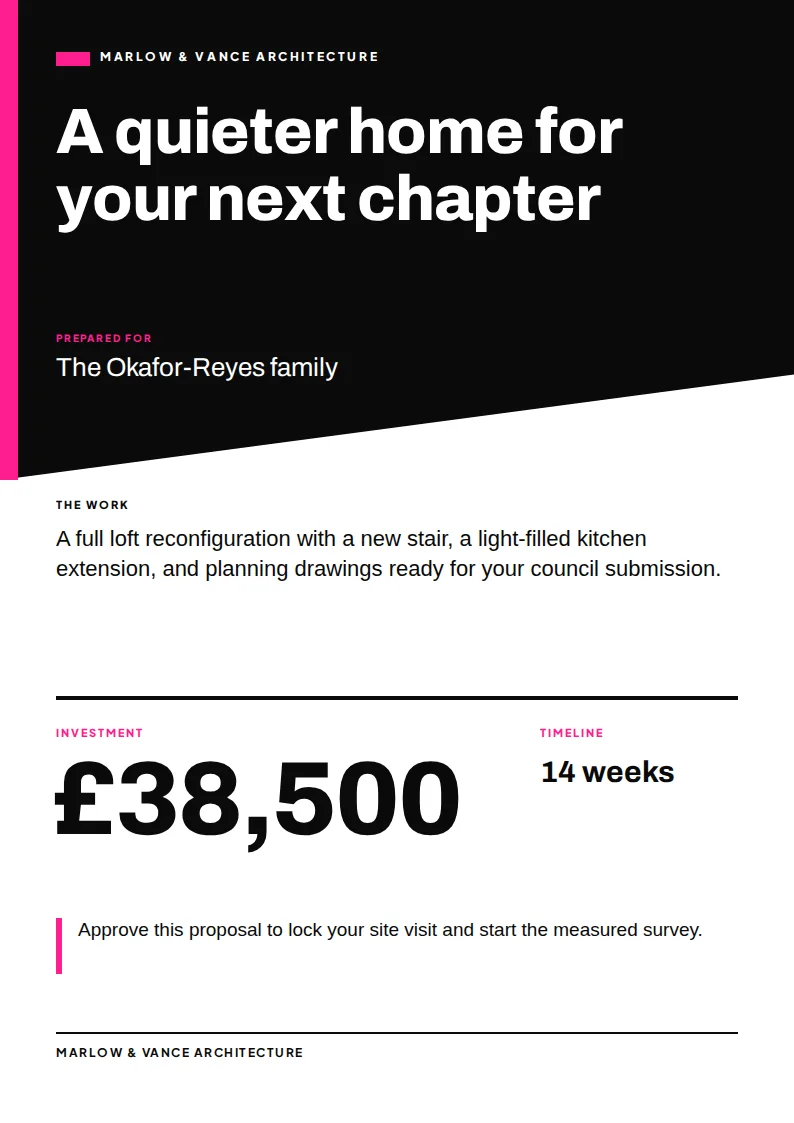
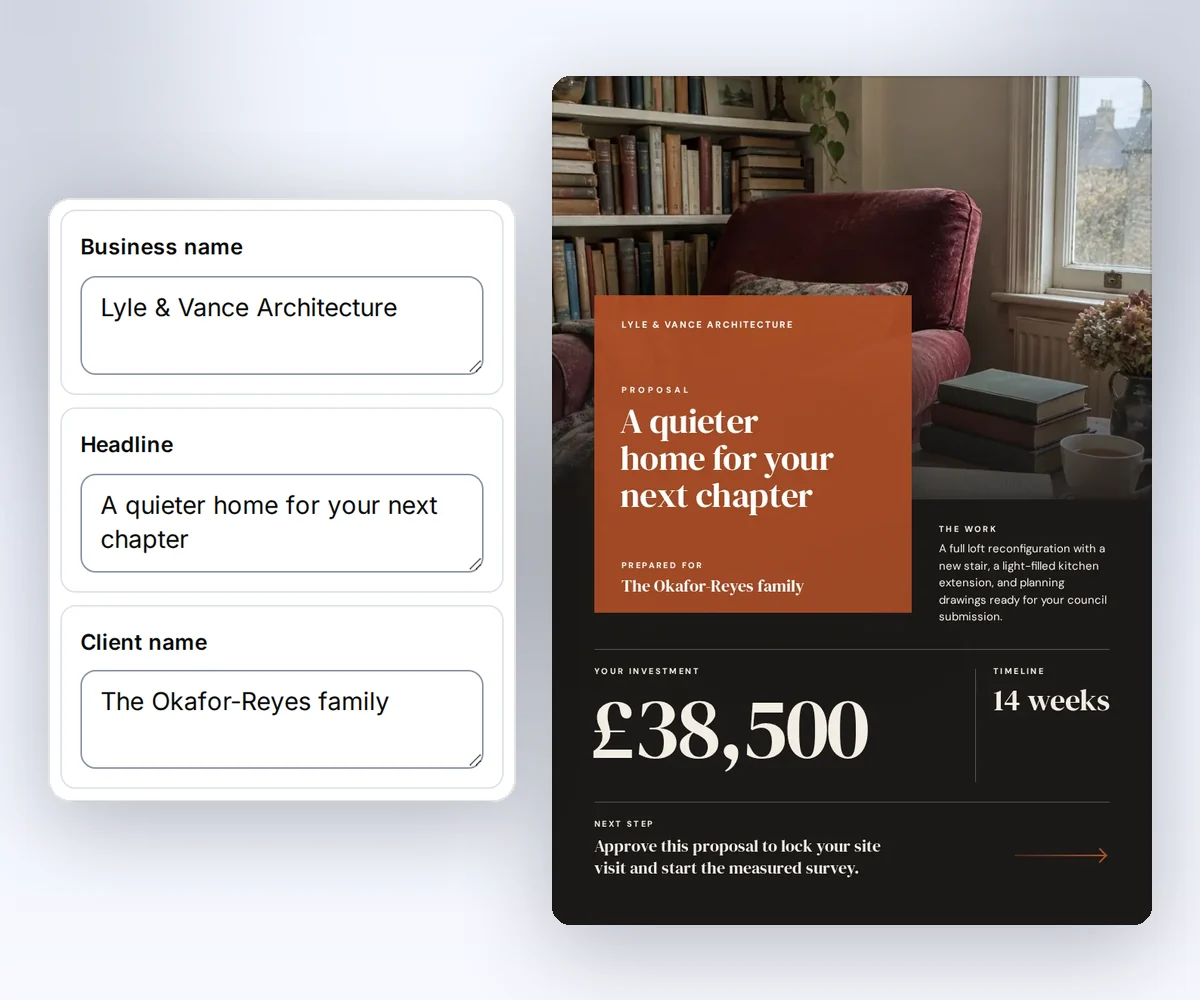
Fill in a free one-page proposal template online and download an A4 PDF for your client. Pick one of five designs, then type the client's name, the work, the timeline, and your price. A plain proposal can make a good business look small. With thirds.ai, you add your logo, colours, and fonts to a designer-made template and send a polished PDF in minutes. Save the design, and your next proposal only needs the new client and price. Here's how to send quotes and proposals in one brand.
Download the PDF free with no account, up to 5 a day. Sign up free to save your design. You don't need a card.
Choose a design
project-proposal.pdfSee a sample
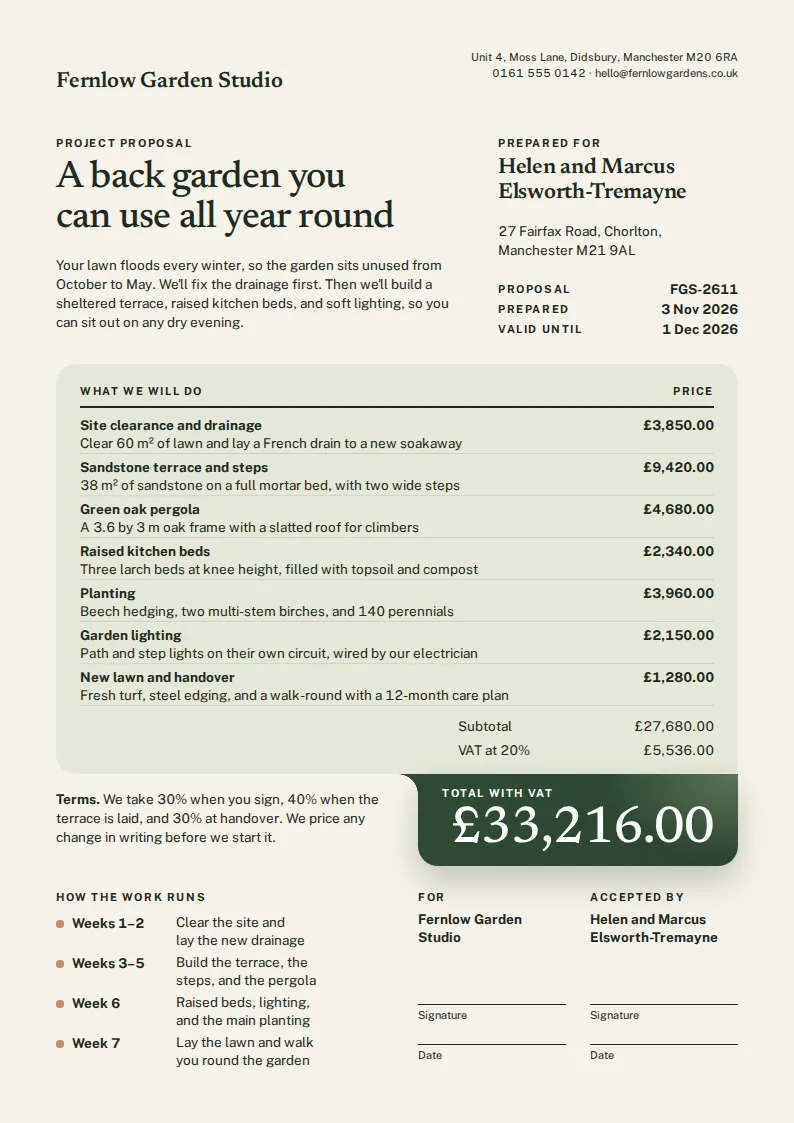
A one-page proposal tells your client what you'll do, how long it takes, what it costs, and how to say yes. Put the client's name and a headline about their goal at the top. Then add the work in a few plain lines, the timeline, the price, and one next step, such as booking a site visit. One page is short enough that your client reads all of it before you talk. When your client wants a price for each part of the work, pick the Project proposal. You type up to 7 priced lines, and it adds up the VAT and the total for you.
How it works
Choose one of the five designs, then click Your brand to add your logo and colours.
Add the client's name, the work, the timeline, and your price. Long text shrinks to fit the page.
Click Download your PDF. You don't need an account.
Do more with thirds.ai
A free tool does one job on one file. thirds.ai makes the finished file for you, in a design that's yours, as many times as you need it.

Choose a template from the gallery, or ask your AI assistant to draw one for you. Put your logo, colours, and fonts on it once, and every file after that comes out looking like your business made it.
Set up your brandTell it what you need in plain words, and the finished PDF or picture lands in the chat, in your design and ready to send.
Connect your AIGot a list? Upload a spreadsheet, and each row comes back as its own finished file in your design, all of them in one ZIP.
Make a batchYes. You can fill it in and download the PDF without an account, up to 5 a day. Signed in, a PDF uses 1 of the 50 free credits you get each month. Opening the page never spends a credit.
A proposal sells the plan. It tells the client what you'll do, when, and why it helps them, and then gives the price. A quote only lists the prices, so the client can check the numbers. Try the free quote generator.
Yes. The Project, Freelance, and Business proposals end with a line where your client signs and adds the date. We don't collect e-signatures, so your client prints the PDF, signs it, and sends you a photo or a scan.
Every design makes an A4 page. To print it on US Letter paper, choose Fit to page in your print settings, and you'll get a thin white edge on each side.
Each box has a length limit, and long text shrinks a little to fit, so the PDF stays on one page and easy to read. If you run out of room, cut the work down to the main points and put the detail in your email.
Yes. After you make a PDF, save the design. Next time you only type the new client, the work, and the price, or you make a proposal for every lead from one CSV file.
Free tools
Save your design once with your logo, colours, and fonts, and every client gets a proposal that looks this good. Click Use this template on any design to open it in the thirds.ai editor. Your next proposal only needs the new client, the work, and the price. When you pitch a whole list of leads, put each one on a row of a CSV file and get one PDF for each.