HTML to PDF
Turn your HTML into a PDF you can send.
You already made it look good on the web. Send that same HTML and get back a crisp PDF with your fonts, colours, and page breaks in place. It works from the editor, from one API call, or through your AI agent.
- 25 free credits every month
- No card needed
- Failed renders cost nothing

One request
Send HTML, get a PDF back.
This is the whole job. Post your HTML, then download the file from the signed link in the response. The quickstart shows how to poll and download.
curl --fail-with-body --silent --show-error https://thirds.ai/v1/pdf \
-H 'Authorization: Bearer YOUR_API_KEY' \
-H 'Content-Type: application/json' \
-H 'Idempotency-Key: YOUR_UNIQUE_PDF_REQUEST' \
--data '{"html":"<h1>Monthly report</h1><p>August 2026, ready to share.</p>","pdf":{"format":"A4"}}'
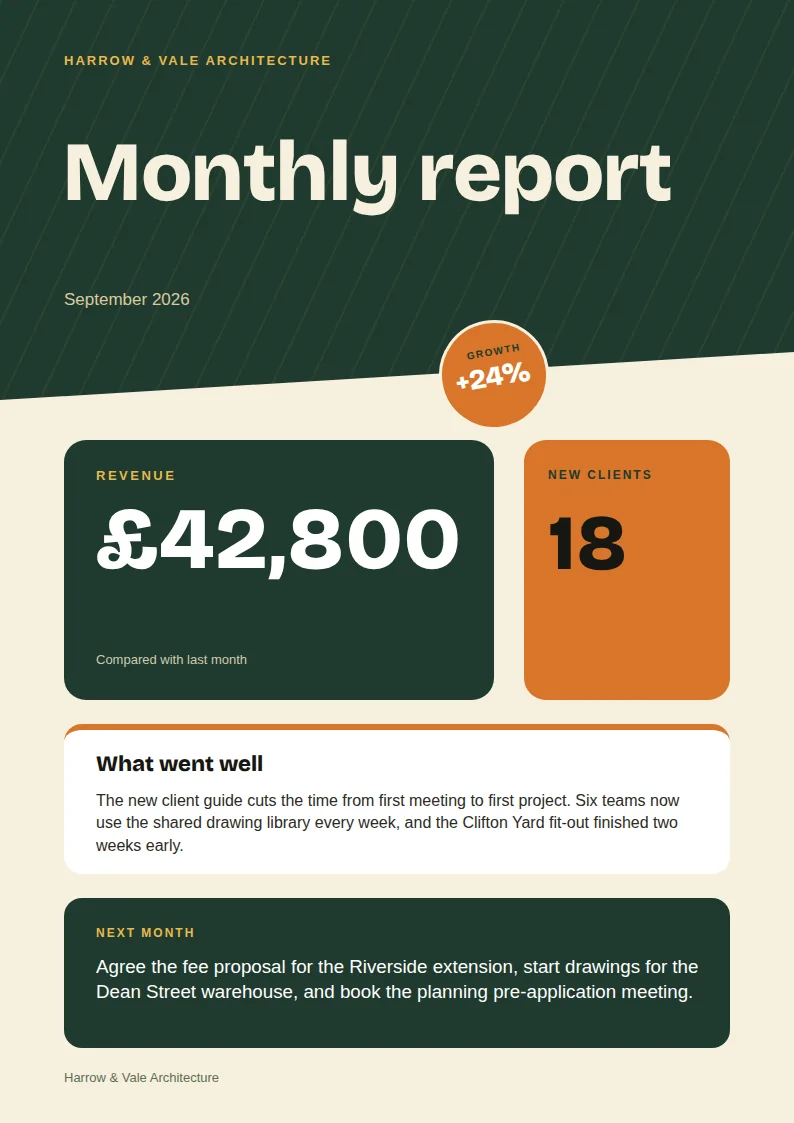
HTMLThis report was made by this API from the monthly report gallery template.
How it works
Three steps to a finished PDF.

Send your HTML
Paste it in the editor, or send it from your app with one request.

We render it
A real browser lays out your page with your fonts, colours, and images.

Download the file
Get the PDF from a signed link, or let a webhook tell your server it is ready.
What you control
Page size, margins, and the rest.
Set the options in the request. The defaults make a clean A4 page, so you only change what you need.
- Page sizes
- A4, Letter, Legal, and custom sizes
- Pages per PDF
- Up to 100
- Fonts
- Web fonts, brand kit fonts, and system fonts
- Credits
- One credit per finished PDF
- Files kept
- 30 days after each render
- Failed renders
- Free, and safe to retry
Templates with data
Save the design once, fill it with data every time.
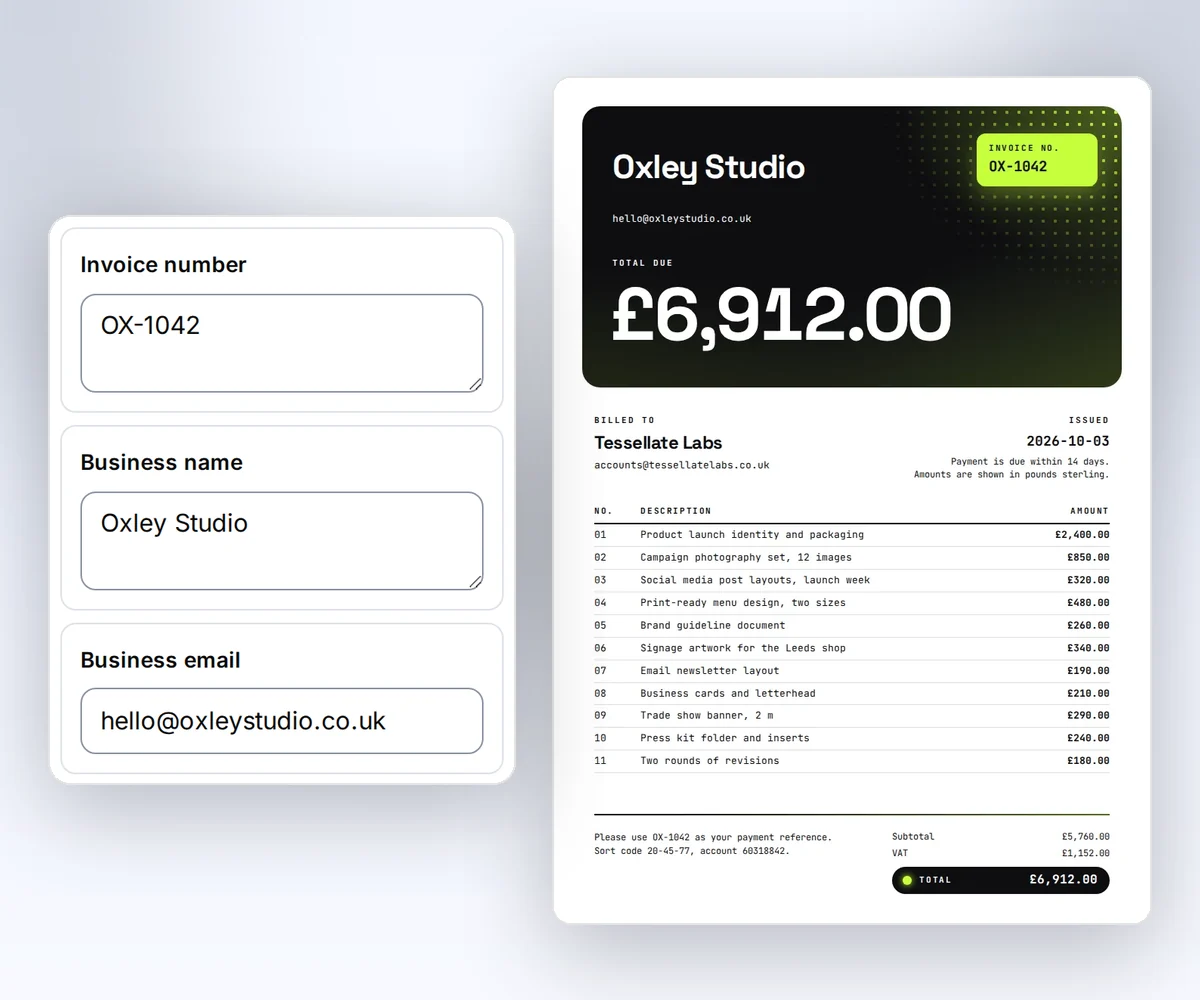
A saved template holds the HTML. Each request sends only the data, so an invoice, a report, or a certificate comes out matching every time.
- Fields like {{ client_name }} fill from your JSON.
- Every version of a template stays saved, so old renders are safe.
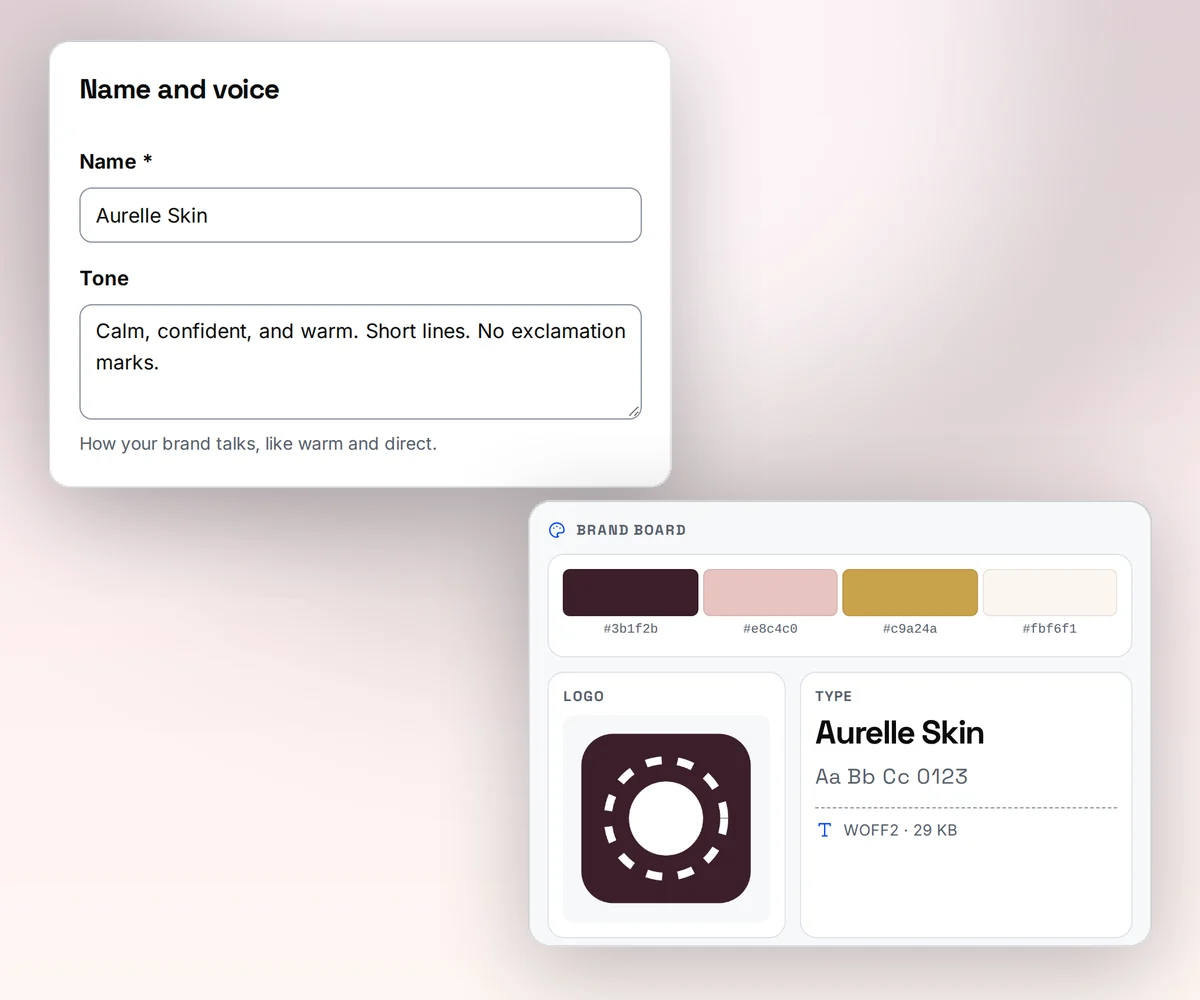
- Add a brand kit and the logo, colours, and fonts follow.

Start from a real template
Copy a document template and make it yours.


Business letters
Letterhead letter
Write a business letter on a letterhead with a logo, an address block, and a signature line.
Good to know
Plain limits, so nothing surprises you.
- A PDF can hold up to 100 pages. Split a longer document into two renders.
- Images and fonts must load from public web addresses. Private and local addresses are blocked.
- The renderer blocks scripts that run for too long or use too much memory. The render fails and you are not charged.
- We keep each finished file for 30 days. Download your own copy before then.
Questions
Before you start.
- Does it work with CSS and web fonts?
- Yes. A real Chromium browser lays out your page, so grid, flexbox, print styles, and web fonts all work the way they do on the web.
- Can I use it without an account?
- Every render needs an account, because each finished file costs one credit. The free plan gives you 25 credits every month with no card.
- How fast is it?
- Most single-page PDFs finish in a few seconds. Long documents with many images take longer. Use wait or poll the job to get the result.
- I use wkhtmltopdf today. Can I move?
- Yes. Most pages need no change at all. Read the guide on moving from wkhtmltopdf for the few differences.
Go deeper
Everything you need to ship PDFs.
- QuickstartYour first PDF in five minutes.
- PDF optionsPage size, margins, headers, and footers.
- Templates with dataFill one design with new data each time.
- HTML to imageThe same HTML as a PNG, JPEG, or WebP.
- Move from wkhtmltopdfWhat changes and what stays the same.
- Branded invoicesOne template, every invoice on brand.
Start now
Your first PDF is free.
Sign in, paste some HTML, and download the file. The free plan includes 25 credits every month.