
Integrations
Automated document generation from Zapier, Make, and n8n.
Your automation already knows when an order comes in or a guest books, but the invoice or ticket still gets made by hand. Add one thirds.ai step, and every new order or booking sends out a finished file that looks designer-made, in your own logo and colours.
Free to start, and you don't need a card.
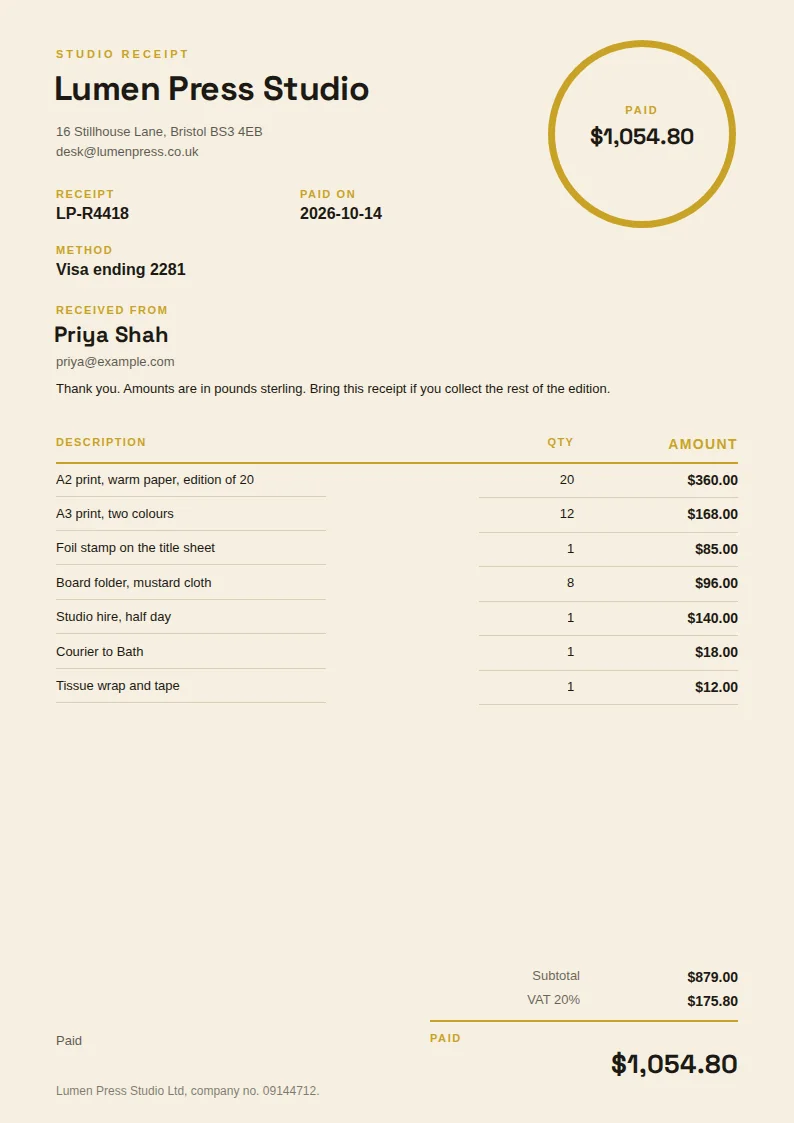
Studio receipt 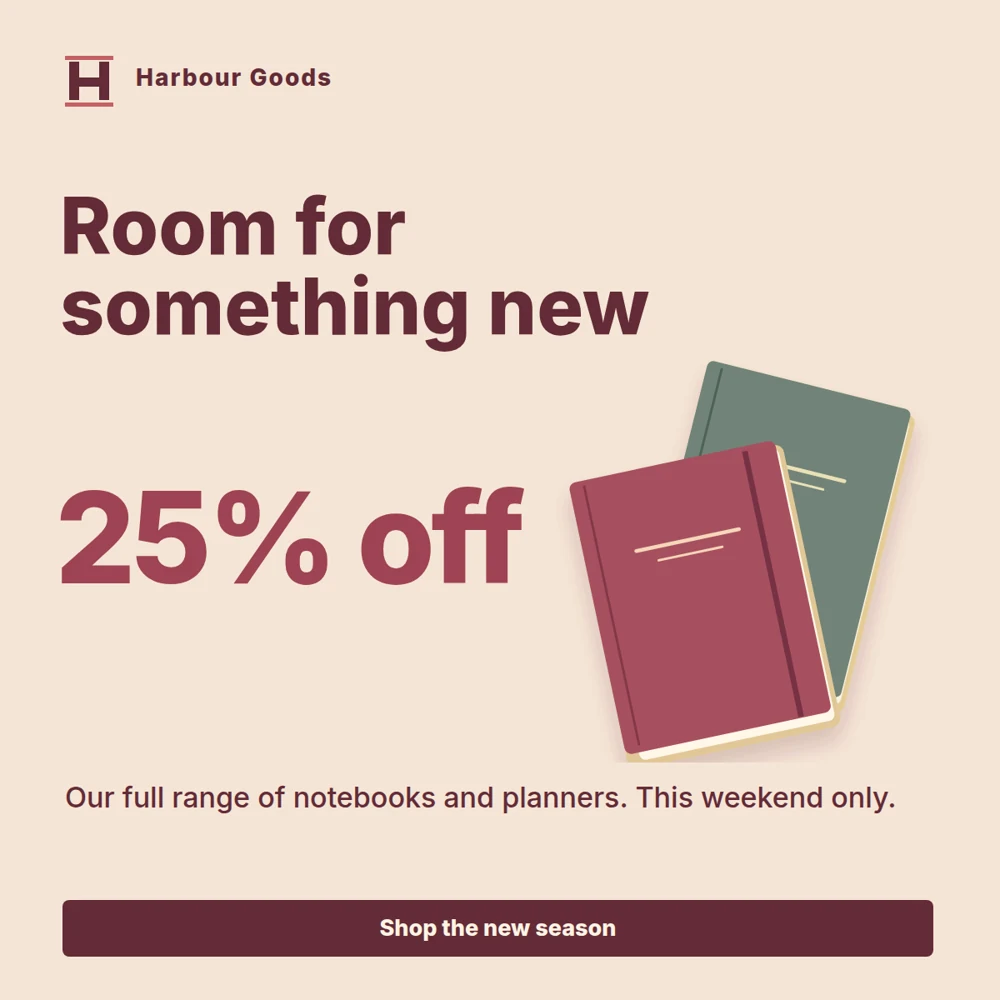
Seasonal offer 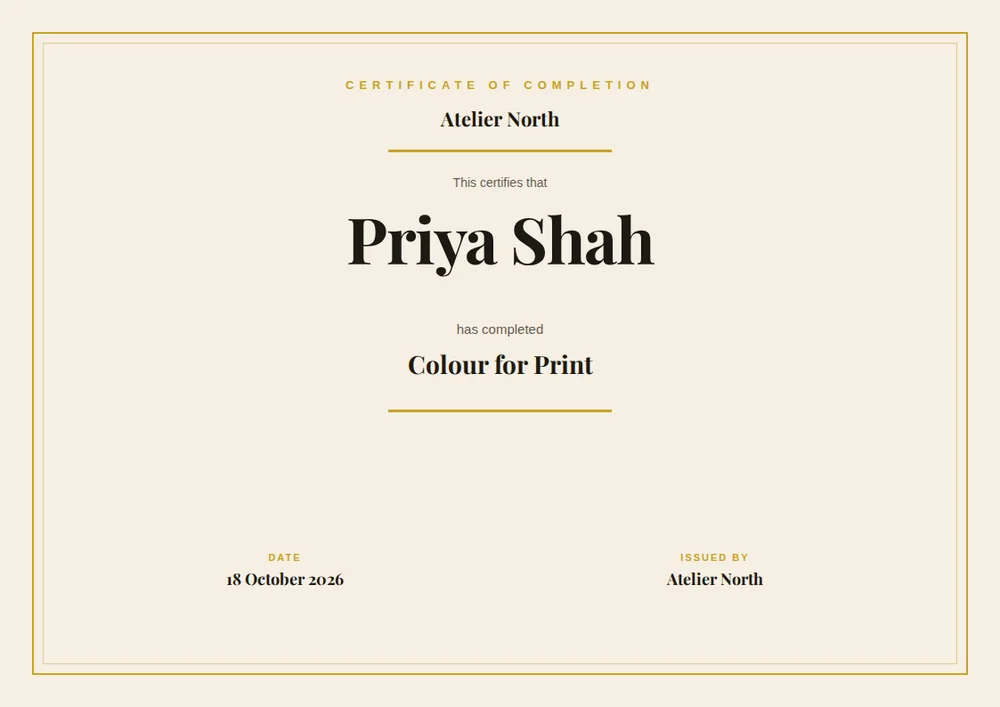
Landscape course certificate


Set up
Add thirds.ai to Zapier, Make, or n8n in two steps
Add thirds.ai to the tool you already use, then paste in one key.
Add thirds.ai to your tool
Zapier
If your business runs on Zapier, add the thirds.ai step, and each new order or form reply turns into a finished file.
Add to ZapierMake
If you build in Make, add the thirds.ai step, and every new row in your spreadsheet becomes a finished file.
Add to Maken8n
If you host n8n yourself, install the thirds.ai node, and any workflow or AI agent can make files from your designs.
@thirds-ai/n8n-nodes-thirds- Settings
- Community Nodes
- Install
Paste in one API key
An API key is the password that connects your tool to your thirds.ai account. Create one on thirds.ai and paste it in when your tool asks. You do this once.
Get an API keyEach of these can go out on its own when a customer orders or books.
Design studio invoicePDF · A4 Skincare serum launchImage · 1080 × 1080 Speaker cardImage · 1200 × 1200 Portrait course certificatePDF · A4 New arrivals Instagram storyImage · 1080 × 1920 Payment receiptPDF · A4
Businesses whose automations send files made with thirds.ai
- Ember Coffee
- Fieldnote Labs
- Harbour Print
- Kestrel Events
- Lumen Skincare
- Marlow & Co
- Meridian Agency
- Orbit Media
- Signal Studio
- Keystone Coaching
 Ember Coffee
 Fieldnote Labs
 Harbour Print
 Kestrel Events
 Lumen Skincare
 Marlow & Co
 Meridian Agency
 Orbit Media
 Signal Studio
 Keystone Coaching
What you can automate
The PDFs and images your automation can make for you
Any PDF or image you make by hand each time something happens, your automation can make for you instead.
When you mark the work done
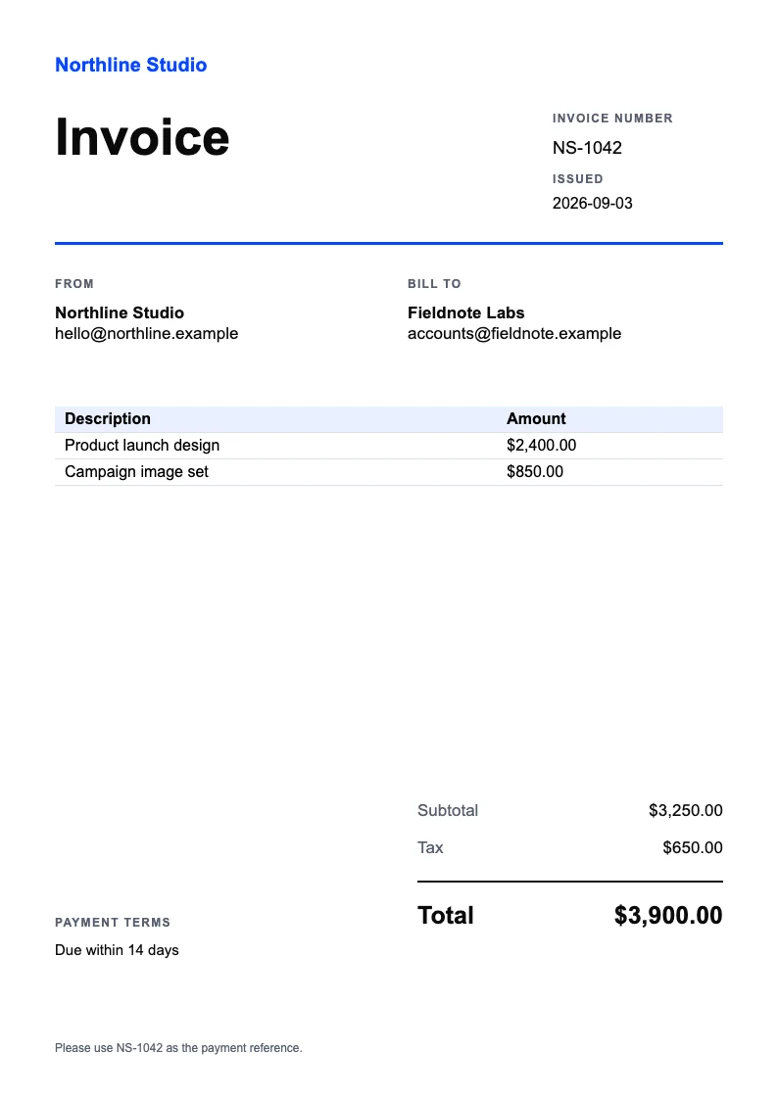
Client invoice Invoices
The client gets a polished bill the moment the work ends, and nobody types a number by hand.
When a learner passes
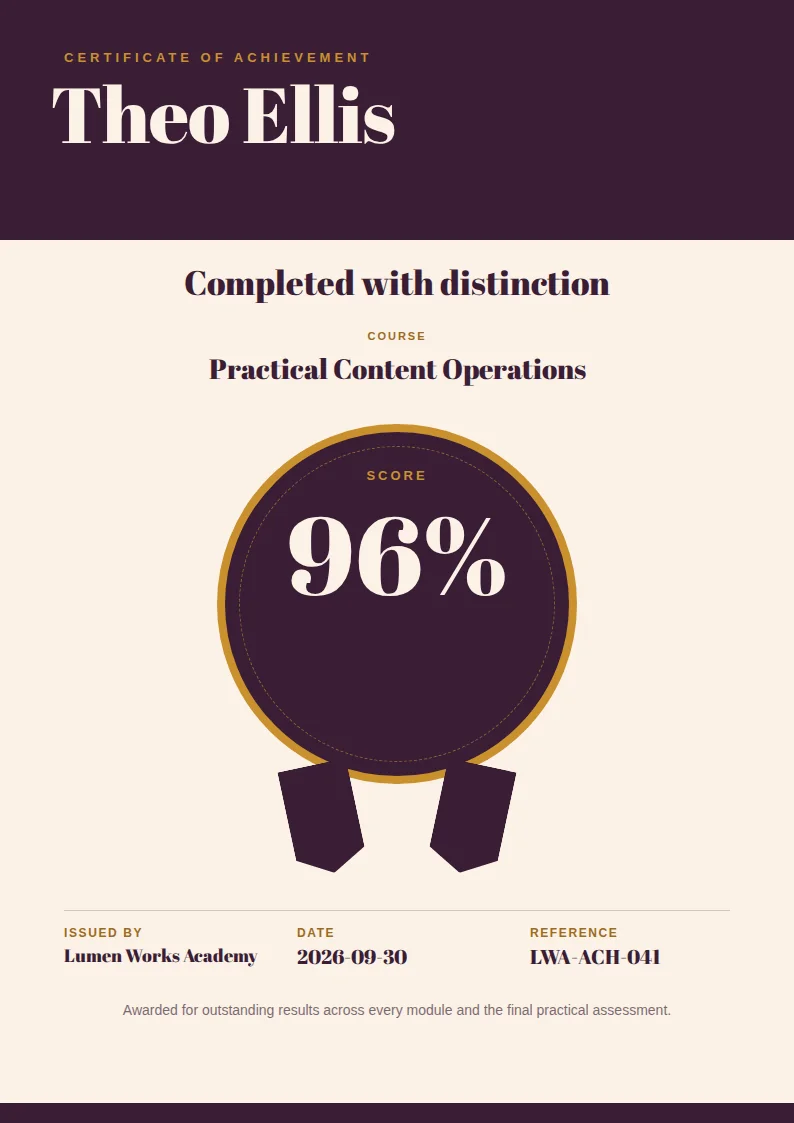
Achievement certificate Certificates
Every learner who passes gets a certificate with their name and score, and it lands in their inbox the same minute.
When a product goes live
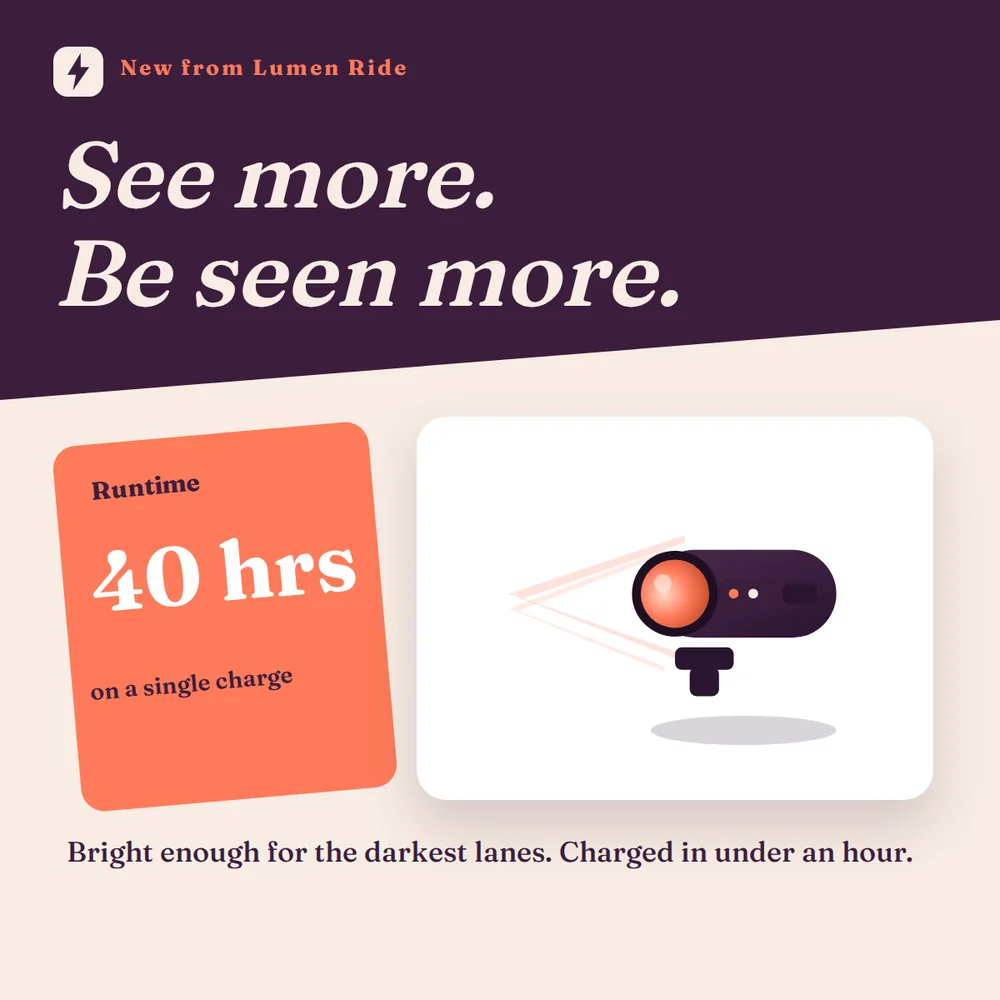
Product launch square Social posts
Each new product gets a launch post in your colours, and you never open a design tool.
When a guest books
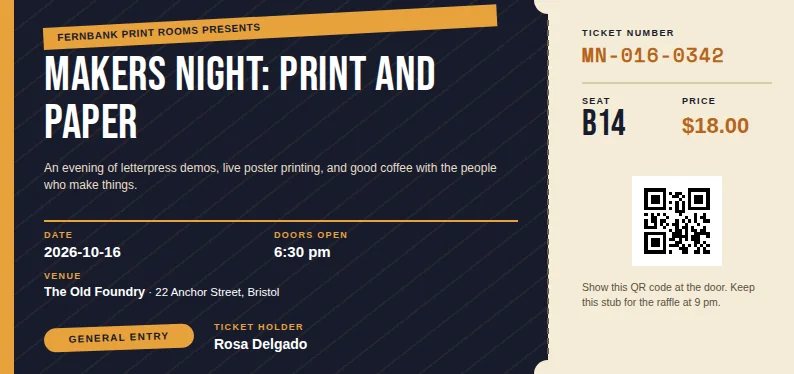
Event ticket Tickets
Every booking gets a named ticket with the seat and a QR code on it, and it goes out with the booking email.


Questions people ask before they connect a tool
Pick your toolZapier, Make, or n8n: which one should I use?
Use the one you already have, because all three make the same files from your designs. If you're starting fresh, Zapier is the simplest to set up. Make draws your automation as a map, which helps when it does different things for different orders. n8n can run on your own server, and its AI Agent can use thirds.ai as a tool to make files.
Why can't I find thirds.ai in Zapier's or Make's app search?
The thirds.ai apps on Zapier and Make are shared by invite, so they don't show up in the app search. Click Add to Zapier or Add to Make on this page, accept the invite, and the app appears in your account like any other. On n8n, you install the node by its package name, which you can copy from this page.
Do I need to code to use thirds.ai with Zapier, Make, or n8n?
No. You make the design on thirds.ai, in the editor or by asking ChatGPT or Claude for one. In your tool, you add one thirds.ai step, pick the design by name, then fill each blank in the design from an earlier step, such as the customer's name from your shop.
Can ChatGPT or Claude make the files instead?
Yes. Connect thirds.ai to ChatGPT or Claude and ask for a file from one of your designs in plain words. That's handy when you need one file now. An automation suits files that should go out on their own each time something happens, like an order or a booking. Connect your AI assistant.
What does each file cost?
One finished PDF or image costs one credit, and a file that fails costs nothing. A verified free account gets 50 credits each month, so you can test your automation before you pay anything. Paid plans start at $29 a month. See the plans.
Can I use thirds.ai from a tool that isn't Zapier, Make, or n8n?
Yes. Any tool that can send a web request can make a file from your design. On n8n Cloud, use the HTTP Request step the same way. The API workflow guide shows the request to send, step by step. Read the API workflow guide.
Integrations
Let your automation send finished files in your brand.
Set it up today, and the next order that comes in leaves with a finished file. It's free to start.