
Free proposal template
Type the client, the work, and your price, and download a one-page proposal PDF.
Free to try
Make a UK business card PDF online for free. Pick one of five designs, type your name and contact lines, and download it. You can try it without an account.
Choose a design
studio-business-card.pdfDownload the PDF free with no account, up to 5 a day. Sign up free to save your design. You don't need a card.
Get 50 free creditsWatch how
Here's how to use a business card generator, and get your card as a PDF, without opening a design app!
First, pick a design. There are five, and they all use the same details, so you can switch any time.
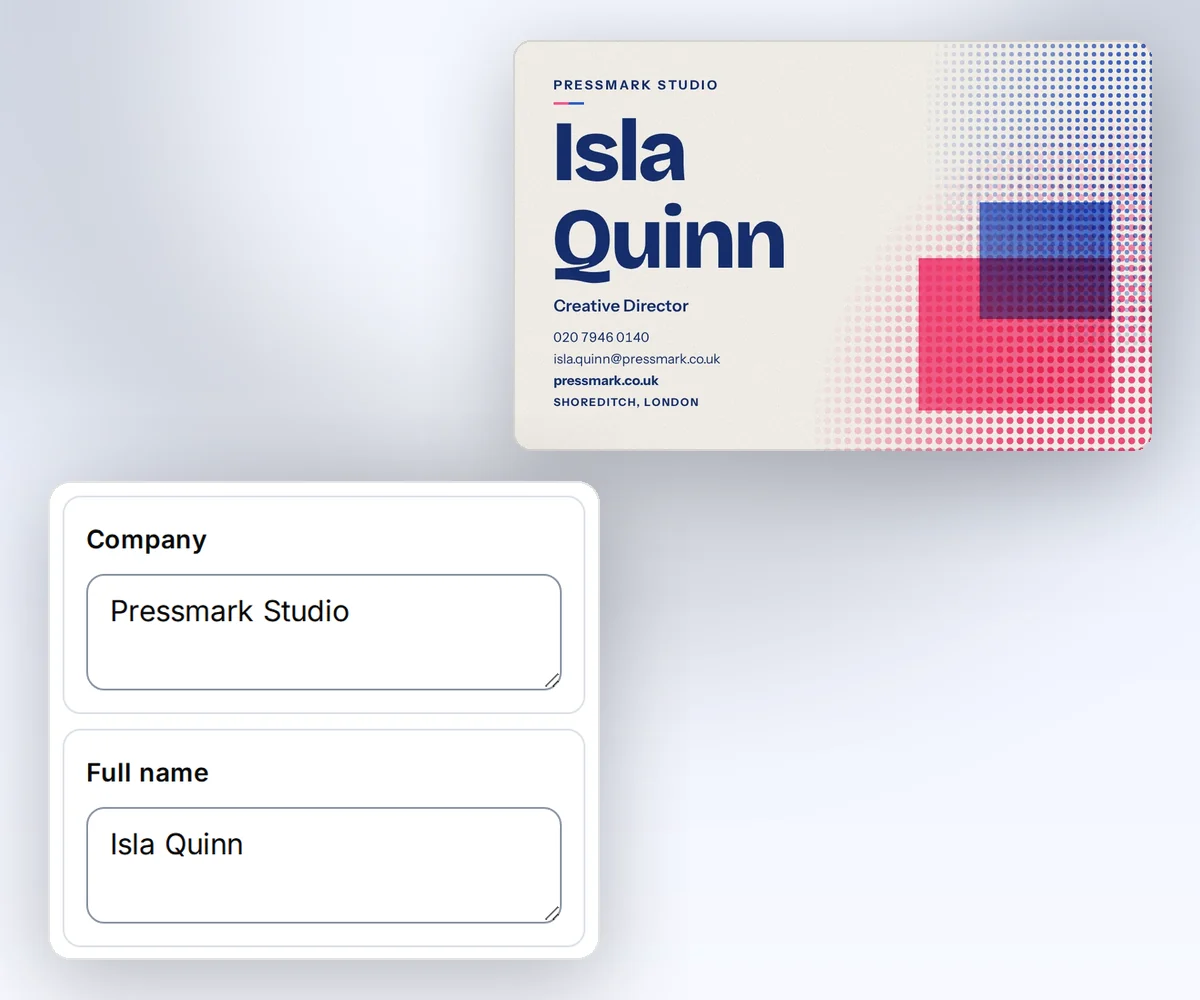
Then type your name, your role, and your contact lines. Long text shrinks to fit, so nothing runs off the card.
Press Download your PDF, and your card shows up right on the page. There it is! And the file saves by itself.
But hey, the PDF is free, with no watermark, and you don't need an account!
Need cards for the whole team? Save the design, then add each person as a row in a CSV file.
Pick a design and make your first card. Start free at thirds.ai!
See a sample
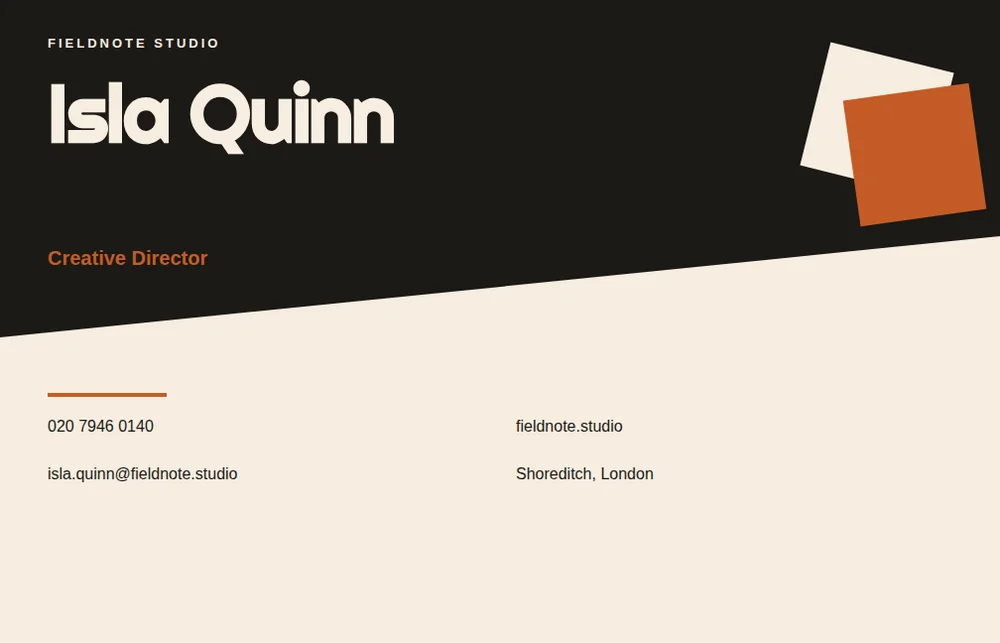
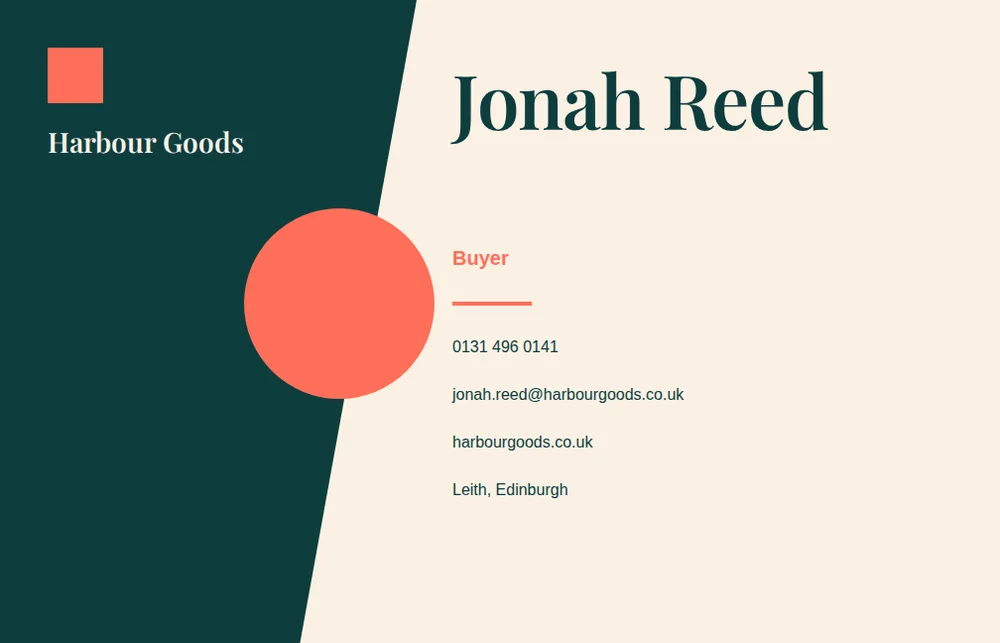
A designer made each of the five cards, so the type and spacing are already right. The samples show Isla Quinn of Pressmark Studio and Jonah Reed of Harbour Goods.
How it works
Pick one of five designer-made cards, type your name, role, company, and contact lines, and download a UK business card as an 85 by 55 millimetre PDF. Click Your brand and type your website, and your own logo and colours go on the card before you download, with no sign-in. Need cards for the whole team? Save the design on thirds.ai, add each person as a row in a CSV file, and you get one card PDF each.
Choose one of the five card designs. You can switch any time without typing your details again.
Add your name, role, company, phone, email, website, and location. A long email address shrinks to fit the card. To use your own logo and colours, click Your brand under Colours, fonts, and logo, type your website, and click Find my brand.
Click Download your PDF. Your card shows up on this page and downloads to your computer.
Do more with thirds.ai
A free tool does one job on one file. thirds.ai puts your brand on a designer-made look in one step, and then your AI assistant or a spreadsheet can make the files for you.
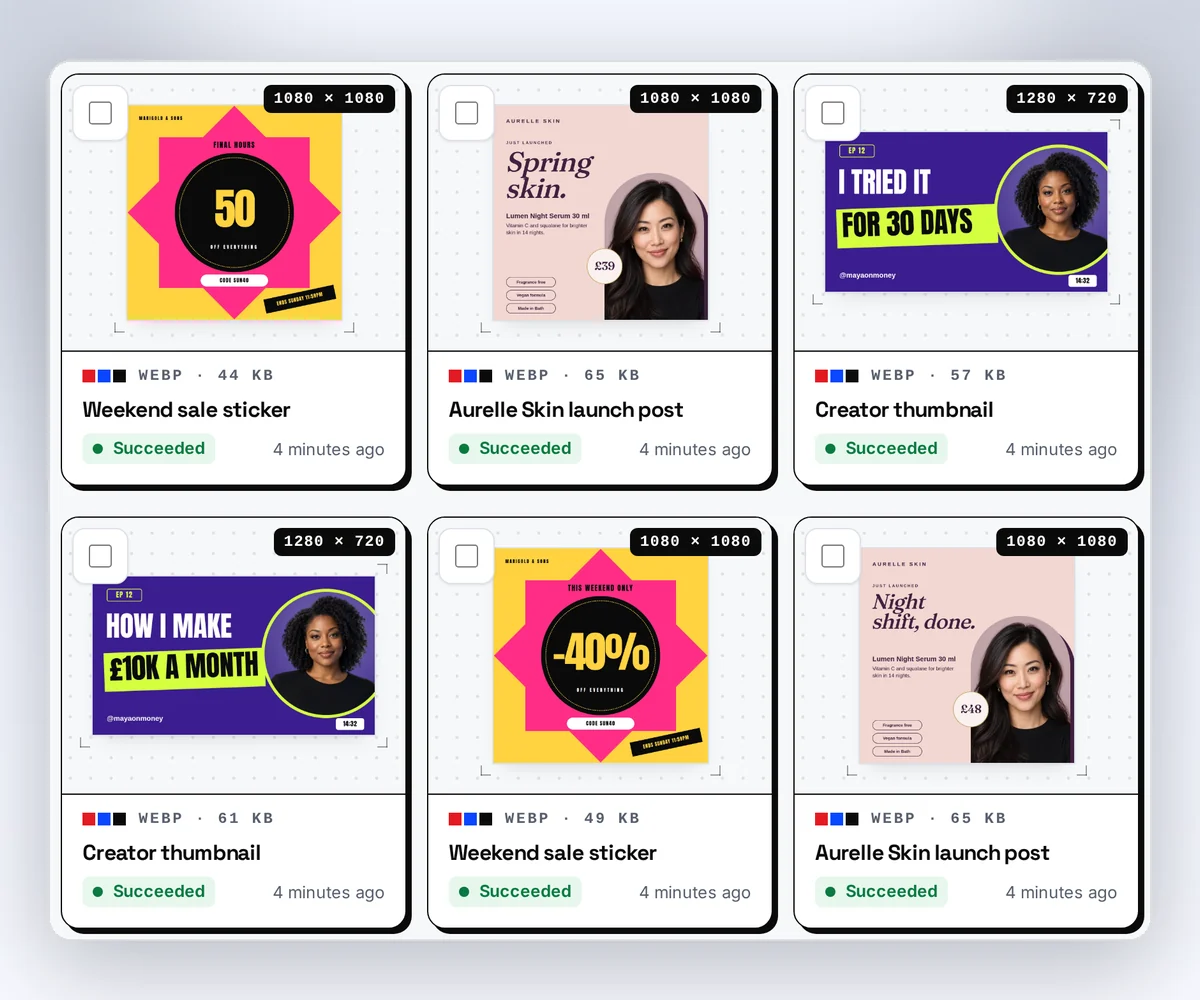
Choose a template from the gallery, or have AI build one from a sentence or a picture you upload. Your logo, colours, and fonts go on in one step.
Set up your brandTell it what you need in plain words, and the finished PDF or picture lands in the chat, in your design and ready to send.
Connect your AIGot a list? Upload a spreadsheet, and each row comes back as its own finished file in your design, all of them in one ZIP.
Make a batchYes. Without an account, you get the finished PDF free, up to 5 a day. Signed in, a PDF uses one of your 50 free credits. Opening the page never spends a credit.
Yes. Save the design to a free account and connect your assistant. Then ask for the next one in a sentence, and the finished file comes back in the chat. You can also make one for each row of a CSV file.
Each design makes a landscape card that's 85 by 55 millimetres, and you download it as a PDF.
You type seven lines: your name, role, company, phone, email, website, and location. Every design uses the same lines, so you can switch designs and keep what you typed.
Yes. For the colours, go to Colours, fonts, and logo and pick a theme, or click Your brand, type your website, and click Find my brand. To move or resize parts of the card, sign in and save the design, then open it in the editor.
Free tools
Sign up free and save the design once. Then add each person as a row in a CSV file, and you get one card PDF per person. Or connect ChatGPT or Claude and ask it for the next card whenever someone joins.
Free to start. No card needed.