
Free SVG to PNG converter
Turn your SVG into a PNG, JPEG, or WebP at the size you choose.
Runs in your browser
Resize an image for Instagram, Facebook, LinkedIn, X, and other posts. Crop it to fill the frame or keep the whole picture. It's free, and you don't need an account.
PNG, JPEG, or WebP up to 10 MB. The file stays on your computer.
Watch how
Here's how to resize one picture for every social post: an Instagram portrait, an X post, even a 1200 by 630 link preview. Free, right in your browser!
Open the social image resizer, and drop your picture onto the page. It opens right there in your browser, so nothing uploads.
Open the Size list and pick where it's going. For a link preview, that's Open Graph: 1200 by 630.
The shape changed, so choose how it fits. Fill the frame crops it. Drag the picture to pick what stays. Or choose Keep it whole, and you get a white edge on each side.
Pick PNG, JPEG, or WebP, and click Download. The size is in the file name, so it's easy to find when you post.
That's the free part. But next week there's a new post, and every size all over again, right? Save one design on thirds.ai instead. Type this week's words, and Smart resize builds each size from your layout, so the headline never gets cut off. Three finished files, one credit each.
Make your first design free at thirds.ai!
Before and after
A square post doesn't fit a wide frame, so the social image resizer gives you two good ways to fit it. Choose Keep it whole, and you resize without cropping: the whole picture stays, with an edge on each side in the colour you pick. Choose Fill the frame, and the picture is cropped to cover the whole size, then you drag it to pick the part you keep. Keep it whole is the safe choice for a post with text near the edges, and Fill the frame looks best on a photo with room to spare. Here's one square post turned into a 1200 × 630 link preview both ways. To make a new card from a page title instead, use the Open Graph image generator.
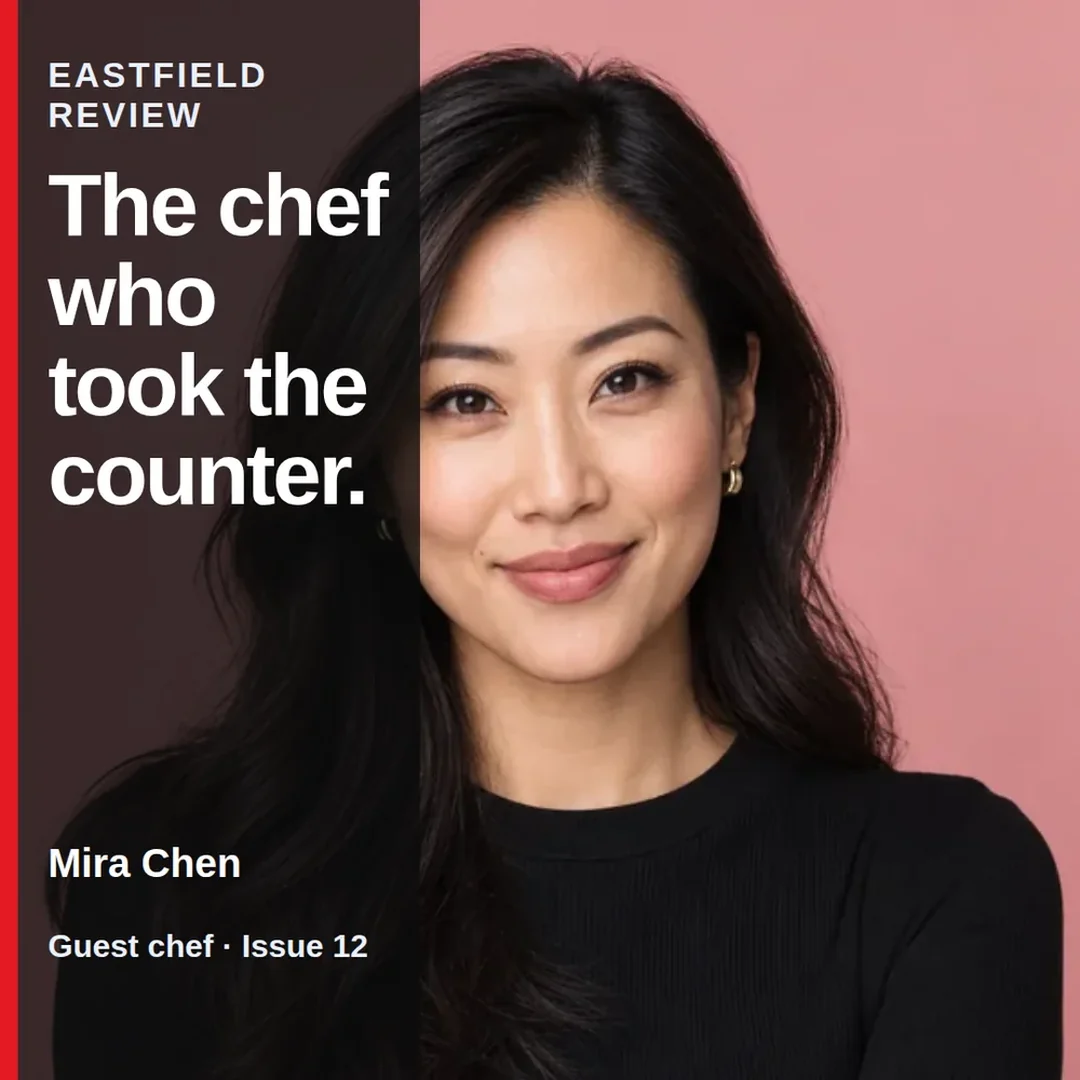 1080 × 1080
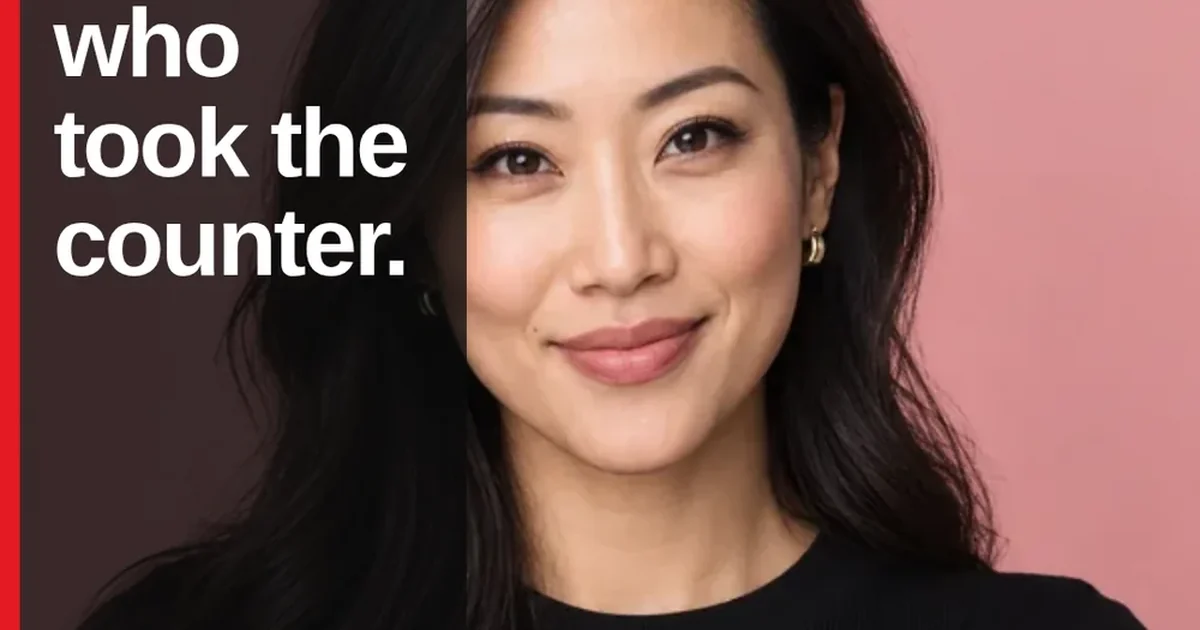 1200 × 630
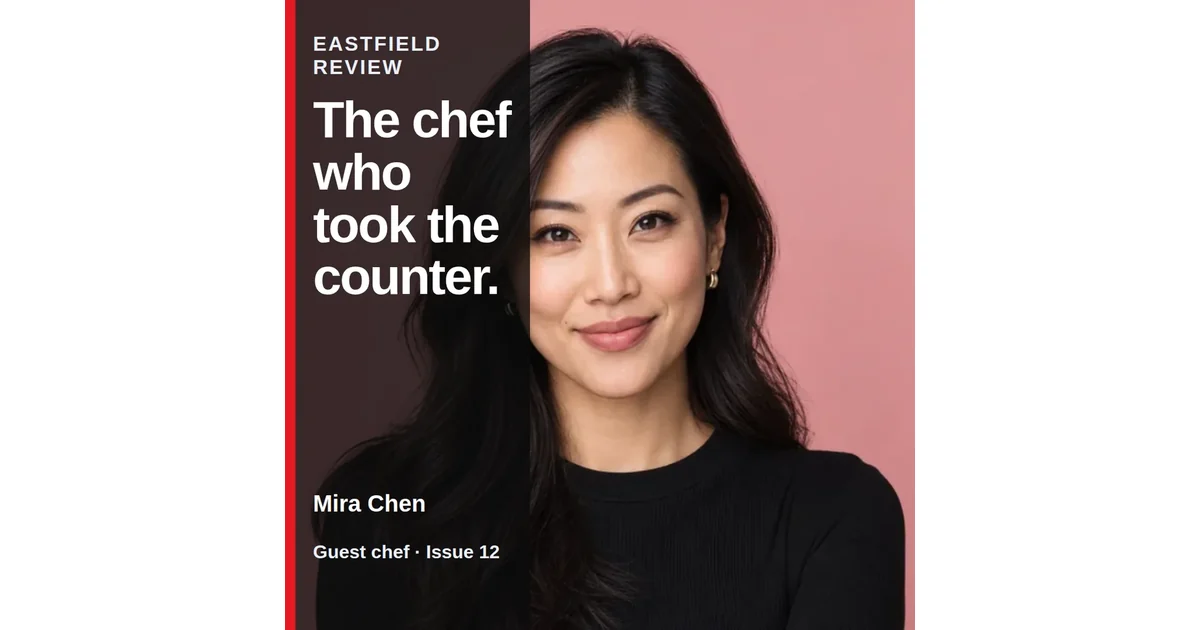 1200 × 630
How it works
Drop in a PNG, JPEG, or WebP up to 10 MB, pick an Instagram size such as the 1080 × 1350 portrait post, and download the new file. If the shape changes, you choose what happens: crop the picture so it fills the frame, or keep the whole picture and add an edge in a colour you pick. The same list has the sizes for Facebook, LinkedIn, X, Pinterest, YouTube, and link previews. It's free, you don't need an account, and the file stays on your computer. It comes from thirds.ai, where you save one designer-made design and smart resize makes every size from it, while ChatGPT or Claude writes the post and hands you the files.
Drag a PNG, JPEG, or WebP onto the page, or choose it from your computer. It opens right here in your browser, so nothing uploads.
Under Size, choose an Instagram size from the list: Post 1080 × 1080, Portrait 1080 × 1350, Story 1080 × 1920, or Landscape 1080 × 566. For another network, pick its size, or choose Custom size and type your own width and height. If the shape changes, choose Fill the frame and drag the picture to set the crop, or choose Keep it whole and pick a colour for the edge under Background. Stretch changes the picture's shape to match, which suits a plain background and little else.
Under Download as, pick PNG, JPEG, or WebP, then click the Download button, which shows the size, such as Download 1080 × 1350. The file name holds the size, such as social-1080x1350.png, so it's easy to find when you post it.
Do more with thirds.ai
A free tool does one job on one file. thirds.ai puts your brand on a designer-made look in one step, and then your AI assistant or a spreadsheet can make the files for you.

Choose a template from the gallery, or have AI build one from a sentence or a picture you upload. Your logo, colours, and fonts go on in one step.
Set up your brandTell it what you need in plain words, and the finished PDF or picture lands in the chat, in your design and ready to send.
Connect your AIGot a list? Upload a spreadsheet, and each row comes back as its own finished file in your design, all of them in one ZIP.
Make a batchThe social image resizer has four Instagram sizes: a 1080 × 1080 square post, a 1080 × 1350 portrait post, a 1080 × 1920 story, and a 1080 × 566 landscape post. Instagram can change its sizes, so check the preview in the app before you post.
Choose Keep it whole. You keep every part of the picture, and the resizer adds an edge where the shape doesn't match. Pick the edge colour under Background. It starts as white.
No. The work happens on this page in your browser. You don't need an account, and we never see the file.
Use a template when you post often. On thirds.ai, smart resize makes every size from one design, and your AI assistant or a spreadsheet can make the posts for you. Use this page when you already have one finished picture.
Yes. The download from this page costs nothing. On thirds.ai, each finished file from a saved template costs one credit.
Choose a PNG, JPEG, or WebP up to 10 MB. The new file can be 320 to 7,680 pixels wide and 200 to 4,320 pixels tall, up to 32 million pixels in all. A small picture is fine: the resizer scales it up to fit.
Download a PNG or WebP, and the see-through areas stay see-through. With Keep it whole, the Background colour fills only the new edge around the picture. JPEG can't be see-through, so it fills those areas with the Background colour, which starts as white.
Free tools
Upload this picture to thirds.ai, and AI rebuilds it as a template in your brand. From then on, smart resize gives you every social size at once, so the headline never gets cut off, and your AI assistant can make next week's post for you.
Free to start. No card needed.