
Free Instagram and social media image resizer
Fit a finished picture to Instagram, LinkedIn, X, or any size you type.
Runs in your browser
Reduce image file size for free. Save a PNG, JPEG, or WebP up to 10 MB as a smaller file with the same width and height, with no account and no upload.
PNG, JPEG, or WebP up to 10 MB. The file stays on your computer.
Watch how
Here's how to reduce image file size with a free image compressor, and keep the exact same width and height.
Open the image compressor and drop in a PNG, JPEG, or WebP. It opens right in your browser, so your file never uploads.
Pick JPEG or WebP, then slide the quality down for a smaller file. The result size updates as you go.
One catch: PNG keeps every pixel, so it has no slider. For a photo like this one, the file can come out even bigger.
Check the original size against the result, then click Download. You get the same picture, at the same width and height, in a much smaller file.
But hey, if you want to change the words too, turn the picture into an editable template. Rebuilding one costs 50 credits, and each new file after that costs one.
Shrink your next image for free at thirds.ai.
Before and after
When you save this 1080 × 1080 magazine post as a JPEG in the image compressor, the file drops from 559 KB to 86 KB, and the width and height stay the same. That's about one sixth of the PNG size, so the post slips under an upload limit and attaches to an email with no trouble. Both files are the ones you see on this page, so you can check the detail yourself.
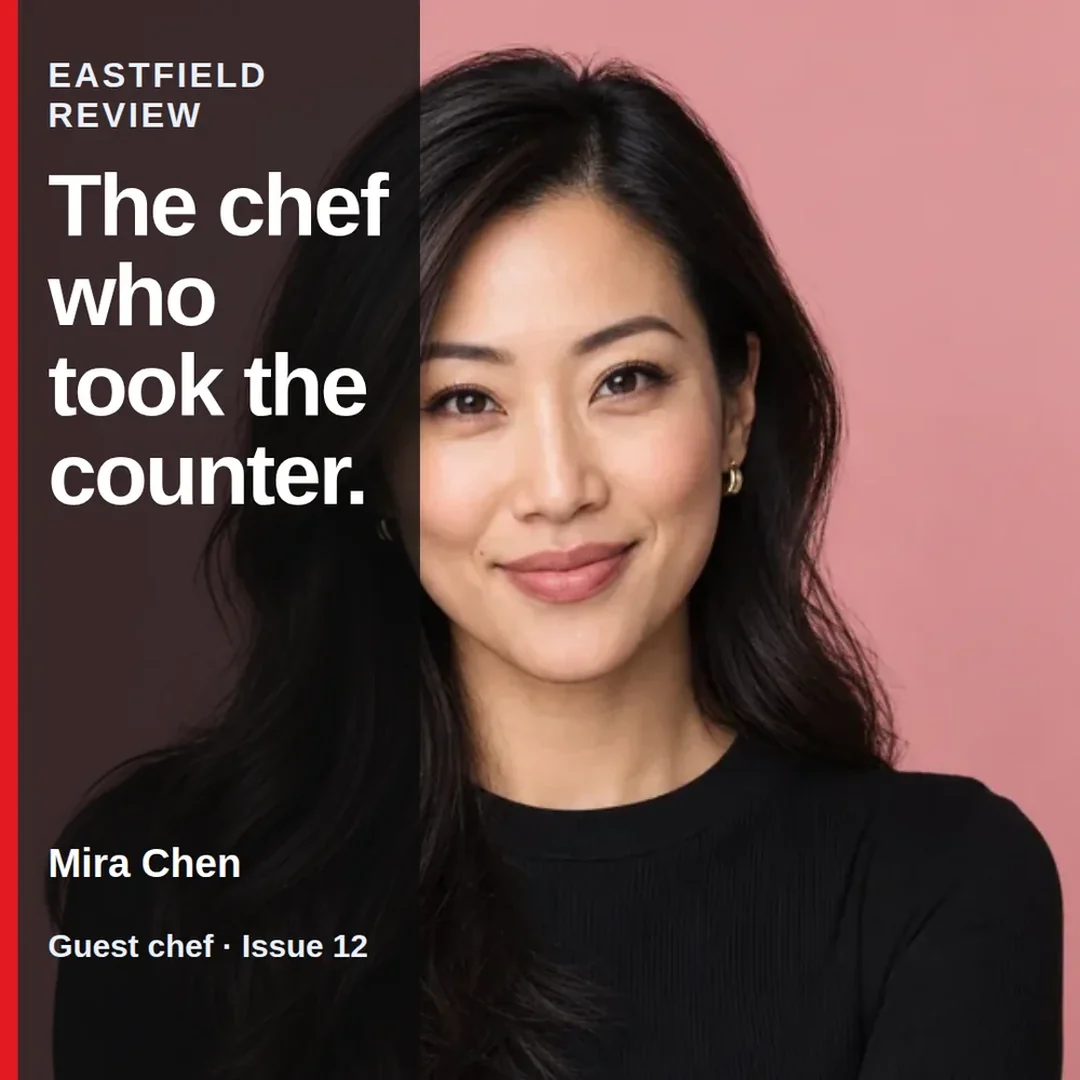 1080 × 1080
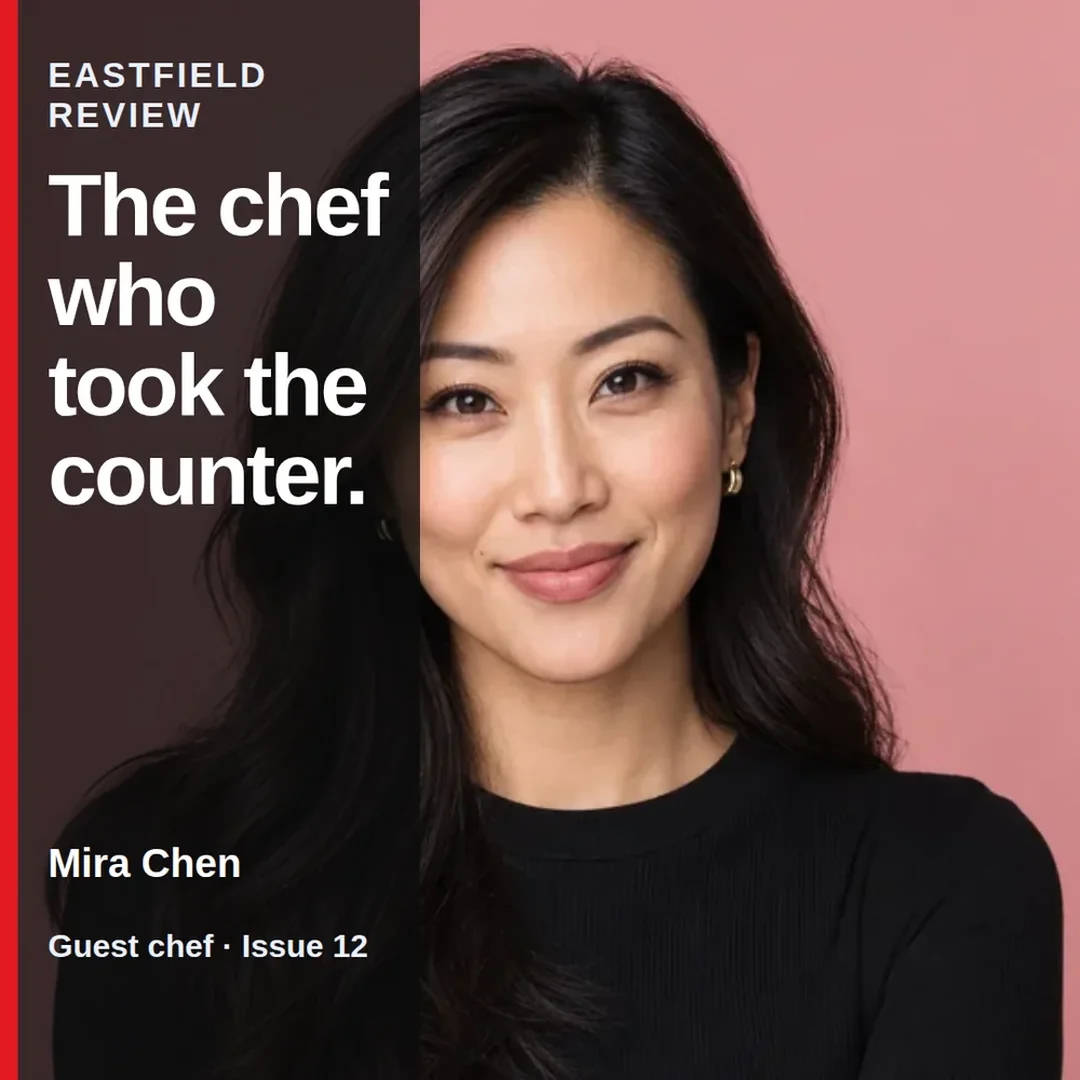 1080 × 1080
How it works
To reduce image file size, drop a PNG, JPEG, or WebP up to 10 MB into this free compressor, pick JPEG or WebP, and lower the quality until the file fits. You get the same picture at the same width and height in a smaller file. You don't need an account, and the file never leaves your computer. This compressor comes from thirds.ai, where you can upload a picture you like and AI rebuilds it as an editable template in your brand. After that, you ask ChatGPT or Claude for the next one in a sentence, and the finished picture lands in the chat.
Drag a PNG, JPEG, or WebP onto the drop box, or click Choose a file and pick it from your computer. It opens right here in your browser, so nothing uploads.
Under Download as, choose PNG, JPEG, or WebP. With JPEG or WebP, move the Quality slider down for a smaller file. It starts at 80% and goes from 40% to 95%. PNG keeps every pixel, so it has no slider. With JPEG, pick a Background colour for any see-through parts, because JPEG can't be transparent.
Check the Original and Result sizes above the button, then click Download compressed file. The file name ends in -compressed, so you can tell it from the original.
Do more with thirds.ai
A free tool does one job on one file. thirds.ai puts your brand on a designer-made look in one step, and then your AI assistant or a spreadsheet can make the files for you.

Choose a template from the gallery, or have AI build one from a sentence or a picture you upload. Your logo, colours, and fonts go on in one step.
Set up your brandTell it what you need in plain words, and the finished PDF or picture lands in the chat, in your design and ready to send.
Connect your AIGot a list? Upload a spreadsheet, and each row comes back as its own finished file in your design, all of them in one ZIP.
Make a batchNo, the image compressor never uploads your picture. The work happens on this page in your browser. You don't need an account, and we never see the file.
No. The width and height stay the same. You only change the format and, for JPEG and WebP, the quality.
Yes. The download from this page costs nothing. Files you make from a template on thirds.ai cost one credit each.
Choose a PNG, JPEG, or WebP up to 10 MB. It must be at least 320 pixels wide and 200 pixels tall, and at most 7,680 pixels wide, 4,320 pixels tall, and 32 million pixels in all.
PNG and WebP can keep them. JPEG fills empty areas with the colour you pick, which starts as white.
For a photo, JPEG or WebP at a lower quality gives you the smaller file. PNG keeps every pixel, so a photo saved as PNG can come out bigger than the file you dropped in. Keep PNG for logos, flat colours, and see-through backgrounds.
There's no box for a target size. Pick JPEG or WebP, then move the Quality slider down and watch the Result size until it's under your limit. If it's still too big at 40%, make the picture smaller in width and height first with the free social image resizer, then compress it here. Resize the picture first.
JPEG and WebP drop a little detail, and a lower quality drops more. Open the file you download at full size. If the text or edges look soft, move the slider up and download it again. PNG keeps every pixel.
Free tools
Start with the magazine feature template on thirds.ai, and your brand kit puts your logo, colours, and fonts on it in one step. From then on, ask ChatGPT or Claude for the next one: it writes the headline and hands you the finished picture, ready to post. One credit makes one file.
Free to start. No card needed.