
Free Instagram and social media image resizer
Fit a finished picture to Instagram, LinkedIn, X, or any size you type.
Runs in your browser
Convert SVG to PNG for free at the width and height you need, up to 7,680 pixels wide. You can also download JPEG or WebP, and you don't need an account.
A plain SVG up to 10 MB, without scripts or linked files. The file stays on your computer.
Watch how
Here's how to convert SVG to PNG, at the exact size you need, free, right in your browser!
Open the SVG to PNG tool, and drop your SVG onto the page. It opens right there, so nothing uploads. The file stays on your computer.
Type the width you need, and the height follows, so the shape stays the same. PNG is the usual pick. Choose JPEG for a solid background, or WebP for a smaller file.
Click Download, and there's your PNG, at exactly that size! The size is in the file name too, so it's easy to find.
SVG won't open? It probably has a script or a link to another file inside. Save a plain copy without those, and try again.
That's the free part. But hey, that logo's going on posts, ads, and invoices every week, right? Save one branded design on thirds.ai, type in the new words, and get a finished image or PDF every time, for one credit a file.
Make your first design free at thirds.ai!
Before and after
Here a 640 × 640 SVG mark in cream, navy, and rust comes out as a 1280 × 1280 PNG. Type a bigger size, and every corner and curve stays as crisp as in the original.
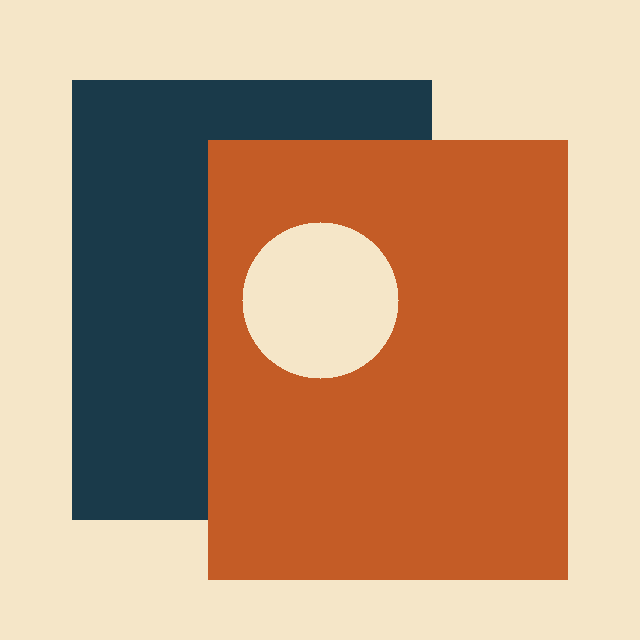 640 × 640
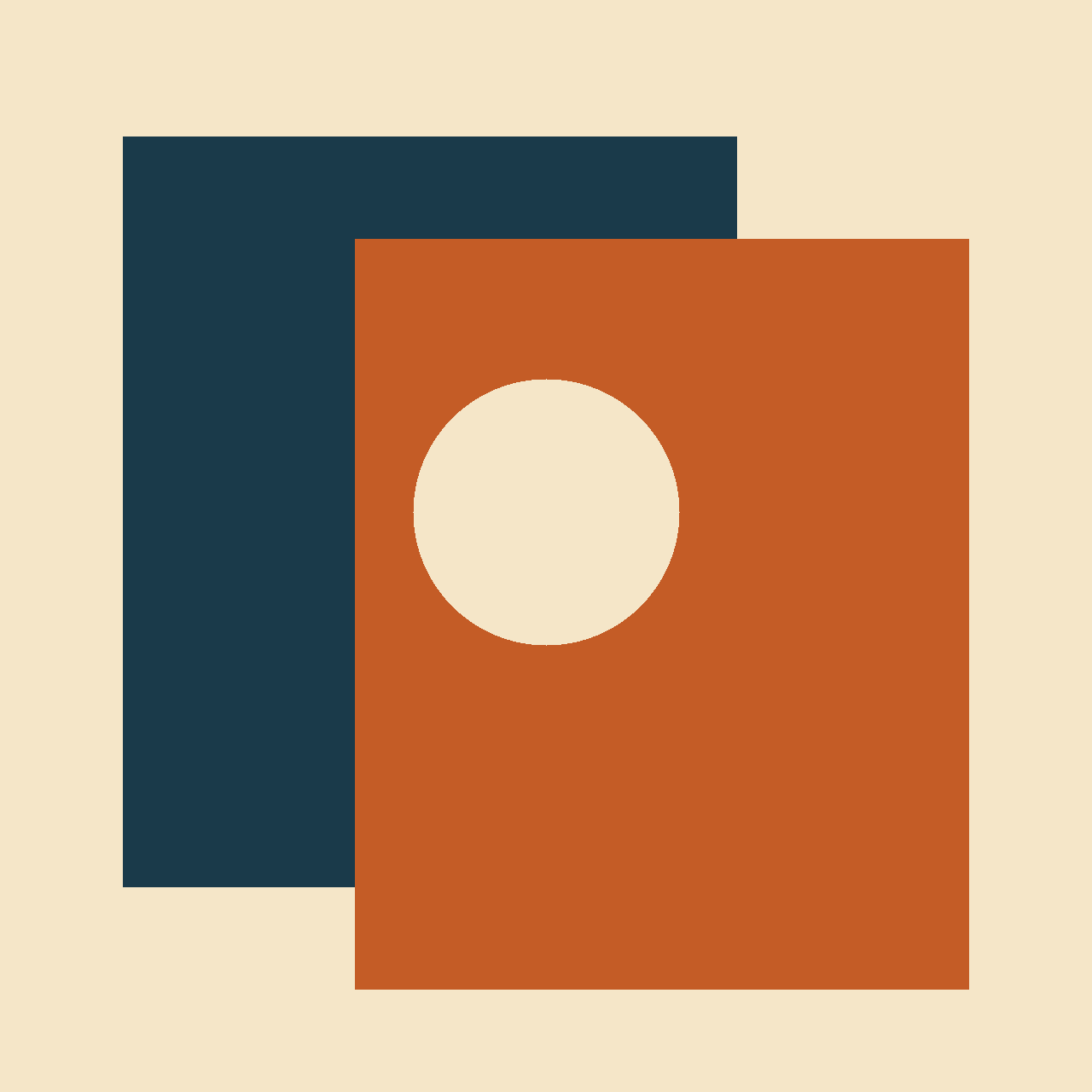 1280 × 1280
How it works
Get a PNG of your SVG at the exact width and height you type, with the see-through background kept. Use it when a social profile, an email tool, or a slide deck won't take an SVG. A 4K PNG comes out as sharp as a small one, because an SVG is drawn from shapes, not pixels. The file never leaves your computer, and there is no account to make. This converter comes from thirds.ai, where a brand kit puts your logo, colours, and fonts on a designer-made template in one step, and ChatGPT or Claude makes every post, ad, and invoice from it.
Drag your SVG onto the page, or click Choose an SVG file. It opens right here in your browser. A plain, still SVG up to 10 MB works; one with a script or a linked picture inside won't open.
Type the Width (px) you need. With Keep the same shape ticked, the height follows, so your logo doesn't squash. Under Download as, leave PNG for a see-through background. Pick JPEG for a solid colour behind it, or WebP for a smaller file.
Click the Download button, which shows the size you typed. The file name ends with that size, such as logo-1280x1280.png, so you can tell your sizes apart later.
Do more with thirds.ai
A free tool does one job on one file. thirds.ai puts your brand on a designer-made look in one step, and then your AI assistant or a spreadsheet can make the files for you.

Choose a template from the gallery, or have AI build one from a sentence or a picture you upload. Your logo, colours, and fonts go on in one step.
Set up your brandTell it what you need in plain words, and the finished PDF or picture lands in the chat, in your design and ready to send.
Connect your AIGot a list? Upload a spreadsheet, and each row comes back as its own finished file in your design, all of them in one ZIP.
Make a batchNo. Your browser does the work on this page, so the file never leaves your computer.
It most likely has a script, an animation, or a link to another file inside, such as a picture on the web, or it is bigger than 10 MB. Save it as a plain, still SVG and try again.
Yes. Widths run from 320 to 7,680 pixels and heights from 200 to 4,320, so a 4K PNG at 3,840 × 2,160 fits easily. The very largest pairs, such as 7,680 × 4,320, are too big, and a tiny icon below 320 × 200 is too small. If a very large size fails on your computer, try a smaller one.
No. A PNG keeps every pixel, and the tool draws your SVG at the size you type. Pick a size at least as big as the place the PNG will show, because a PNG blurs if you stretch it later, and an SVG doesn't.
Yes. Every empty part of your SVG stays clear in the PNG, so you can drop it on any colour. WebP keeps it clear too. JPEG can't, so when you pick JPEG, a Background picker appears. It starts on white and fills those parts.
Use a PNG when a social post, an email, a slide, or an app won't take an SVG. An SVG is drawn from shapes, so it stays sharp at any size, while a PNG is made of pixels at one size. Logo uploads on thirds.ai take PNG, JPEG, or WebP, so turn an SVG logo into a PNG first. Keep your SVG too, and you can make a new PNG at another size later.
Yes. The download from this page costs nothing. A file from a saved template still costs one credit.
Choose a still SVG up to 10 MB. A very large or very complex drawing may not open.
Free tools
If that SVG is your logo, add the PNG you just made to a brand kit on thirds.ai, and any gallery template takes your logo, colours, and fonts in one step. From then on, you ask ChatGPT or Claude for the next post or invoice, and it comes back finished, in your brand.
Free to start. No card needed.