
Free proposal template
Type the client, the work, and your price, and download a one-page proposal PDF.
Free to try
Make a PDF invoice online for free. Pick one of five designer-made invoices, type the client and the work, and download an A4 PDF. Save it with your logo and colours, or let ChatGPT or Claude make your invoices for you.
Choose a design
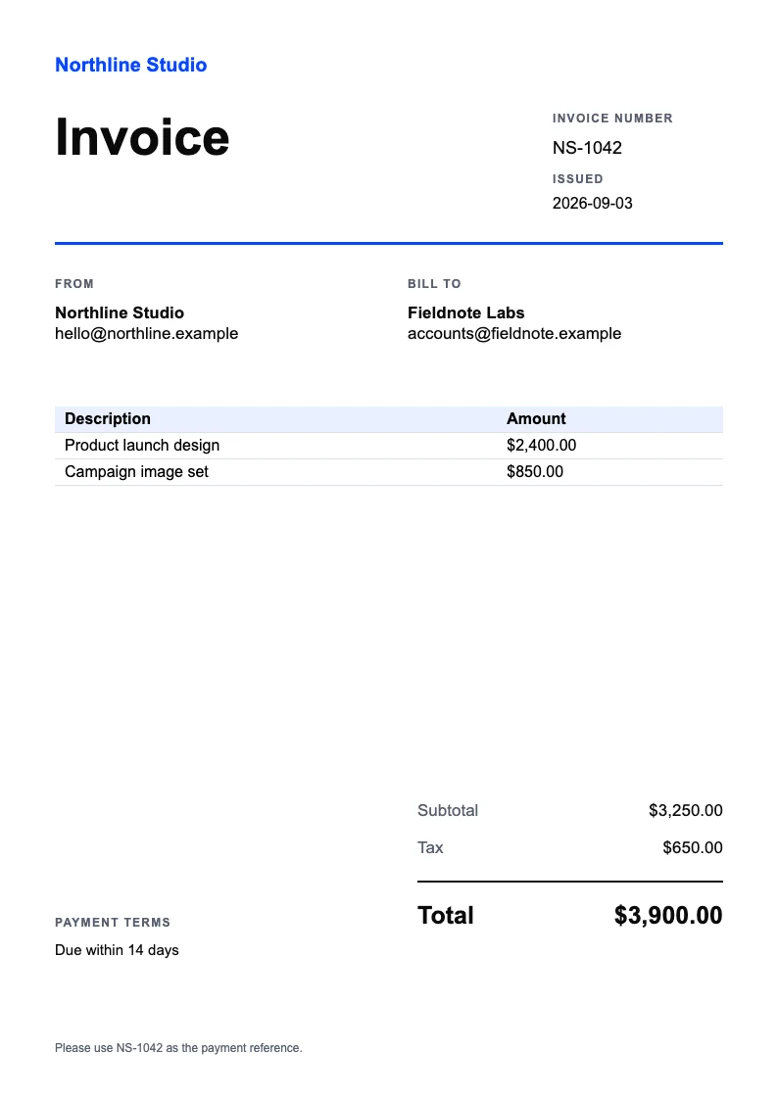
client-invoice.pdfDownload the PDF free with no account, up to 5 a day. Sign up free to save your design. You don't need a card.
Get 50 free creditsWatch how
The job's done, so let's use an invoice generator and get you paid. You type the client and the line items, and you get a finished A4 PDF.
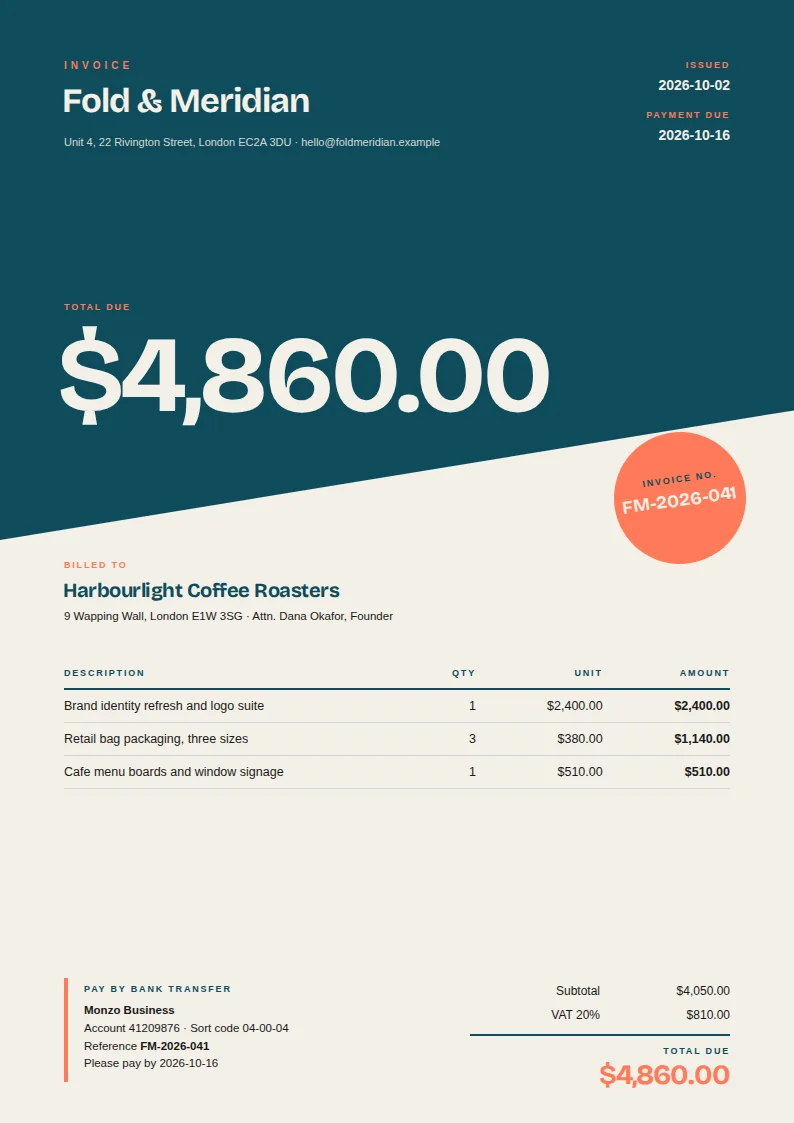
There are five invoice designs here. Pick the Design studio one if you'd like your total to stand out.
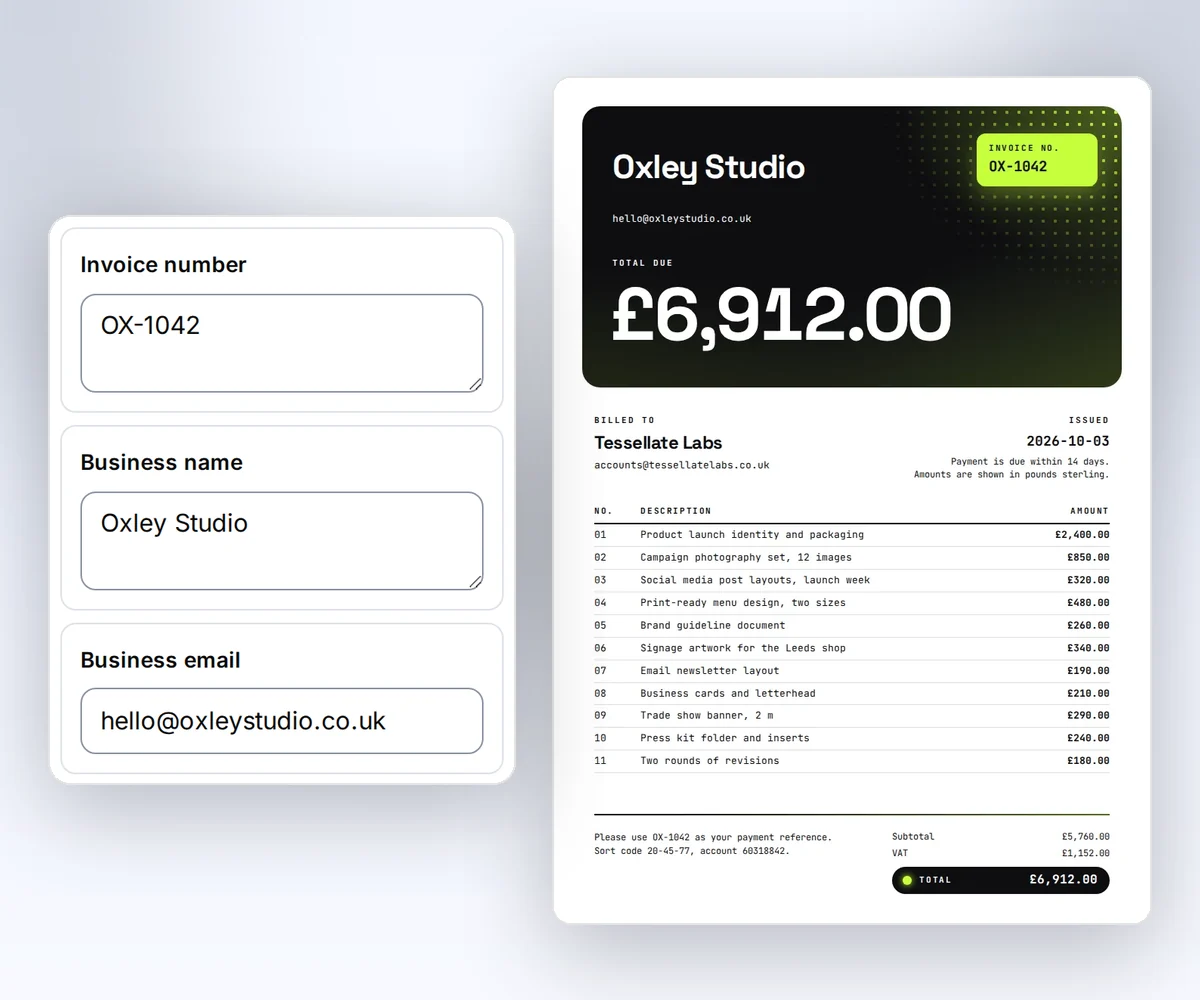
Your studio name and address go at the top, then the client you're billing. Give it an invoice number too, and a due date, so they know when to pay you.
Next come the line items: what you did, how many, and the price for each. This design fits up to eight. Just one thing... the generator doesn't add up the totals, so check your sums before you make the file.
Want it in your brand? Type your colour codes in the last three boxes. Click Download your PDF, and out comes your invoice in plum and pink. It's free, with no watermark, and you don't need an account.
Come November, there's no need to build it again. Save the design once, and next month's invoice is only a new client, new items, and new totals.
Make this month's invoice at thirds.ai.
See a sample
Pick the design that fits how you work, from one bold total for a single job to a long list of hours and parts. Whoever you bill, the invoice reads the same way.
How it works
Pick one of five invoice designs, type who you're billing and what for, and download your invoice as an A4 PDF. An invoice from a word processor looks like everyone else's, and the table breaks when you add a line. These designs were made for invoices, so the lines stay neat and the total stays on the page. Once the design is yours, your AI assistant can take the hours or the order from your chat and send the invoice back finished.
Click one of the five invoice designs at the top of the form. To see it in your own colours, click Your brand, type your website address, and click Find my brand.
Type in your business, the client, and each line of work with its price. Click Add item for more lines, then type the totals from your books.
Click Download your PDF, and the A4 PDF is yours. You don't need an account.
Do more with thirds.ai
A free tool does one job on one file. thirds.ai puts your brand on a designer-made look in one step, and then your AI assistant or a spreadsheet can make the files for you.

Choose a template from the gallery, or have AI build one from a sentence or a picture you upload. Your logo, colours, and fonts go on in one step.
Set up your brandTell it what you need in plain words, and the finished PDF or picture lands in the chat, in your design and ready to send.
Connect your AIGot a list? Upload a spreadsheet, and each row comes back as its own finished file in your design, all of them in one ZIP.
Make a batchYes. Without an account, you get the finished PDF free, up to 5 a day. Signed in, a PDF uses one of your 50 free credits. Opening the page never spends a credit.
Up to 12 on four of the designs, and up to 8 on the design with the big total. A long description is trimmed to fit its line.
No. You type the subtotal, the tax, and the total from your books, and they print on the invoice as you typed them.
Who's billing, who pays, an invoice number and date, each line of work with its price, and the total with how to pay it. Every design here has a place for each one, so nothing gets left off.
Yes. Click Your brand, type your website address, and click Find my brand. Your logo and colours land on the invoice right there. Save the design to add your own fonts too, and every invoice after that comes out in all three.
Yes. Save the design and connect your assistant to thirds.ai. Then tell it the hours or the order, and the invoice PDF comes back in your design with your logo on it. Connect ChatGPT or Claude.
Free tools
Click Download your PDF, and your invoice is on its way. The sooner it's out, the sooner you're paid.
Free to start. No card needed.