
Free proposal template
Type the client, the work, and your price, and download a one-page proposal PDF.
Free to try
Make a certificate PDF online for free. Pick one of five designer-made certificates, type the learner's name, the course, and the date, and download an A4 PDF with your logo and colours on it.
Choose a design
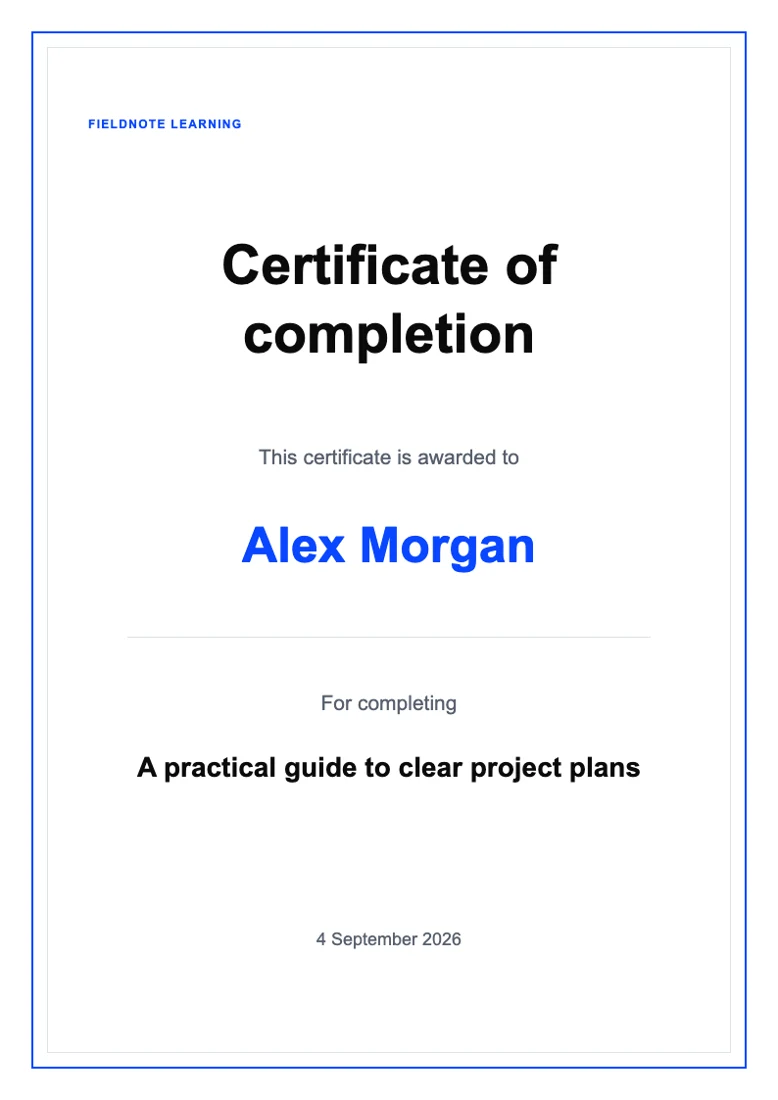
completion-certificate.pdfDownload the PDF free with no account, up to 5 a day. Sign up free to save your design. You don't need a card.
Get 50 free creditsWatch how
A certificate PDF, logo and all, made right in your browser. This one's Rosa's, and you're about to make yours.
Say you run a weekend bread course. Rosa's last loaf is cooling on the rack, and she's earned this. Let's make hers, from scratch.
Under Choose a design, there are five: three portrait, two landscape, and a designer made every one. Rosa's getting the portrait course certificate.
Now make it yours. Click Your brand and type your website, and Find my brand puts your logo and colours on all five designs at once. You don't even sign in.
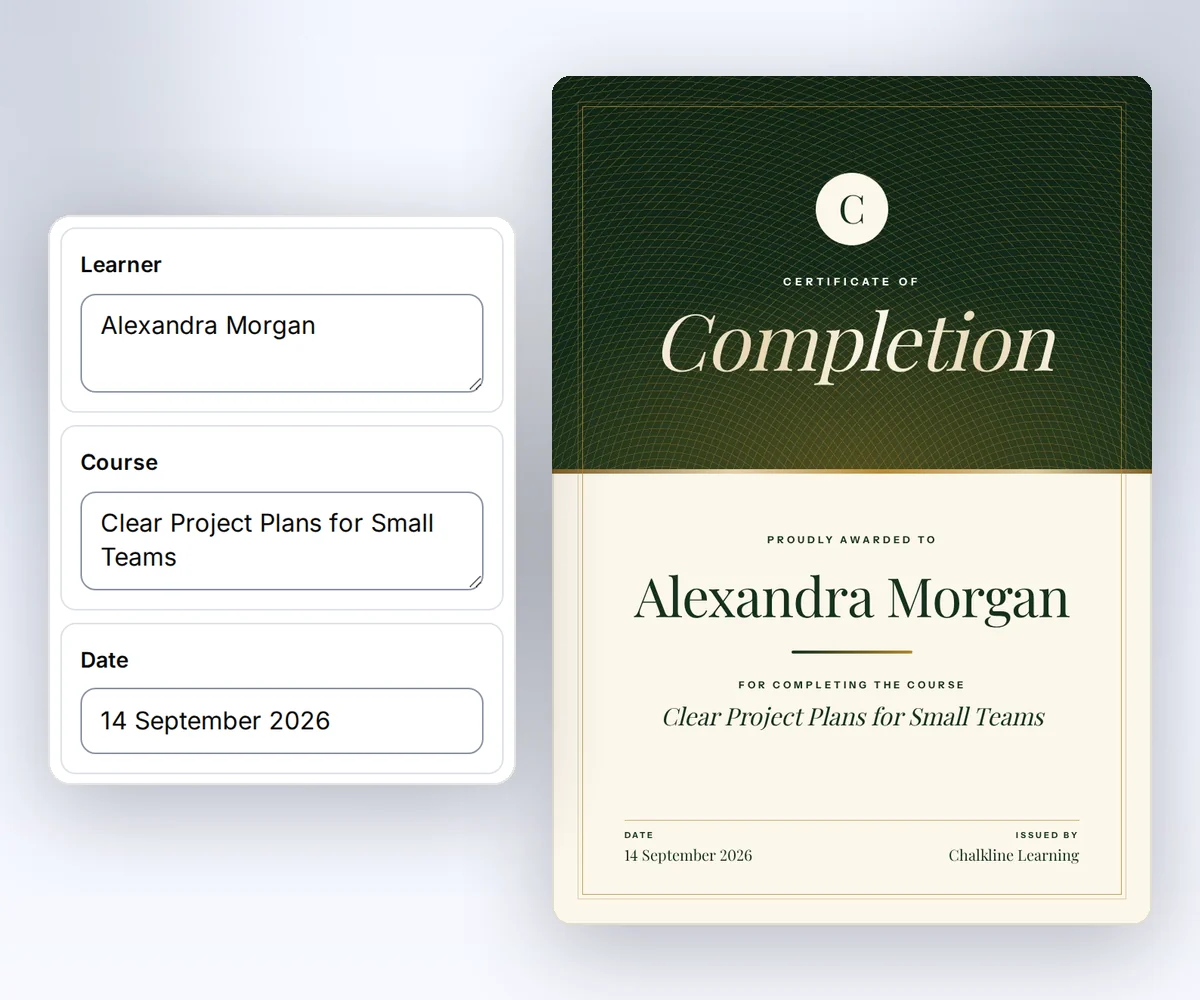
Next, fill in the details: your school as the issuer, then Rosa, her course, and the date. Watch the certificate. It changes as you type.
Click Download your PDF, and there's Rosa's: a free A4 PDF, ready to print or send her tonight.
And the rest of the class? Save the design on thirds.ai, add one row per learner in a CSV file, and out comes a certificate for every name. The whole class, in one go.
Rosa's got hers. Your learners are next. Make theirs at thirds.ai!
See a sample
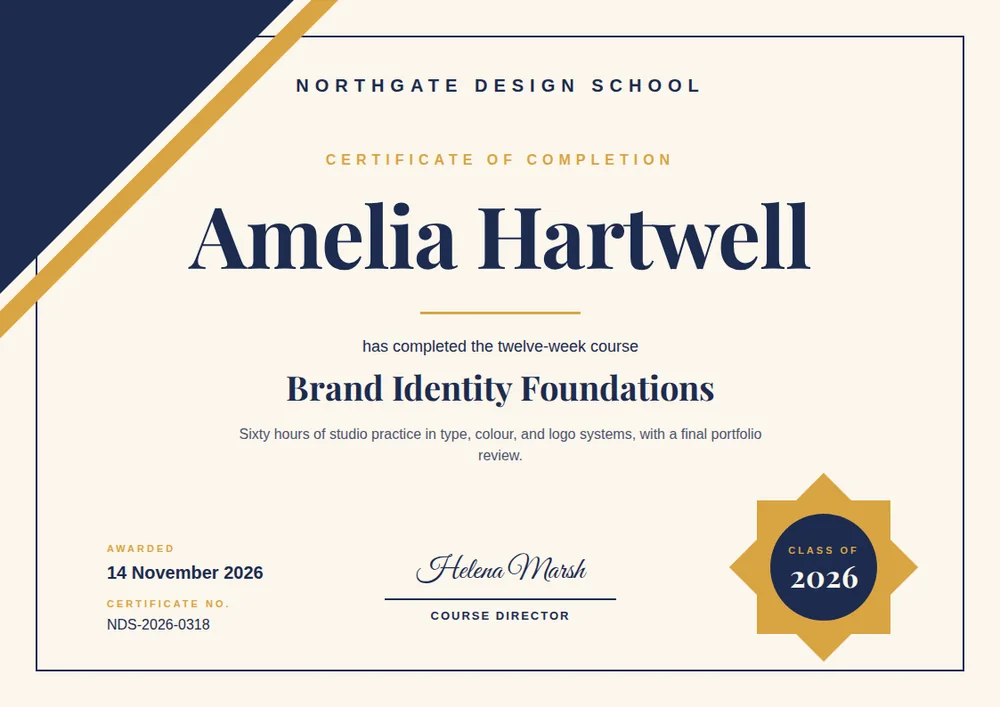
Pick the design that fits the occasion. The portrait course certificate puts the learner's name in large type under the course title. The landscape workshop certificate adds a gold seal, a certificate number, and a line for the signer's name and role. The attendance design records the hours and the place, and the achievement design shows the score. A designer made each one, so it looks like a proper certificate without any design work from you.
How it works
Pick one of five certificate designs, type the learner's name, the course, and the date, and download the certificate as an A4 PDF, in portrait or landscape. Click Your brand, type your website address, and click Find my brand, and your logo and colours go on the certificate before you download, with no sign-in. Got a whole class? Save the design on thirds.ai, add each learner as a row in a CSV file, and you get one certificate PDF for each name.
Under Choose a design, click one of the five certificates: three portrait pages and two landscape. To see it in your own colours, click Your brand, type your website address, and click Find my brand.
Type your school or team as the issuer, then the learner's name, the course, and the date. The workshop design also takes a certificate number and the signer's name and role. The attendance design asks for the participant, the event, the hours, and the place, and the achievement design adds the score.
Click Download your PDF, and the A4 PDF is yours to print or send to the learner. You don't need an account.
Do more with thirds.ai
A free tool does one job on one file. thirds.ai puts your brand on a designer-made look in one step, and then your AI assistant or a spreadsheet can make the files for you.

Choose a template from the gallery, or have AI build one from a sentence or a picture you upload. Your logo, colours, and fonts go on in one step.
Set up your brandTell it what you need in plain words, and the finished PDF or picture lands in the chat, in your design and ready to send.
Connect your AIGot a list? Upload a spreadsheet, and each row comes back as its own finished file in your design, all of them in one ZIP.
Make a batchYes. Without an account, you get the finished PDF free, up to 5 a day. Signed in, a PDF uses one of your 50 free credits. Opening the page never spends a credit.
Yes. Click Your brand, type your website address, and click Find my brand. Your logo and colours land on the certificate right there, with no account. Save the design to use your own fonts too.
Save the design, then open Batches and upload your class list as a CSV file. You get one certificate PDF for each row, and you download them all in one ZIP file. Each certificate uses one credit, and the Free plan takes up to 10 names in each batch.
Who issued it, the learner's full name, the course or event, and the date. A formal one adds a certificate number and a signature with the signer's role, so someone can check it later. Every design here has a place for the first four, and the workshop design adds the number and the signature line.
Yes. Save the design and connect your assistant to thirds.ai. Then give it the names and the course, and each certificate PDF comes back in your design with your logo on it. Connect ChatGPT or Claude.
Free tools
Start from this template, put your logo and colours on it, and make one certificate for each learner, from a class list or from ChatGPT or Claude.
Free to start. No card needed.