
Free Open Graph image generator
Type your page title, and download a link preview image.
Free to try
Free tool
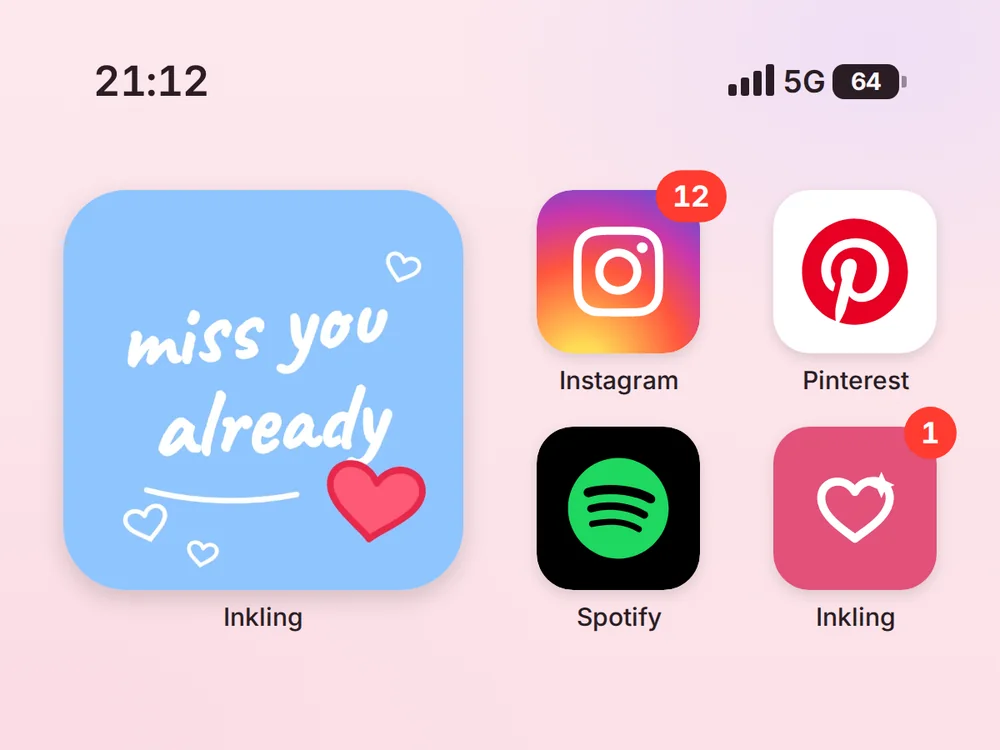
Made for doodle widget apps, and it works for any app. Upload a doodle or a drawing, and it shows up in a big widget on an iPhone home screen, so it looks like a real screenshot from your phone. Set the time, the battery, and your app's name, then download a picture that's ready to post on Threads or Instagram. You don't need a real phone, a screenshot, or a photo editor. Sign up free to save it with your own app icon and colours, and every doodle you post will look like part of one series.
Free to start. No card needed.
Choose a design
doodle-widget-home-screen.pngAutomate it
One good post won't grow your app, but a post every day for a month can. Set it up once, and ChatGPT or Claude make the posts for you.
How it works
Under Choose a design, click the home screen you like.
Click Upload a photo and pick your doodle, a photo of a drawing, or a screenshot from a drawing app. Then type your app's name, the time, and the battery.
Click Download your PNG. It's ready to post.
Do more with thirds.ai
A free tool does one job on one file. thirds.ai makes the finished file for you, in a design that's yours, as many times as you need it.

Choose a template from the gallery, or ask your AI assistant to draw one for you. Put your logo, colours, and fonts on it once, and every file after that comes out looking like your business made it.
Set up your brandTell it what you need in plain words, and the finished PDF or picture lands in the chat, in your design and ready to send.
Connect your AIGot a list? Upload a spreadsheet, and each row comes back as its own finished file in your design, all of them in one ZIP.
Make a batchYes. Click Upload a photo and pick a JPEG, PNG, or WebP from your phone or computer. A photo of a drawing on paper works, and so does a screenshot from a drawing app. The picture fills the widget, so a square doodle fits best.
Yes. Each icon is drawn to match the real app, such as Instagram, Spotify, TikTok, WhatsApp, and Netflix, with red badges like on a real phone. Each design shows a different set of apps. Each app's name and icon belong to that app's owner.
Yes. Click Your brand and add your logo, and it becomes your app's icon on the home screen, in your colours.
The pink, dark, and mint designs are 1200 × 900 pixels, the square design is 1080 × 1080, and the large widget design is 1080 × 1350. All of them post well on Threads and Instagram. You can download a PNG, JPEG, or WebP.
Yes. Type any time from 0:00 to 23:59, such as 21:12, and a battery level from 0 to 100.
Yes, for home screens. You don't need to sign up, and you can make up to 5 a day.
Yes. You can make up to 5 pictures a day on this page with no account. A free account gets 50 credits a month, and one picture uses one credit. Opening the page never spends a credit.
Free tools
Posting a doodle every day? Sign up free, and ChatGPT or Claude can make each new home screen for you when you ask in plain words. It comes out with your app icon and colours already in place.