HTML to image

Turn your HTML into a picture you can post.

Write it once as HTML, then get it back as a PNG, JPEG, or WebP at the size you ask for. Social cards, ad images, and report previews come out with your fonts, colours, and layout in place.

  • 25 free credits every month
  • No card needed
  • Failed renders cost nothing
A wide newsletter sign-up image with the newsletter name, one benefit line, and a sign-up box, 1200 by 628 pixelsHTML
newsletter-signup-ad.webp, 1200 × 628, made from HTML

One request

Send HTML, get an image back.

Post your HTML with the format and size you want. The response holds a signed download link, or a webhook tells your server when the file is ready.

POST /v1/image
curl --fail-with-body --silent --show-error https://thirds.ai/v1/image \
  -H 'Authorization: Bearer YOUR_API_KEY' \
  -H 'Content-Type: application/json' \
  -H 'Idempotency-Key: YOUR_UNIQUE_IMAGE_REQUEST' \
  --data '{"html":"<h1>Quarterly report</h1><p>Ready to share.</p>","image":{"format":"png","width":1200,"height":630},"wait":false}'
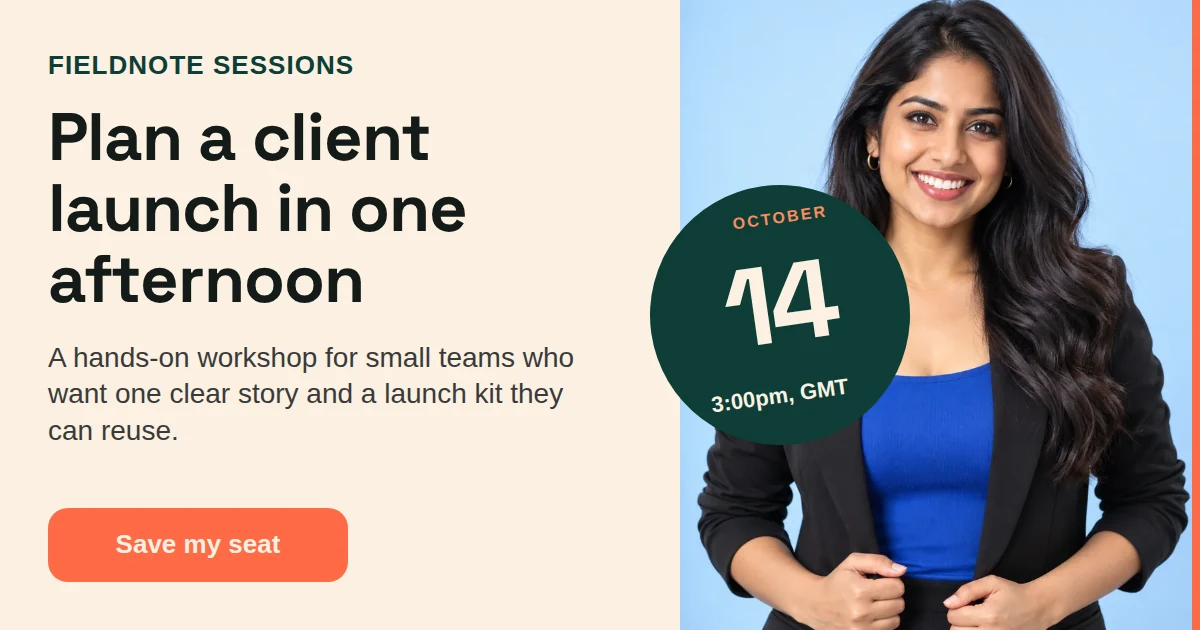
The finished event promo image with a date, a place, and a bold headlineHTML

This image was made by this API from the event promo gallery template.

Real files

Three templates, three formats, all made by this API.

Each file below came from a different gallery template through one POST /v1/image request. Open each one to see the real output, and open the source to see the HTML that made it.

What you control

Size, format, and quality.

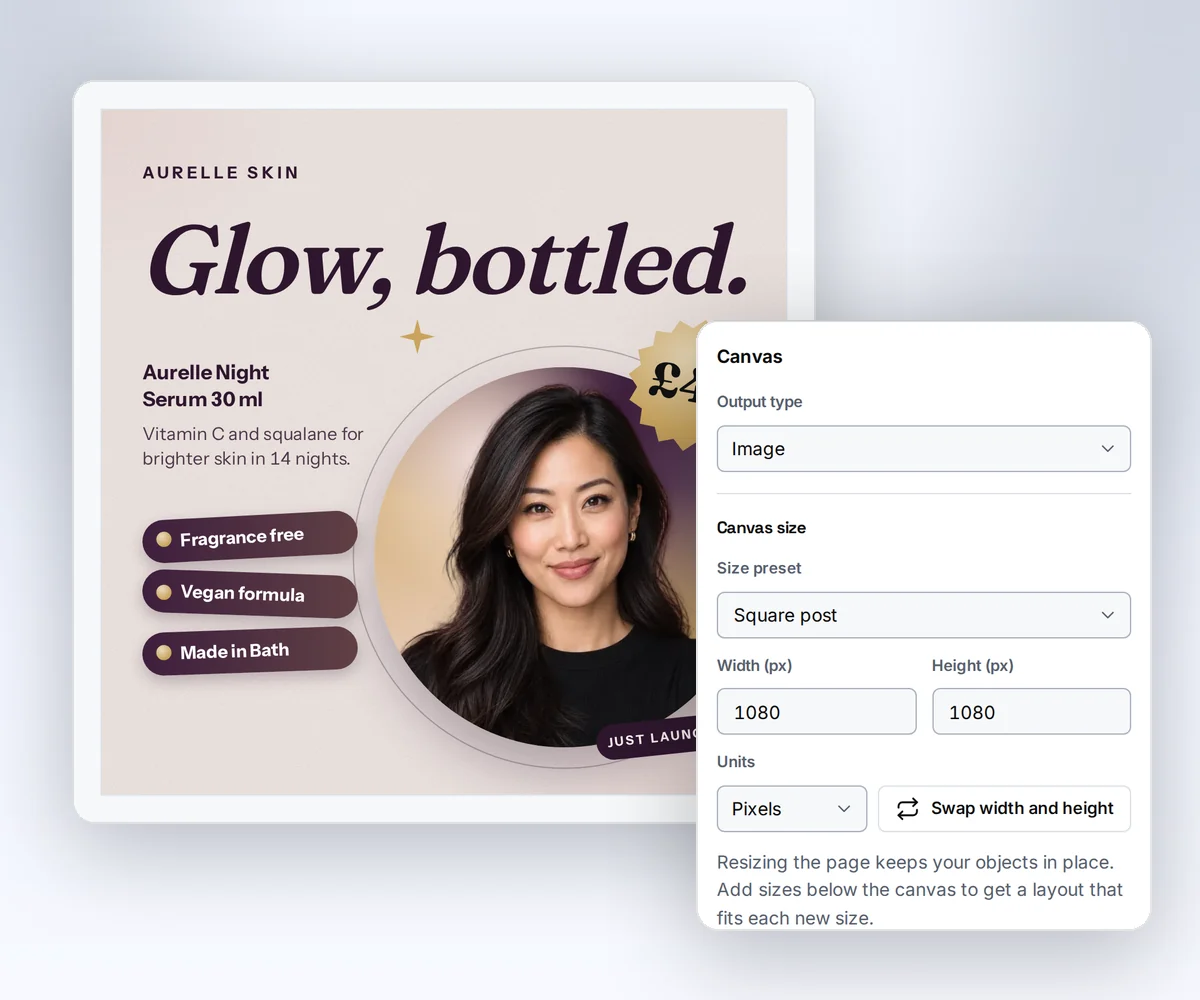
Set the options in the image object of the request. The defaults make a 1280 × 720 PNG, so you only change what you need. The size sets the canvas; a template holds one layout, so there is no automatic resizing for a new shape.

Formats
PNG, JPEG, and WebP
Width
320 to 7680 pixels
Height
200 to 4320 pixels
Default size
1280 × 720
Quality
1 to 100 for JPEG and WebP
Transparent background
PNG and WebP
Credits
One credit per finished image
Files kept
30 days after each render

How it works

Three steps to a finished image.

  1. The editor's HTML start with a code box where you paste your own HTML

    Send your HTML

    Paste it in the editor, or send it from your app with one request.

  2. The editor with a square image template on the canvas at its exact pixel size and the properties panel open

    We render it

    A real browser lays out your page at the exact width and height you asked for.

  3. The Renders list with finished images, each with its format, size, and a download link

    Download the picture

    Get the file from a signed link, or let a webhook tell your server it is ready.

Templates with data

Save the design once, make a new image every time.

A saved template holds the HTML. Each request sends only the data, so a product card or a social post comes out matching every time.

  • Fields like {{ product_name }} fill from your JSON.
  • Set the width and height on each export. A new shape needs its own layout in the template.
  • Add a brand kit and the logo, colours, and fonts follow.
A square product spotlight image with a product photo, a name, and a price

Start from a real template

Copy an image template and make it yours.

Good to know

Plain limits, so nothing surprises you.

  • An image can be up to 7680 × 4320 pixels. Ask for a smaller size if you only need a preview.
  • Images and fonts must load from public web addresses. Private and local addresses are blocked.
  • JPEG cannot hold a transparent background. Use PNG or WebP when you need one.
  • The renderer stops scripts that run for too long or use too much memory. The render fails and you are not charged.
  • We keep each finished file for 30 days. Download your own copy before then.

Questions

Before you start.

Which size should I use for social cards?
Most link previews use 1200 × 630. Square posts use 1080 × 1080, and stories use 1080 × 1920. All three fit inside the limits.
Does it work with CSS and web fonts?
Yes. A real Chromium browser lays out your page, so grid, flexbox, and web fonts all work the way they do on the web.
Can I get a PDF from the same HTML?
Yes. Send the same HTML to the PDF route and you get a document instead of a picture. The HTML to PDF page shows how.
How fast is it?
Most images finish in a few seconds. Use wait or poll the job to get the result, or let a webhook call your server.

Start now

Your first image is free.

Sign in, paste some HTML, and download the picture. The free plan includes 25 credits every month.