
Free Instagram and social media image resizer
Fit a finished picture to Instagram, LinkedIn, X, or any size you type.
Runs in your browser
Free tool
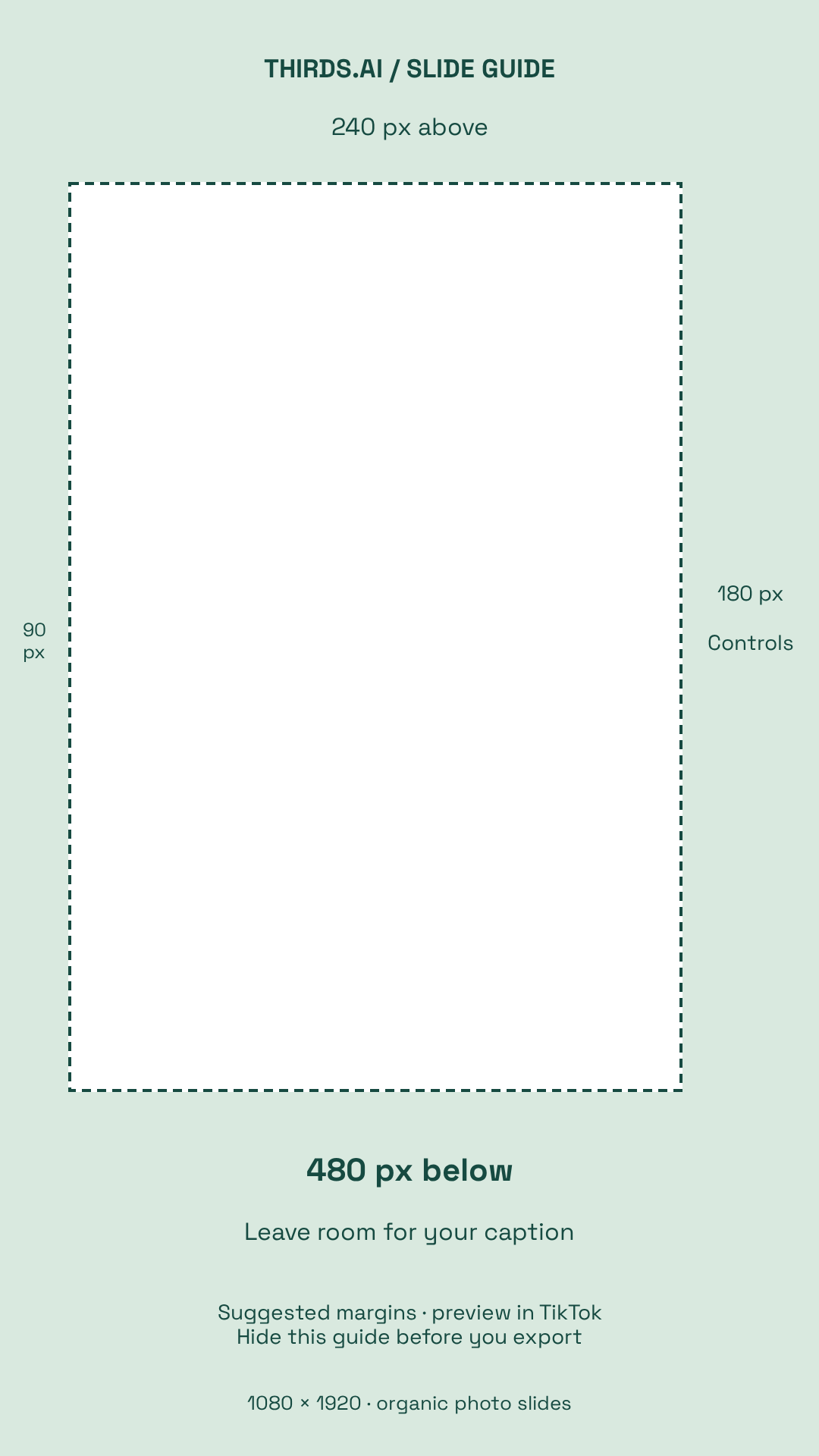
A TikTok safe zone is the part of your slide that TikTok's buttons and caption don't cover. Download our free 1080 × 1920 guide as a PNG or an editable SVG, or open it in the thirds.ai editor, and keep your words and faces inside the clear area. On thirds.ai, you can save a slideshow design with your colours and fonts and type new words for each post. When your slides are ready, see how to make a slideshow on TikTok, or pick a story from our TikTok slideshow ideas for app marketing.
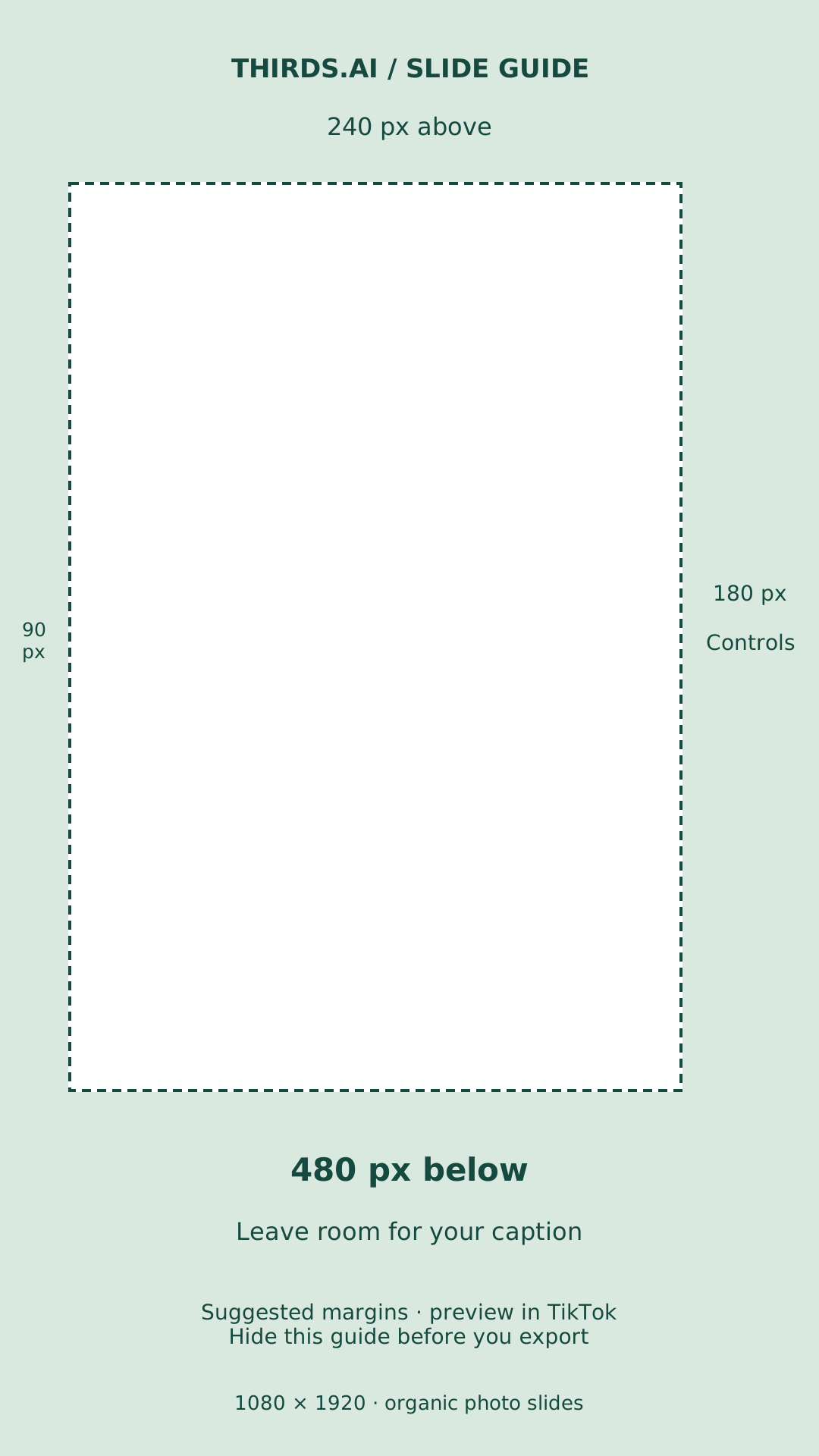
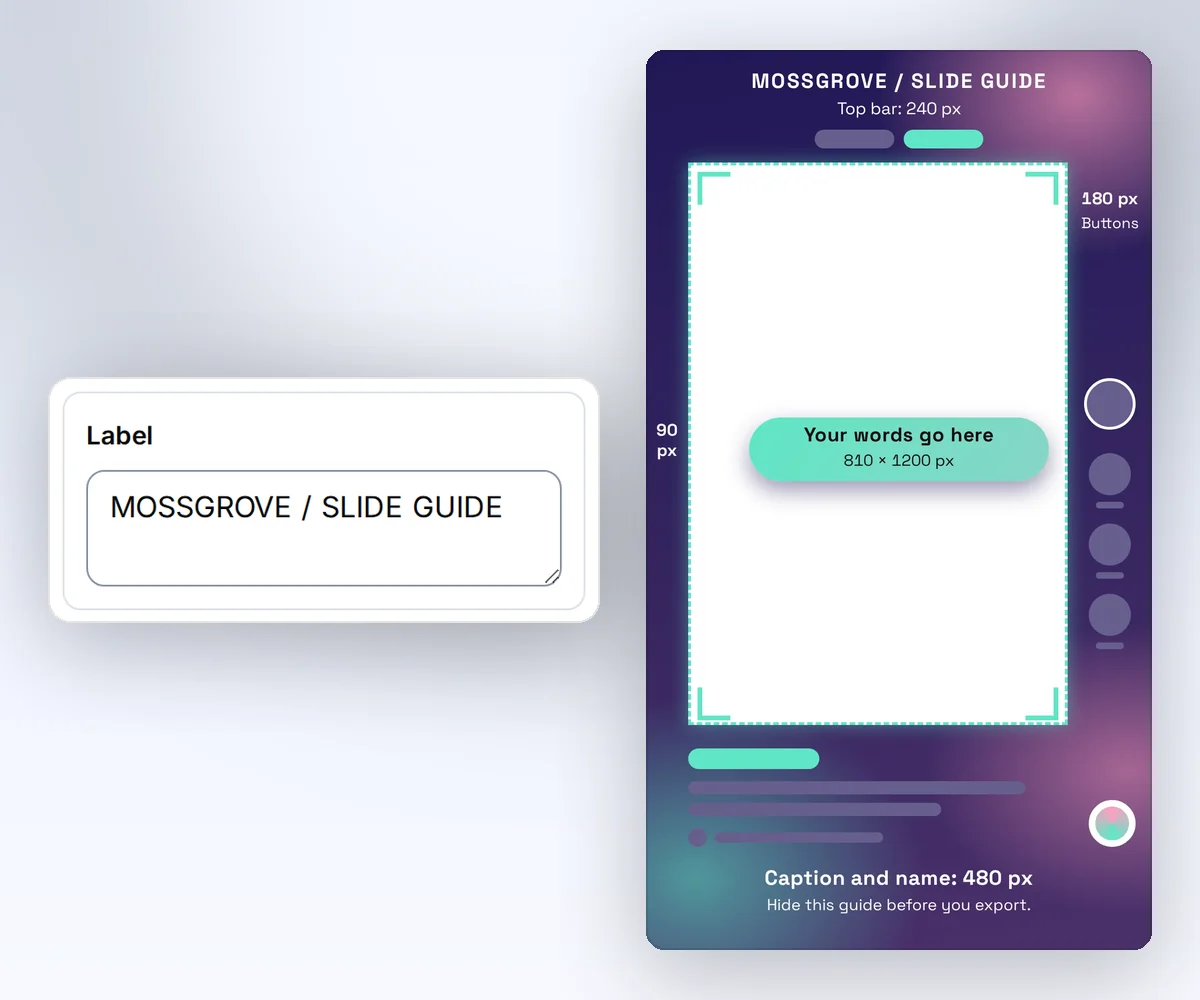
For organic photo slides at 1080 × 1920, we suggest 240px top, 480px bottom, 90px left, and 180px right. That leaves an 810 × 1200 content area. These aren't official TikTok measurements, so check your caption and controls in TikTok before posting.
Free download
Put your words, logo, and faces inside the clear centre of the guide, where TikTok's buttons and caption won't cover them. Let background colours and photos fill the whole slide, right to the edges.
In thirds, add your words and photos, then hide the safe zone guide group before you export. Check your caption and controls in TikTok's post preview.
Buying ads? Use TikTok's ad safe zone guidance for your format. Ad cards need different margins.
Watch how
Here's how to use a TikTok safe zone template, so TikTok's buttons and caption never cover your words!
Open the free template, and click Edit in thirds. Sign in free, and the guide opens right in our editor. Or download the PNG or SVG for your own design app.
Now put your words, your logo, and any faces inside the green outline. That's an 810 by 1200 pixel area. Photos and colours can still fill the whole slide, right to the edges.
Then hide the guide, and export your slide. One last check: these margins are our suggestion, not TikTok's official numbers, so preview your post in TikTok with its real caption.
That's the free part. But hey, if you post a slideshow every week, you don't want to line up every slide by hand! thirds.ai has TikTok slideshow templates, and this one keeps its words inside the safe zone already. Type your new words, swap the photo, and you've got five finished slides for next week, for one credit a slide.
Grab the free guide, and make your next slideshow at thirds.ai!
See a sample
Put your words, logo, and faces inside the clear centre of the guide, where TikTok's buttons and caption won't cover them. Let background colours and photos fill the whole slide, right to the edges.
How it works
Click Edit in thirds to start with the guide in the editor. Or download the PNG or SVG for your own design app.
Place your words, logo, and the main part of each photo inside the green outline. That clear area is 810 × 1200 pixels.
In the thirds.ai editor, hide the guide before you export. In another app, hide the overlay. Preview your post in TikTok with your caption before you publish.
Do more with thirds.ai
A free tool does one job on one file. thirds.ai makes the finished file for you, in a design that's yours, as many times as you need it.

Choose a template from the gallery, or ask your AI assistant to draw one for you. Put your logo, colours, and fonts on it once, and every file after that comes out looking like your business made it.
Set up your brandTell it what you need in plain words, and the finished PDF or picture lands in the chat, in your design and ready to send.
Connect your AIGot a list? Upload a spreadsheet, and each row comes back as its own finished file in your design, all of them in one ZIP.
Make a batchNo, this TikTok safe zone template isn't an official TikTok file. It's a thirds.ai guide with suggested margins for organic photo slides. TikTok's controls, captions, and screen sizes can change, so check your post before publishing.
The PNG is 1080 × 1920 pixels with a transparent centre. The suggested content area is 810 × 1200 pixels, starting 90 pixels from the left and 240 from the top.
For paid ads, use TikTok's guide for your chosen ad format. Captions, buttons, and download cards change the space available. Our guide is for planning organic photo slides.
We made the guide for photo slides, but you can place the PNG over a 1080 × 1920 video in your video editor too. Hide it before you export, then check your video with its caption in TikTok's preview.
Yes. Click Edit in thirds and sign in with a free account. The guide opens in the editor as your own template. Add your words and photos, hide the guide, and click Export. Your design stays saved, so next time you only swap the words and photos.
Only if you leave the guide visible. Hide or remove the overlay before you download your finished slides.
Free tools
Start with a slideshow template, add your own photos and words, and save it so your next post starts from the same design.