
Open Graph images
A link preview card for every page, from one template.
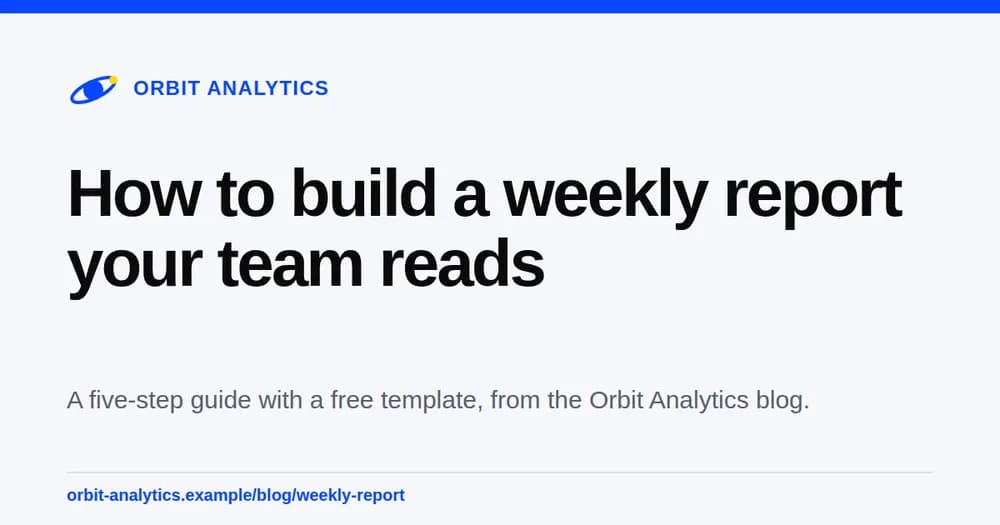
Copy the Open Graph card template, put your own words and logo on it, and render a 1200 by 630 PNG for each page with one request. The card looks the same on every social site, and your brand kit keeps every one on brand.
- 25 free credits every month
- One credit per finished card
- Copying a gallery template is free
 HTML
HTMLOne request per page
Send the page words, get the card back.
Copy the card template once, then send the site name, the page title, the description, and the page address for each page you publish. The response holds a signed download link, or a webhook tells your server when the file is ready.
curl --fail-with-body --silent --show-error https://thirds.ai/v1/image \
-H 'Authorization: Bearer YOUR_API_KEY' \
-H 'Content-Type: application/json' \
-H 'Idempotency-Key: og-card-workshop-v2' \
--data '{"template_id":"tpl_00000000000000000000000000000000","version":1,"data":{"site_name":"Fieldnote sessions","page_title":"Plan a client launch in one afternoon","description":"A practical workshop for small teams that want one clear story.","site_url":"example.com/workshop"},"image":{"format":"png","width":1200,"height":630},"wait":false}'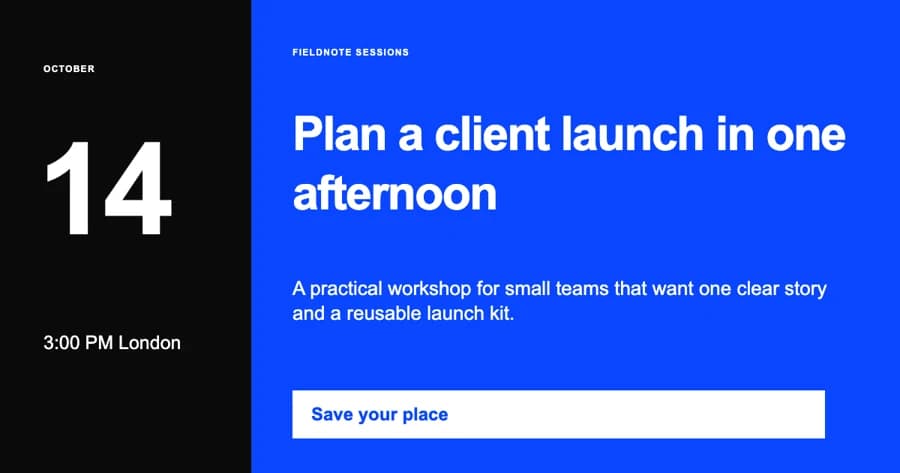 HTML
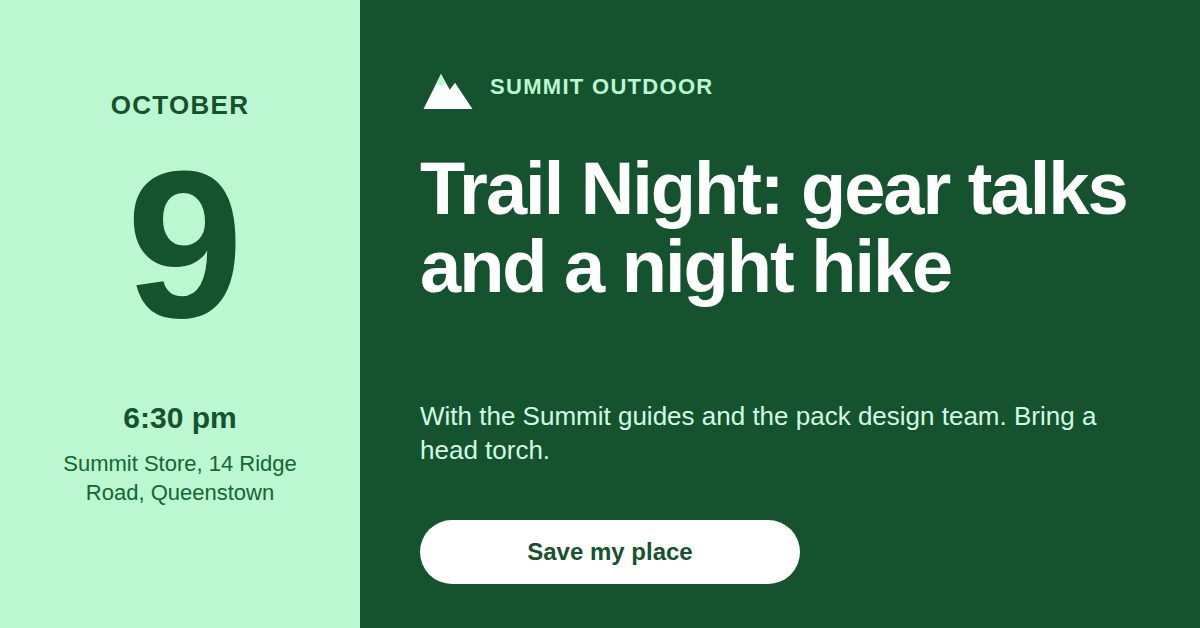
HTMLThe same route made this event card from the Event promo template, which adds a date block for a page about an event.
How it works
Three steps to a card for every page.
Get a card template
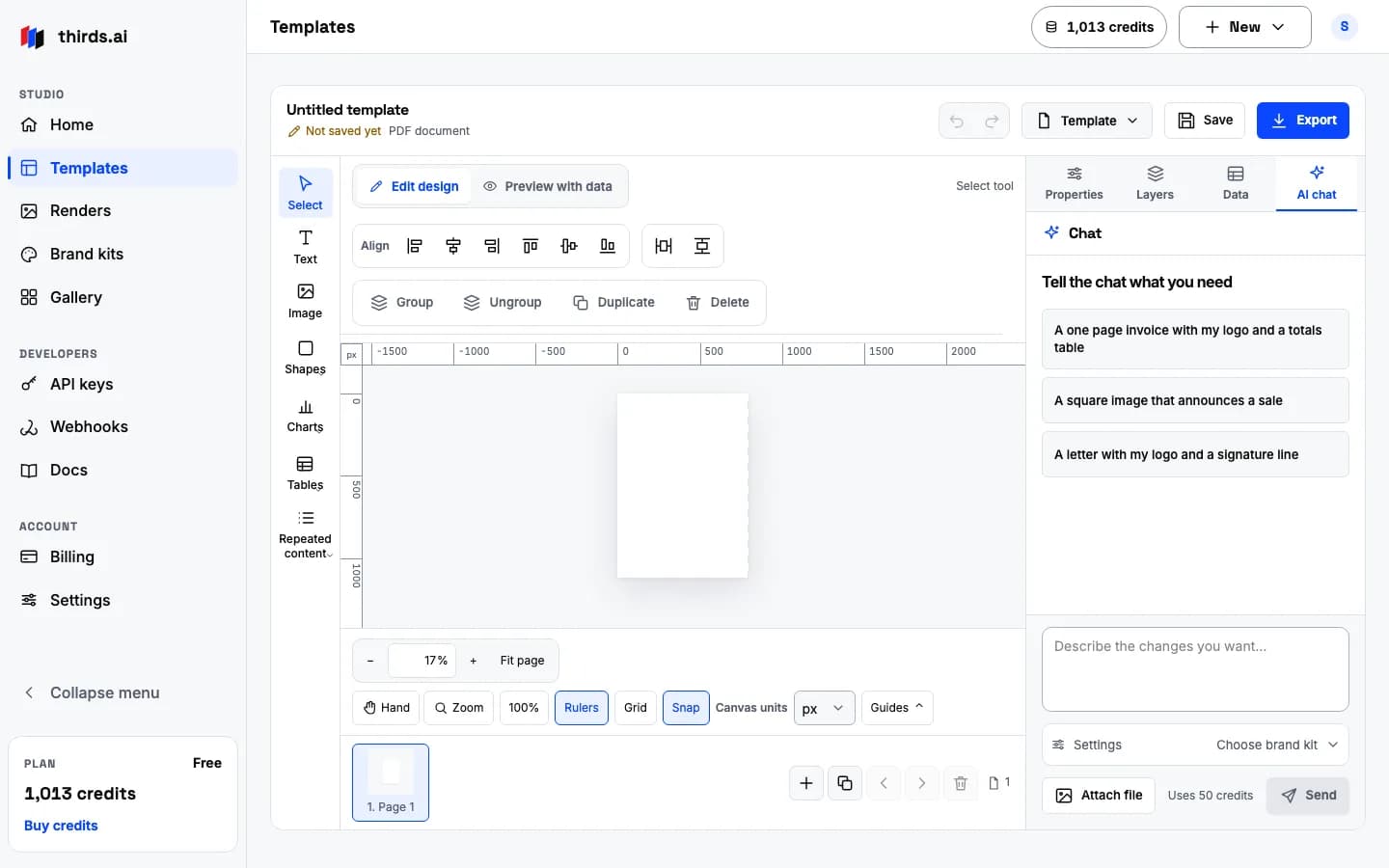
Copy the Open Graph card from the gallery for free, or describe your own card in the AI chat for 50 credits.
Mark the words that change
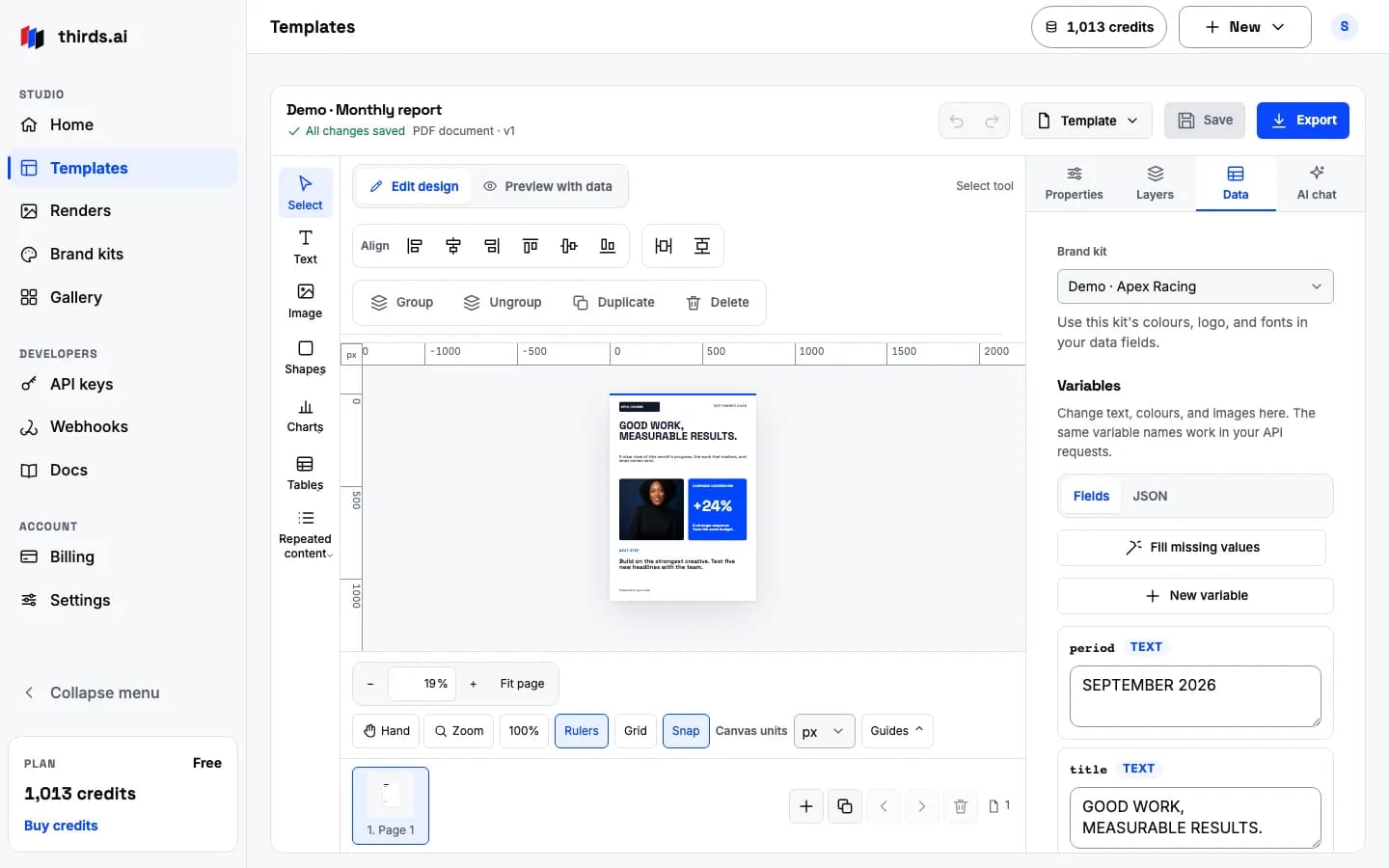
The site name, the page title, and the description are fields. Your logo and colours come from the brand kit, so each page changes only its words.
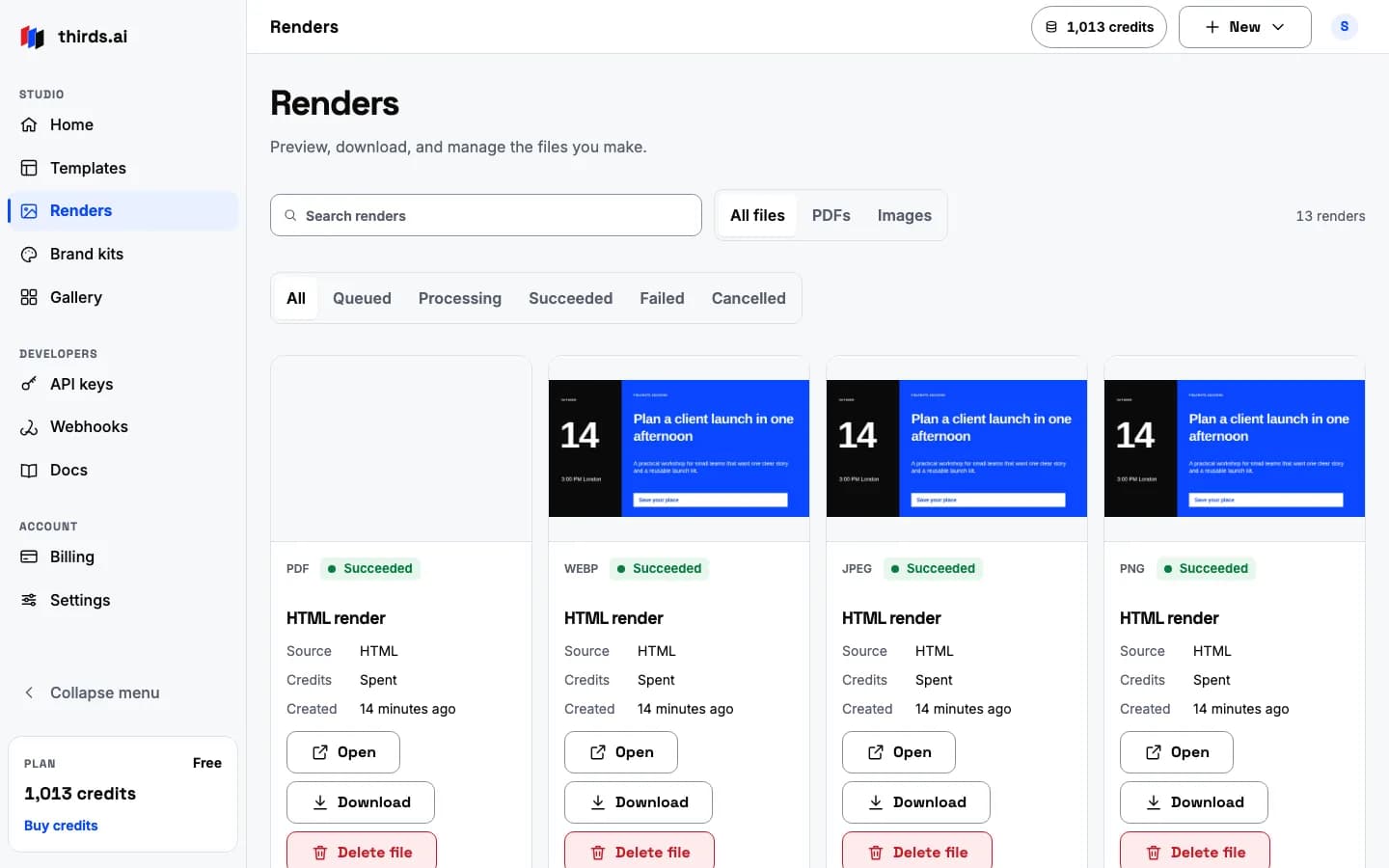
Render one card per page
Send one request per page from your build or your publish hook. Each finished PNG is one credit, and a failed render costs nothing.
Real files
Three card styles in three formats from one route.
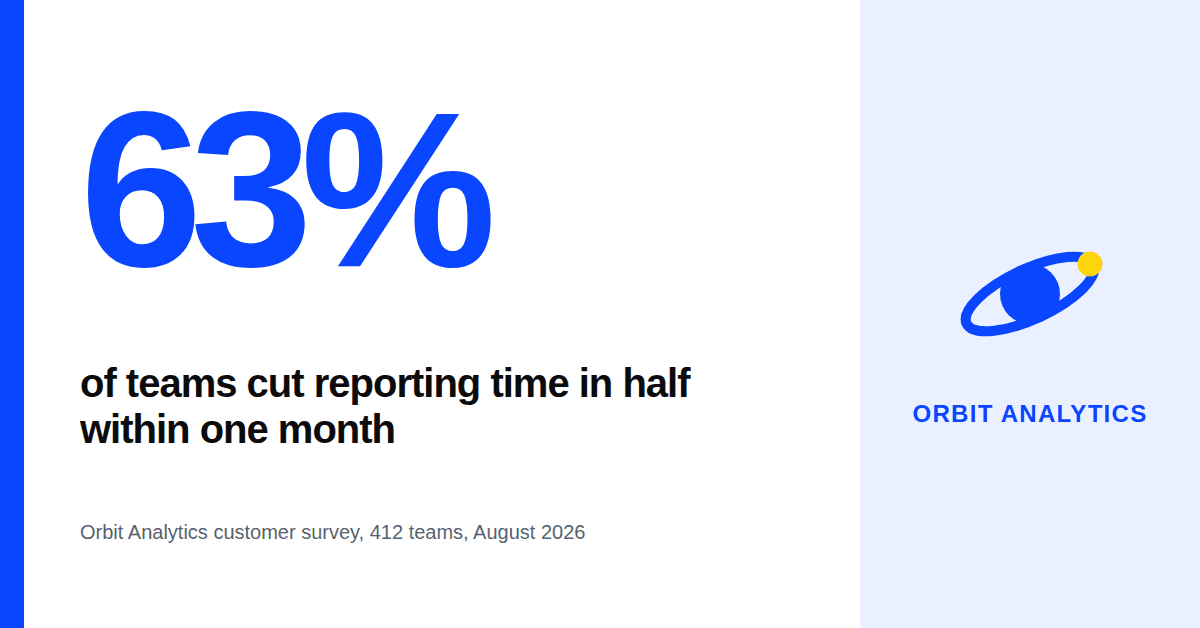
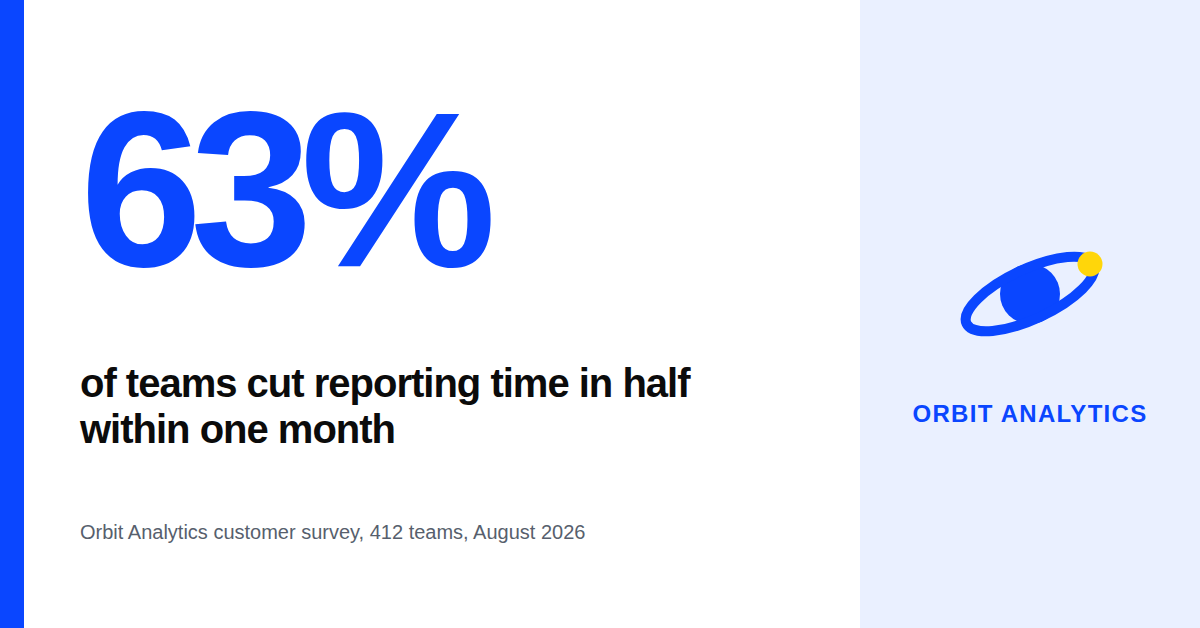
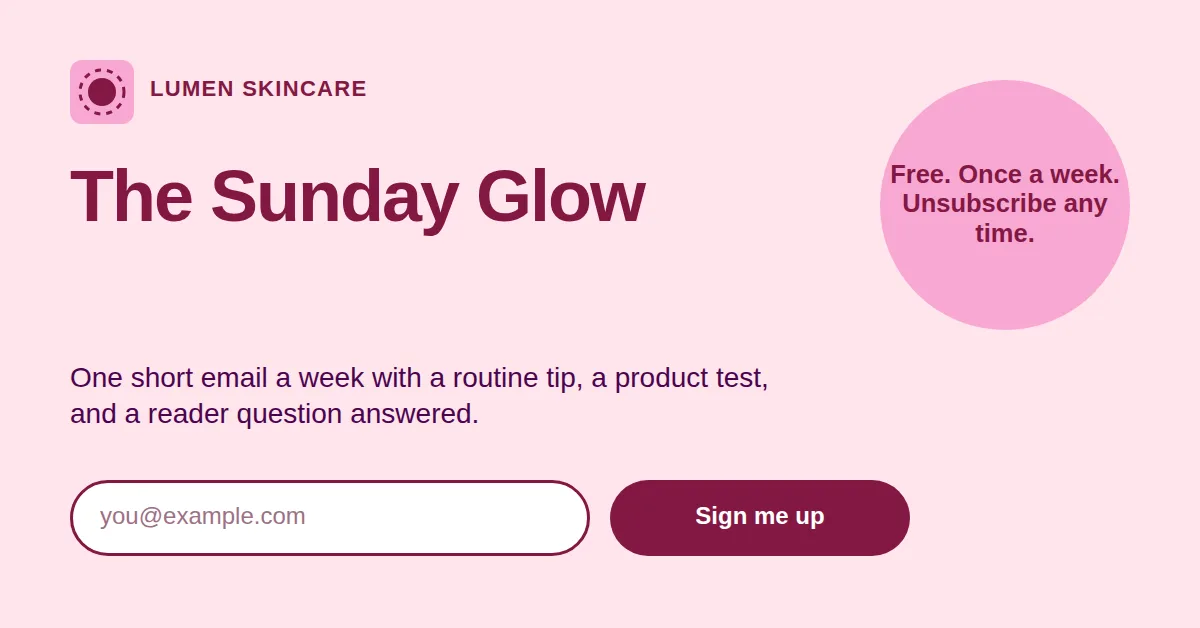
These three files came from three gallery templates through the same image request. Open each one to see the real output at 1200 × 628.
 HTML
HTMLPNG
Sharp text and flat colours. PNG is the safe choice for a link preview, because every social site reads it.
Open the PNG file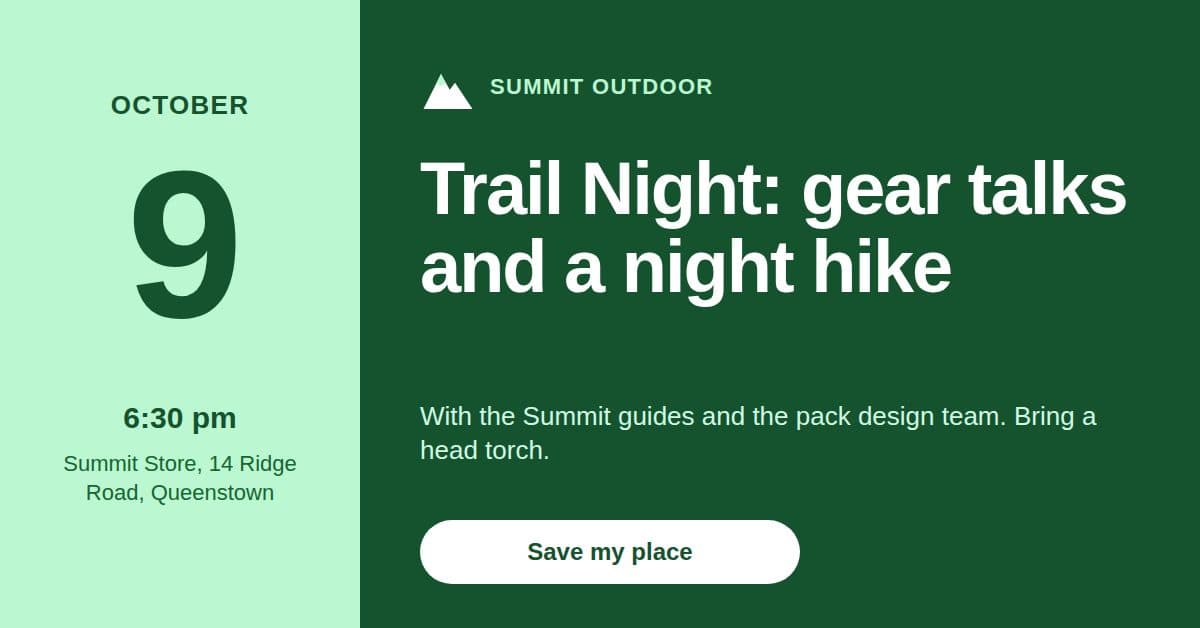 HTML
HTMLJPEG
A smaller file for a card with a photo on it. You set the quality from 1 to 100.
Open the JPEG file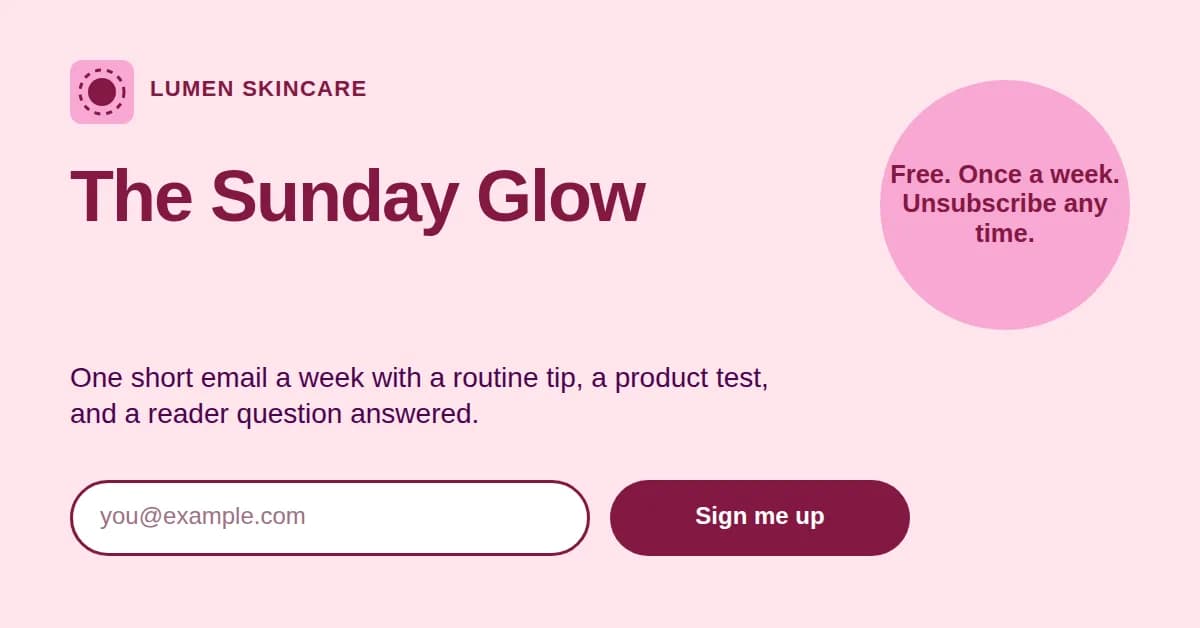 HTML
HTMLWebP
The smallest file. Good for the same card on your own site, where you control the browser support.
Open the WebP file
The tags
What your page needs in its head.
The card only shows when the page points at it. Put these tags in the head of every page, and use an absolute address that starts with https.
- Image size
- 1200 × 630 pixels, about 1.91 to 1
- og:image
- The absolute address of the PNG
- og:image:width and og:image:height
- 1200 and 630
- og:image:alt
- One line that says what the card shows
- og:title and og:description
- The same words you put on the card
- twitter:card
- summary_large_image for the wide card
- Safe margin
- About 60 pixels on every side, because some sites crop
- New picture
- A new file name, so every cache fetches it again
What it costs
One template and a hundred pages.
Credits are the only price. Copying the gallery card is free, an AI build costs 50 credits, and each finished card costs one.
- Build one card template in the AI chat50
- Render a card for 100 pages100
Total150 credits
One $10 pack holds 1,500 credits, so it covers this ten times over. On the free plan, copy the gallery card for nothing and render 25 cards a month.
Good to know
Plain limits, so nothing surprises you.
- A card can be any size from 320 × 200 up to 7680 × 4320 pixels. Link previews want 1200 × 630.
- The signed download link lasts 15 minutes. Save the file to your own storage and point og:image at that copy.
- We keep each finished file for 30 days. The card on your site does not depend on it.
- Images and fonts in the template must load from public web addresses, or come from your brand kit.
- A retry with the same Idempotency-Key returns the same job, so a build that runs twice never pays twice.
- A failed render costs nothing, and 25 free credits reset every month.
Questions
Before you start.
- Why does my new card not show after I change it?
- Social sites cache the picture at its address, sometimes for weeks. Give the new file a new name, such as workshop-v2.png, and every cache fetches it again.
- Can I make the card without saving a template?
- Yes. Send the card HTML in the html field with template fields and a data object in the same request. thirds.ai fills the fields and renders without saving anything.
- Does the card use my logo and colours?
- Yes. Pick your brand kit in the editor, or send brand_kit_id with the request, and the template reads your logo, colours, and fonts.
- How do I run this for every page on my site?
- Call the API from the step that publishes a page. Key each request on the page slug and a hash of its words, so an unchanged page never spends a credit.
- Which format should I use?
- PNG. Every social site reads it, and text stays sharp. Use JPEG only for a card that is mostly a photo.
Go deeper
Everything you need to ship link previews.
- Open Graph images: the complete guideThe size, every tag, caching, and the build step.
- Open Graph images from HTMLMake one card from raw HTML with curl.
- Image optionsFormat, size, quality, and transparency.
- WebhooksLet thirds.ai call your server when a card is ready.
- Brand kitsYour logo, colours, and fonts on every card.
- HTML to imageThe same route for any picture you need.
Start now
Your first card is free.
Sign in, copy the Open Graph card, and render it with your own words. The free plan includes 25 credits every month.