
Brand kits
Set your brand once, and every file matches.
A brand kit holds your name, tone of voice, colours, logo files, and fonts. Pick it in the editor, in the AI chat, or in one API field, and every PDF and image comes out looking like yours.
- 25 free credits every month
- Logo and font files are checked on upload
- One kit works for PDFs and images
See it work
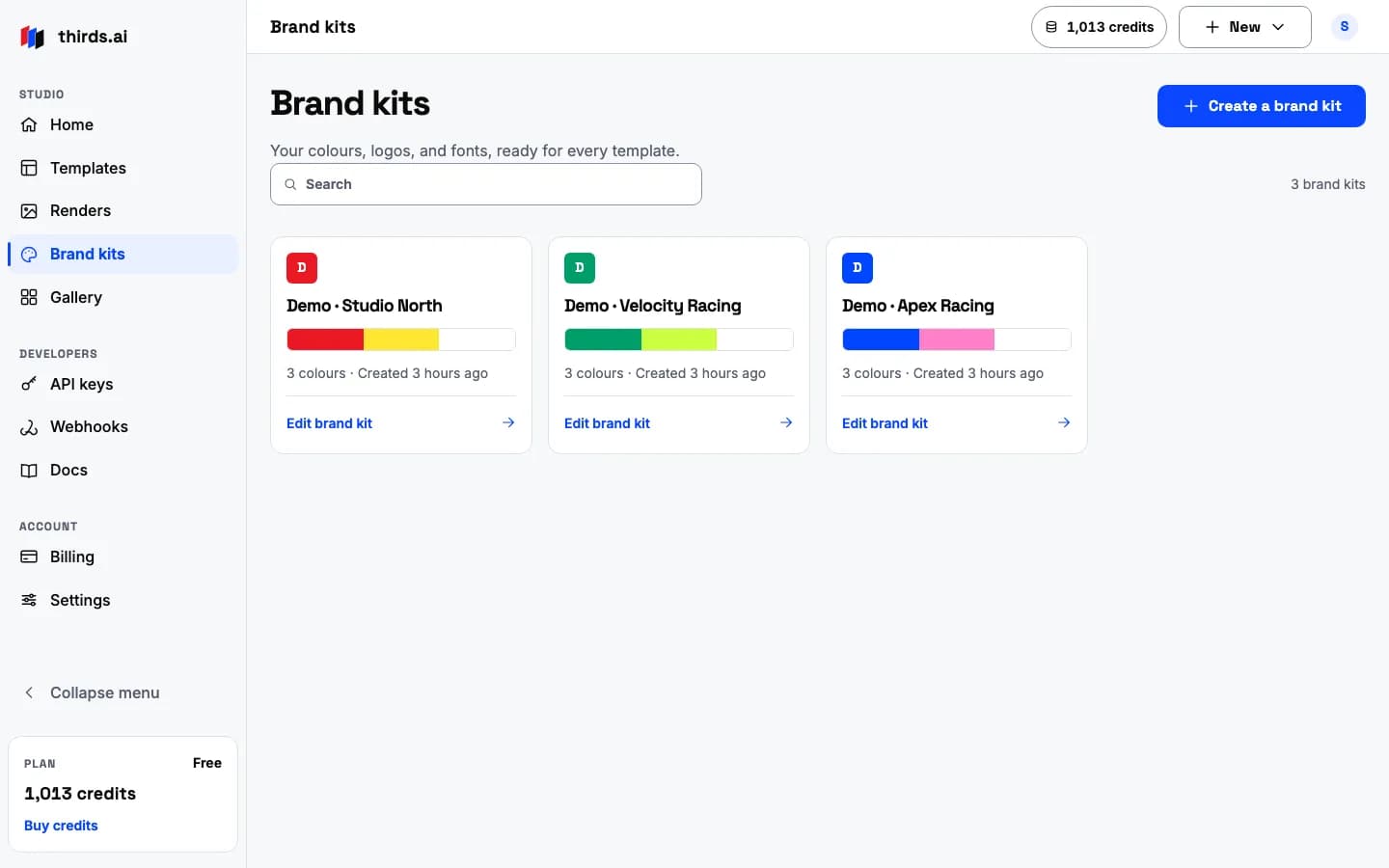
One brand on a PDF and an image.
Pick a colour and watch the same invoice and the same social card change together. That is what a brand kit does to every file you make.
One kit
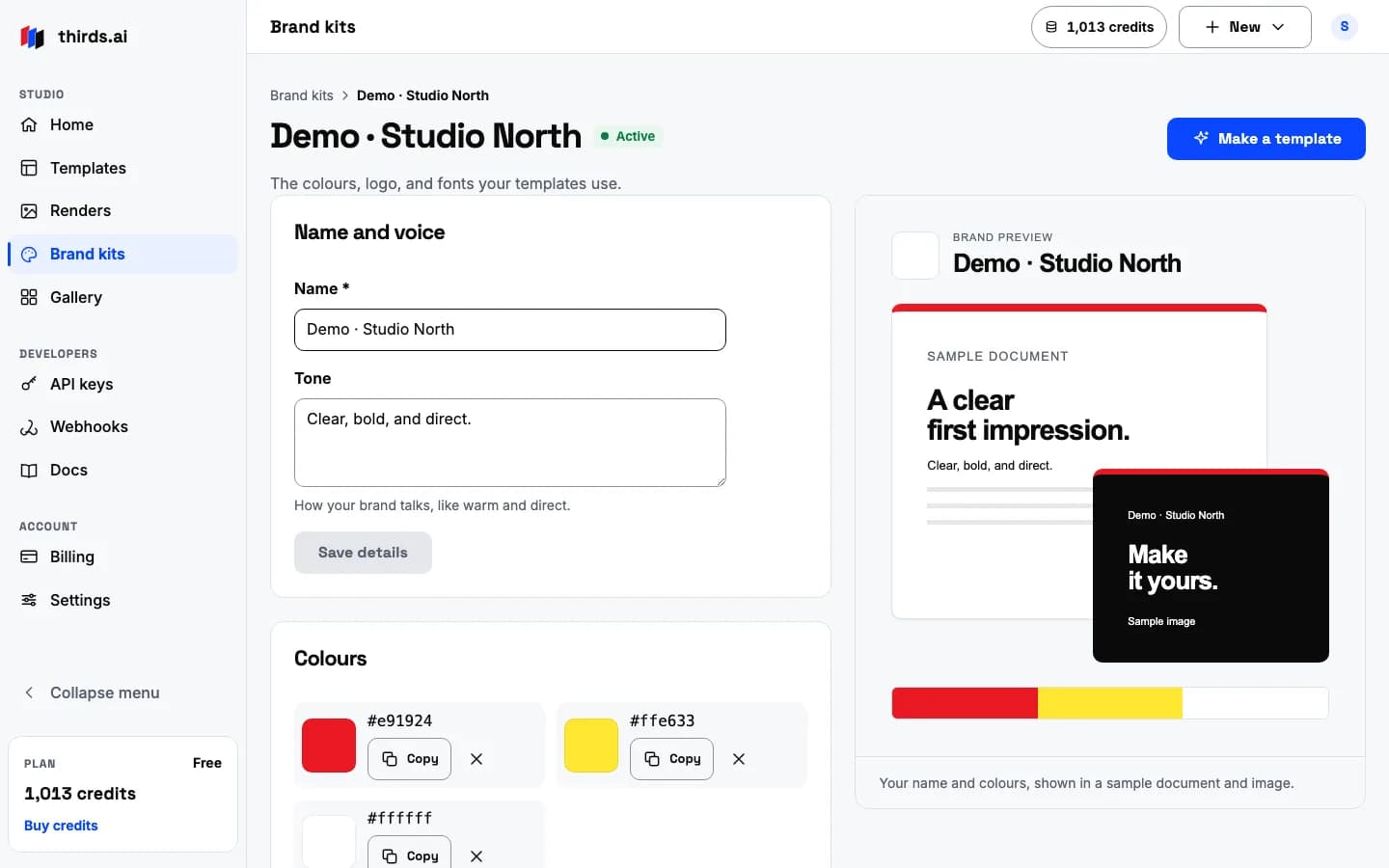
Name, tone, colours, logo, and fonts in one place.
Open a kit to see everything it holds. Change a colour or upload a new logo, and the preview on the right updates at once.
- Tone of voice guides the AI chat when it writes a draft for you.
- Primary, secondary, and accent colours fill the template's brand slots.
- Fonts are WOFF2 files, or pick Inter or Space Grotesk from the built-in list.
What a kit holds
The parts of a brand kit.
Each part is checked when you save it, so a broken logo or a bad font never reaches a render.
- Name
- The brand name templates can print
- Tone of voice
- Up to 500 characters of guidance for the AI chat
- Colours
- Primary, secondary, and accent
- Logos
- PNG, JPEG, or WebP files, checked on upload
- Fonts
- WOFF2 files, checked on upload
- Where it applies
- The editor, the AI chat, and the API
- What it needs
- A template with brand fields, which every gallery and AI template has
- Storage
- 100 files and 100 MiB across all your kits and uploads
One API field
Add brand_kit_id and the render uses your brand.
The same field works on POST /v1/pdf and POST /v1/image. The template reads brand.name, brand.colours, brand.logo, and brand.fonts from the kit, so a template without brand fields keeps its own styling.
curl --fail-with-body --silent --show-error https://thirds.ai/v1/pdf \
-H 'Authorization: Bearer YOUR_API_KEY' \
-H 'Content-Type: application/json' \
-H 'Idempotency-Key: YOUR_UNIQUE_PDF_REQUEST' \
--data '{"template_id":"tpl_YOUR_TEMPLATE_ID","brand_kit_id":"kit_YOUR_KIT_ID","data":{"client_name":"Northline Studio"}}'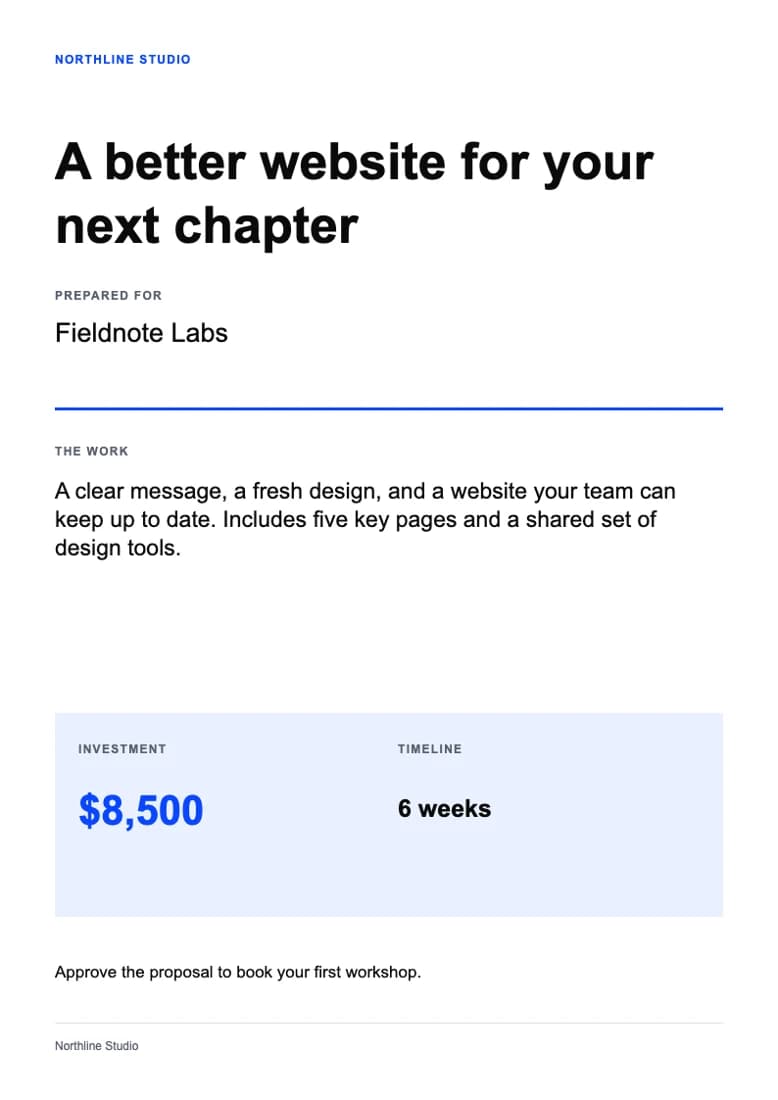 HTML
HTMLThe kit's colours, logo, and fonts are captured when the job starts, so a later kit change never alters a finished file.
How it works
Three steps to files that match.
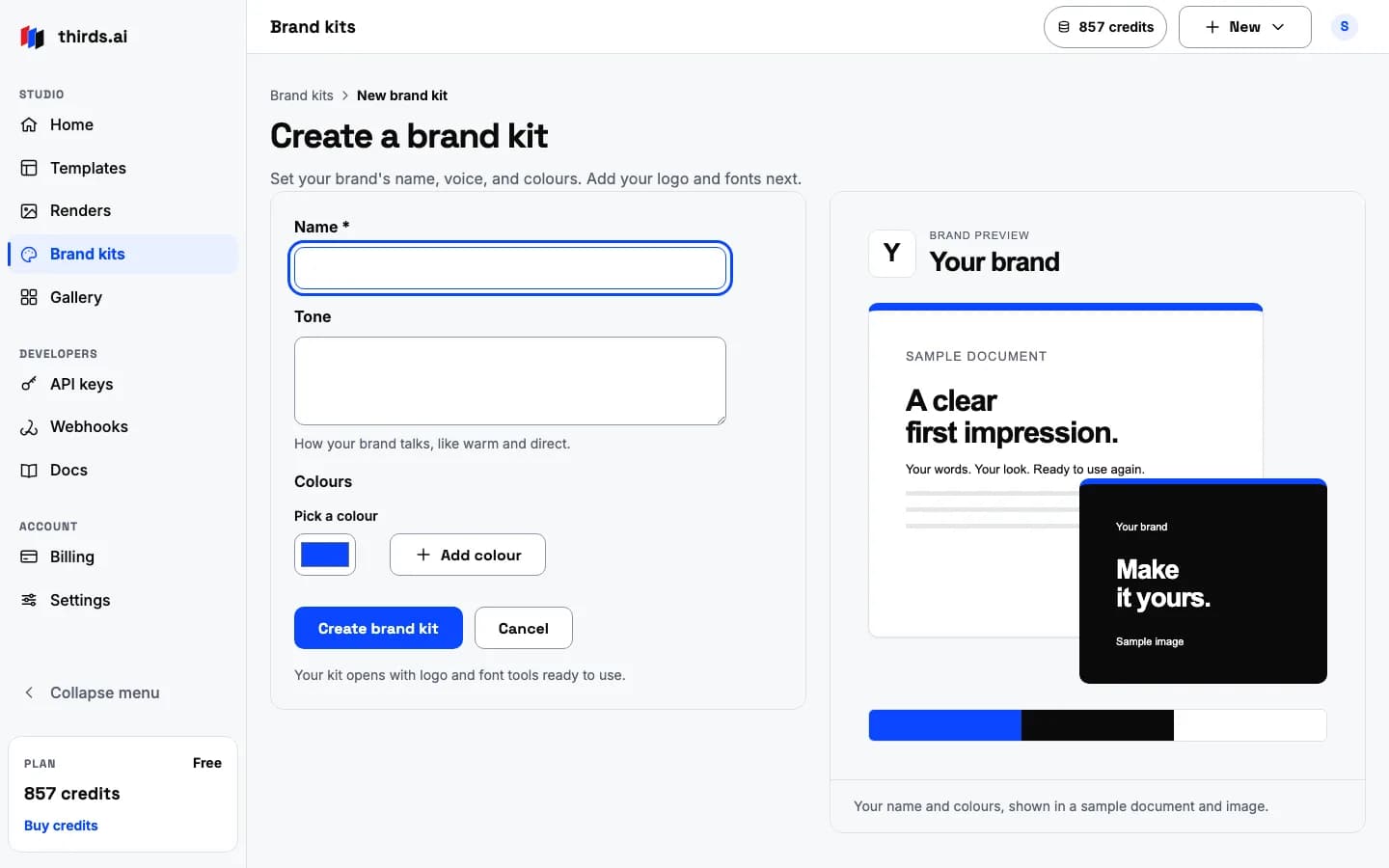
Make a kit
Sign in, give it a name, pick your colours, and upload your logo and fonts.
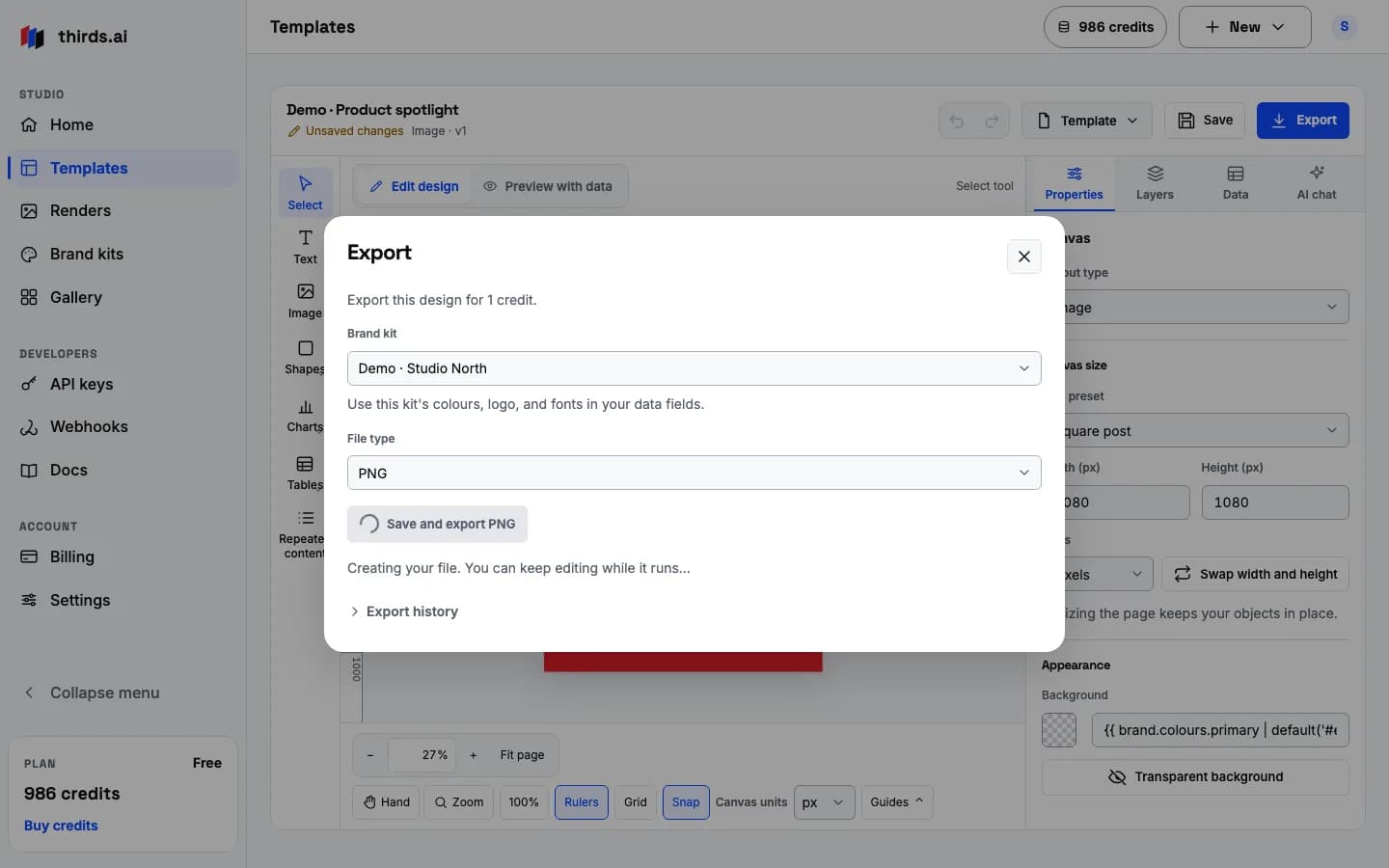
Pick it
Choose the kit in the editor, in the AI chat, or with brand_kit_id in an API request.
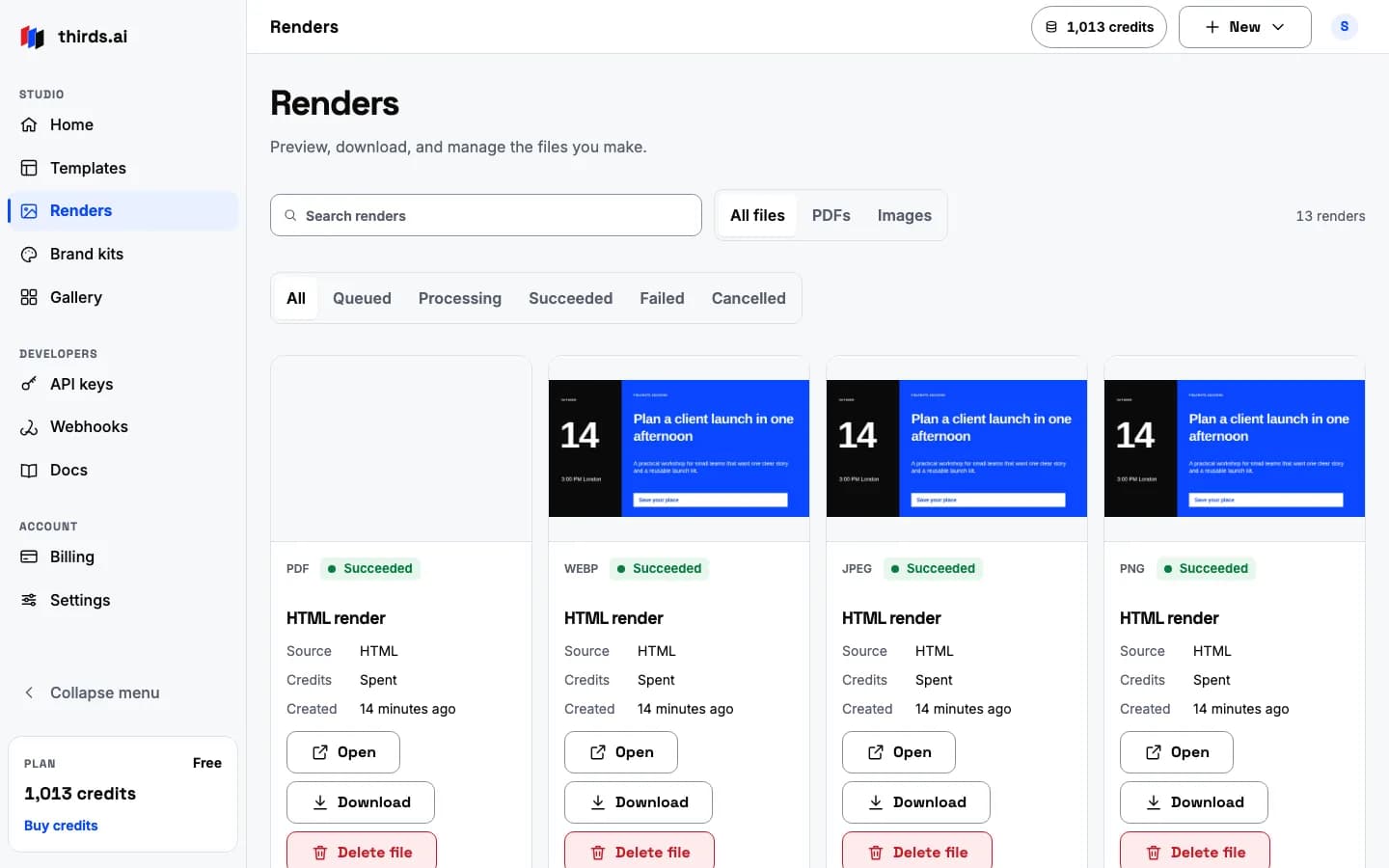
Export
Every PDF and image from a template with brand fields comes out with your colours, logo, and fonts in place.
Any template takes your kit
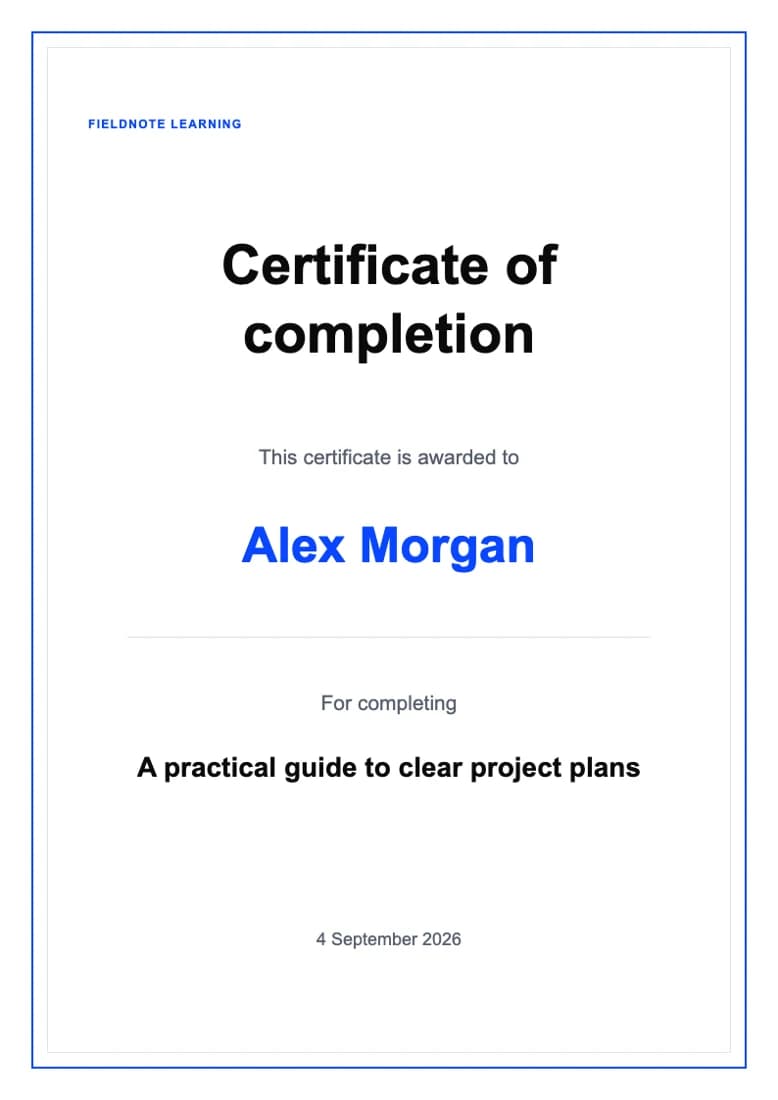
Copy a template and it uses your brand.
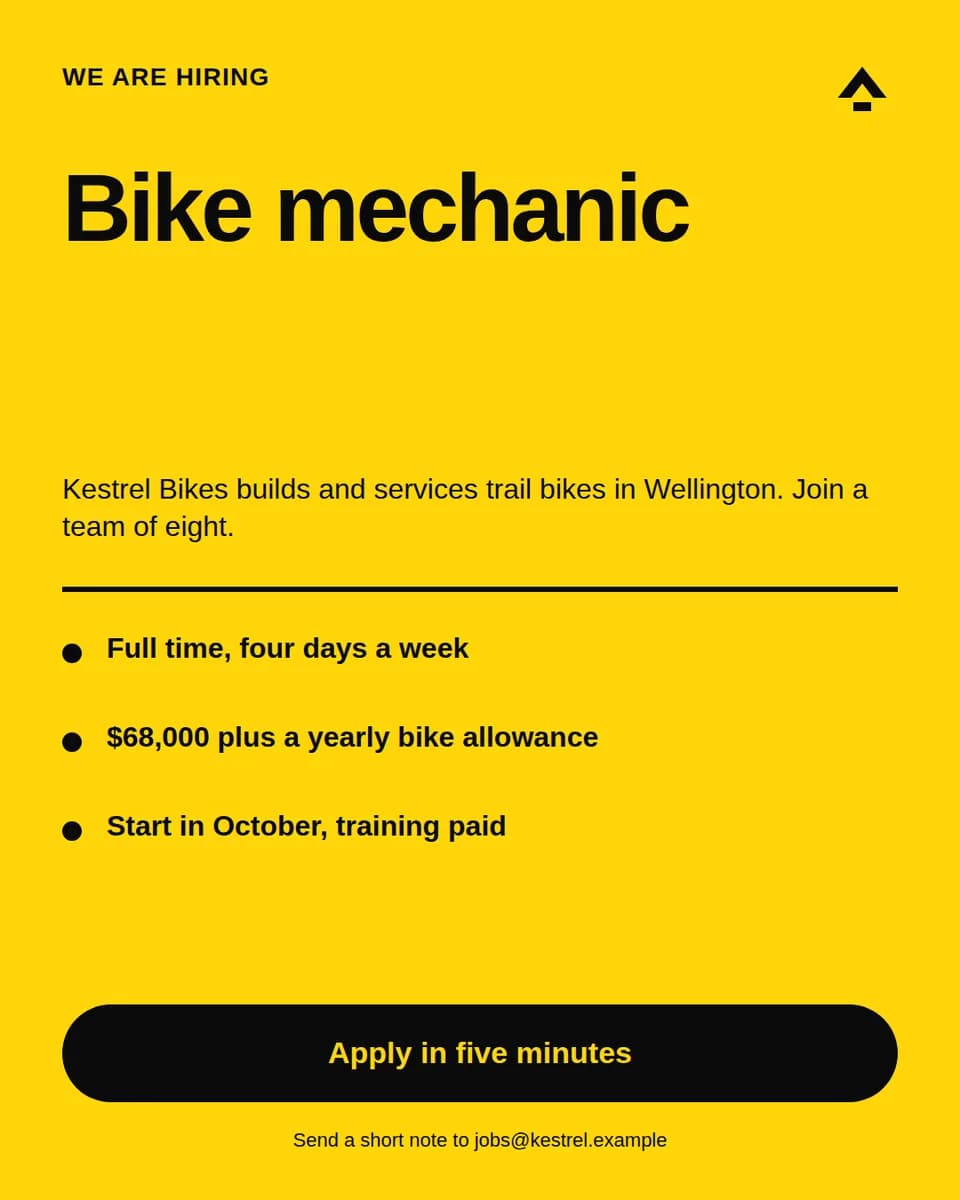
Hiring
Job ad
Post a job with the role, the company line, three points, and an apply action.
- PNG
- JPEG
- WebP
Good to know
Plain facts, so nothing surprises you.
- Logo files can be PNG, JPEG, or WebP up to 10 MiB and 7680 × 4320 pixels. Animated files are refused.
- Fonts must be WOFF2. The file is fully checked before it is stored, so a broken font is rejected with a clear message.
- A kit change applies to new renders. A job that already started keeps the colours and files it captured.
- You can keep several kits, one for each brand or client. Files and uploads share one limit of 100 files and 100 MiB per account.
- Managing kits needs a signed-in account. The brand kit page is private to you.
Questions
Before you start.
- Can I have more than one brand kit?
- Yes. Make one kit for each brand or client. Pick the right one when you export, or send its brand_kit_id from your app.
- Does a brand kit cost credits?
- No. Making and editing a kit is free. You spend one credit per finished PDF or image, the same as any other export.
- What if I change a colour later?
- New renders use the new colour. Files you already made stay the way they were, and every saved template version stays safe.
- Does the AI chat use the kit?
- Yes. Pick a kit before you send, and the draft uses your colours, logo, fonts, and tone of voice.
Go deeper
Put your brand on everything.
- Sign in to make a kitYour brand kits live on your private brand kit page.
- API referenceThe brand_kit_id field and the brand values it supplies.
- Create branded PDFs and imagesOne kit, one template, a whole set of files.
- HTML to PDFBranded documents from one request.
- HTML to imageBranded PNG, JPEG, and WebP files.
- Static adsEvery ad size on brand from one template.
Start now
Make your first brand kit.
Sign in, add your colours, logo, and fonts, and every file you make after that comes out on brand. The free plan includes 25 credits every month.